Draw-In-Mind: Rebalancing Designer-Painter Roles
in Unified Multimodal Models Benefits Image Editing

Ziyun Zeng1, David Junhao Zhang1, Wei Li2, Mike Zheng Shou1

1Show Lab, National University of Singapore     2TikTok

Published as a conference paper at ICLR 2026

Paper Code 🤗 Dataset (DIM-Edit) 🤗 Dataset (DIM-T2I) 🤗 Model (DIM-4.6B-Edit) 🤗 Model (DIM-4.6B-T2I)

Unique Capabilities Unlocked by Draw-In-Mind

Instruction Disambiguation
Source Janus-4o Step1X-Edit DIM-4.6B-Edit (w/o CoT)
Teaser 1 source Teaser 1 Janus-4o Teaser 1 Step1X-Edit Teaser 1 DIM-4.6B-Edit w/o CoT

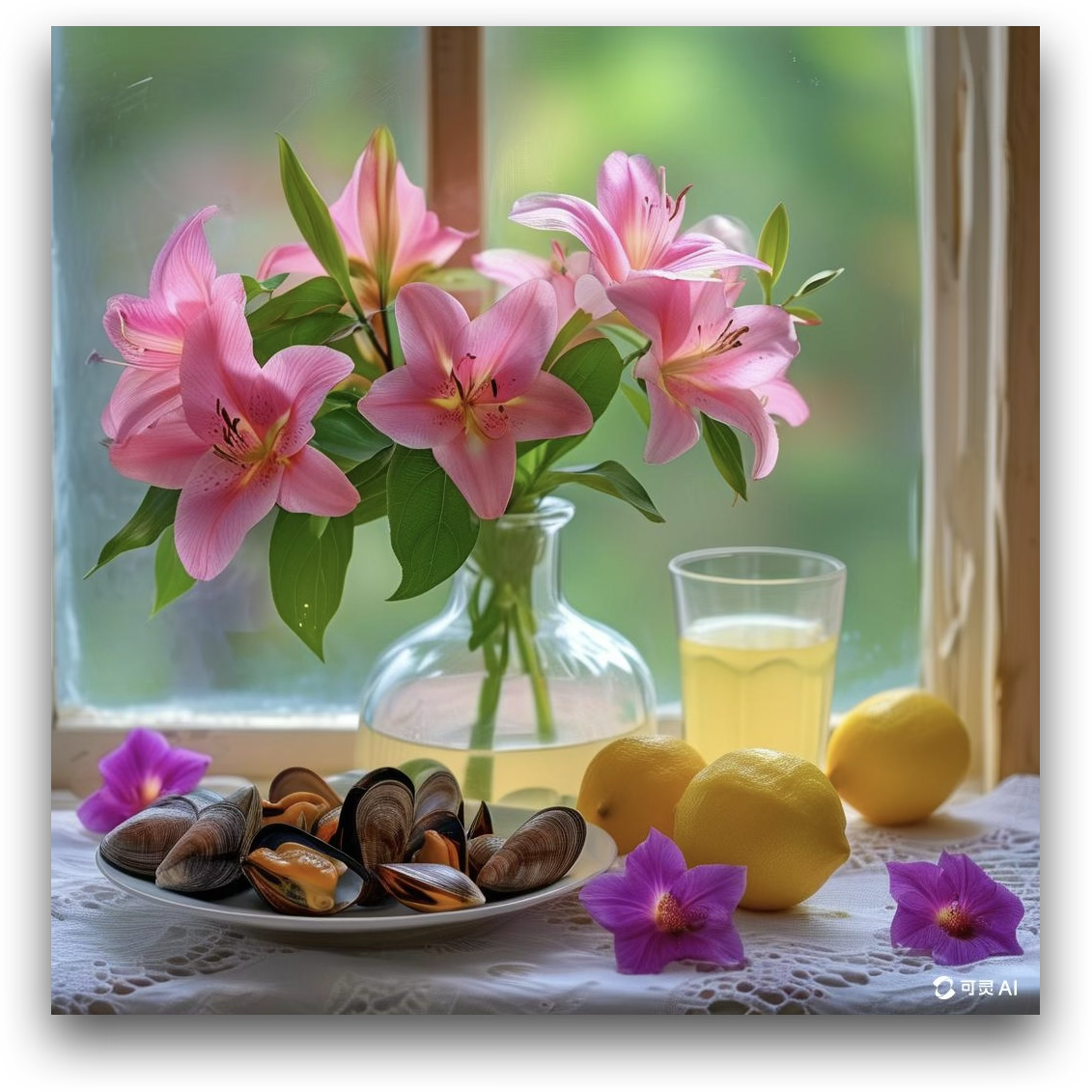
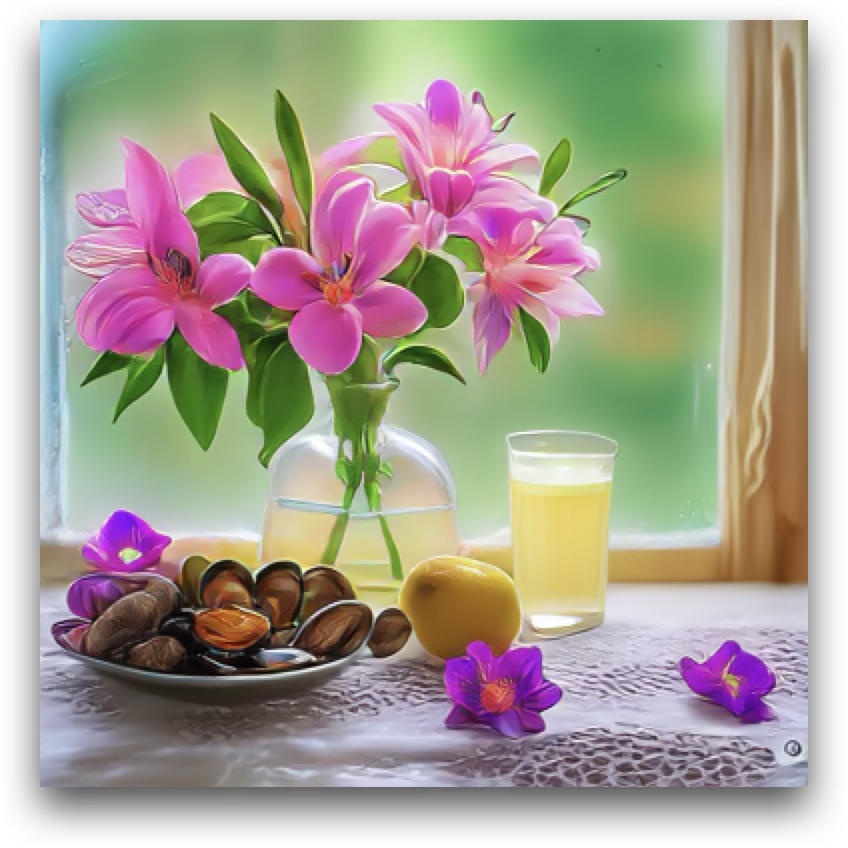
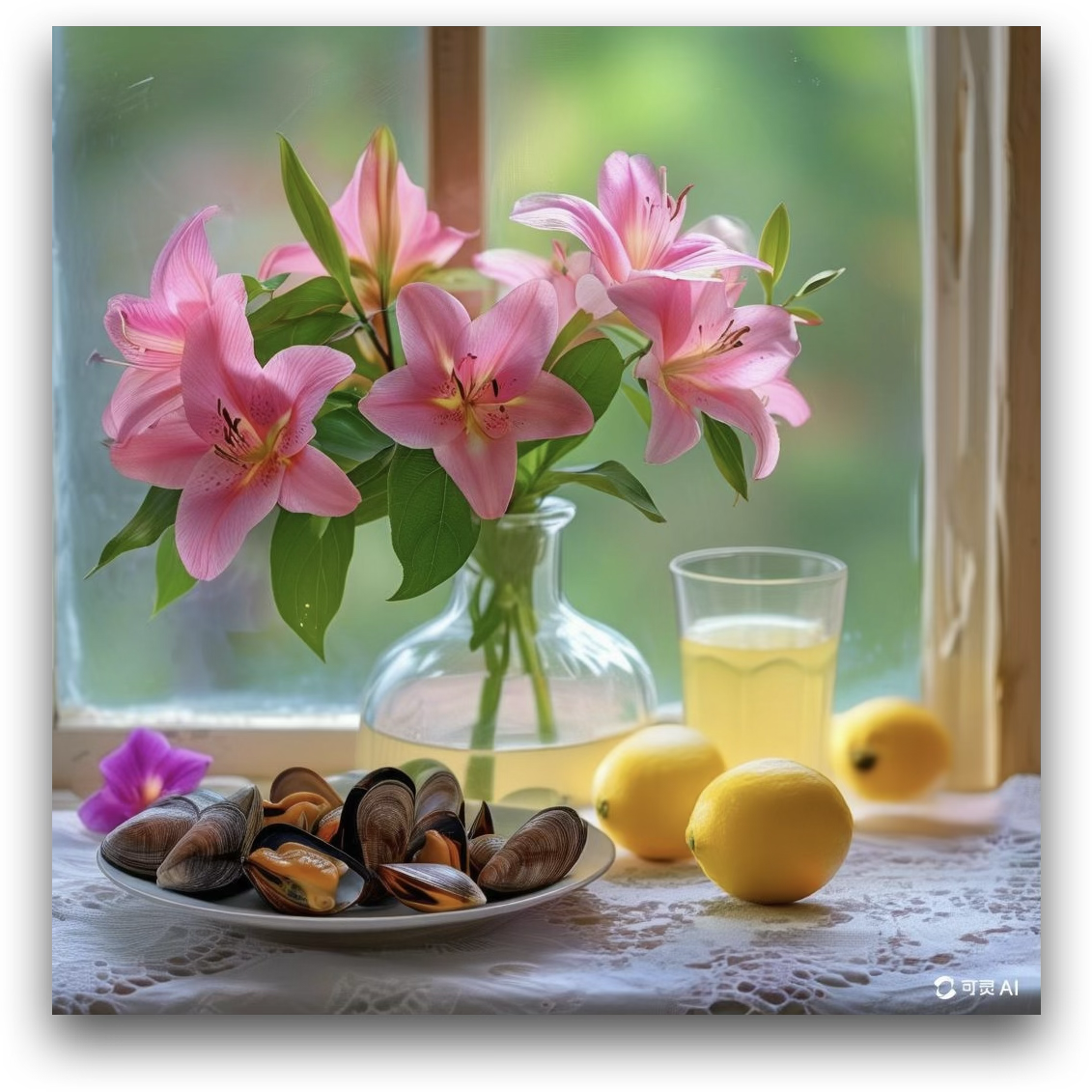
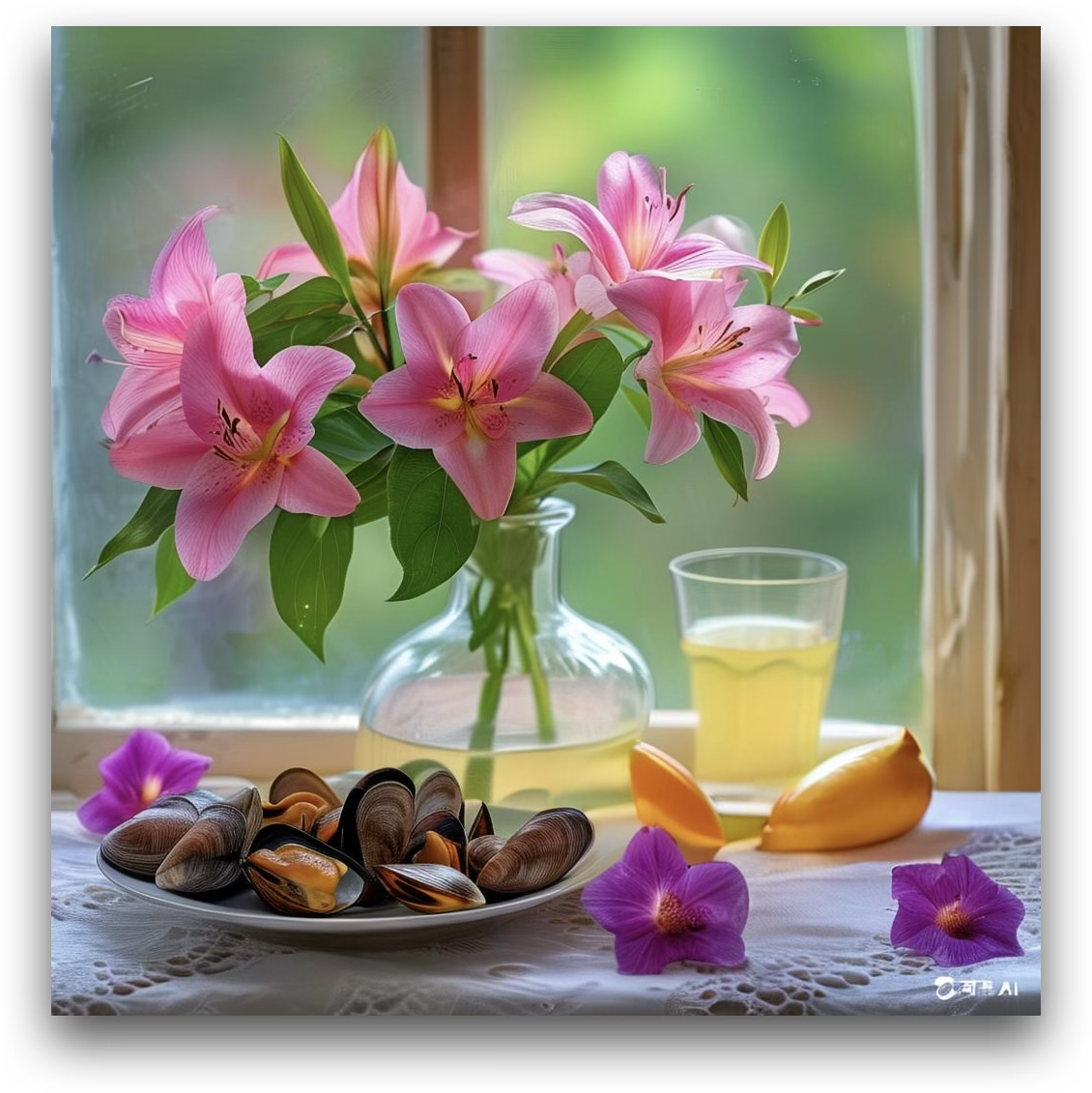
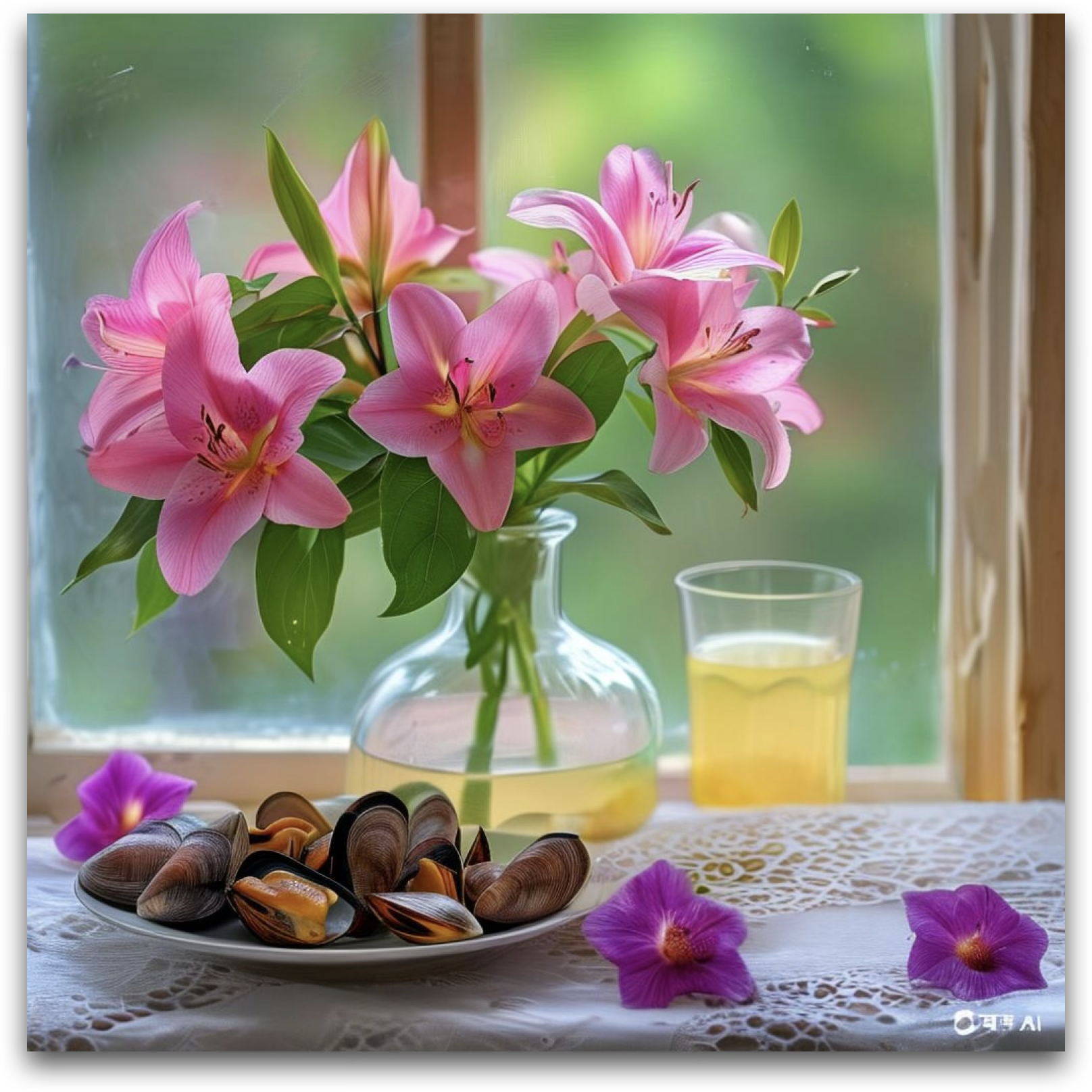
Remove the lemons on the table.

Chain-of-Thought DIM-4.6B-Edit (w/ CoT)
1
Edit Instruction
Remove the lemons on the table.
2
Global Layout Perception
The image features a vase with pink lilies placed on a table near a window. To the right of the vase, there are three lemons and a glass of yellow liquid. In the foreground, there is a plate of clams. The background shows a blurred green outdoor scene visible through the window.
3
Local Object Perception
  • Vase: Transparent glass vase with water, holding pink lilies with green leaves.
  • Pink Lilies: Large, vibrant pink flowers with dark stamens and green leaves.
  • Lemons: Three bright yellow lemons with a smooth, slightly textured surface.
  • Glass of Yellow Liquid: A clear glass filled with a pale yellow drink, positioned to the right of the lemons.
  • Plate of Clams: A white plate containing opened clams with brown and orange shells.
  • Tablecloth: White lace tablecloth with intricate patterns.
  • Background: Blurred green outdoor scenery visible through the window.
4
Edit Area Localization
The three lemons on the table will be removed.
5
Edited Image Imagination
The edited image will no longer have the three lemons on the table. The space where the lemons were will now show the white lace tablecloth uninterrupted, maintaining the overall composition of the scene. The vase, pink lilies, glass of yellow liquid, and plate of clams will remain unchanged, and the focus will shift slightly more to these elements.
Teaser 1 DIM-4.6B-Edit w/ CoT
Edit Navigation and Structural Planning
Source Janus-4o Step1X-Edit DIM-4.6B-Edit (w/o CoT)
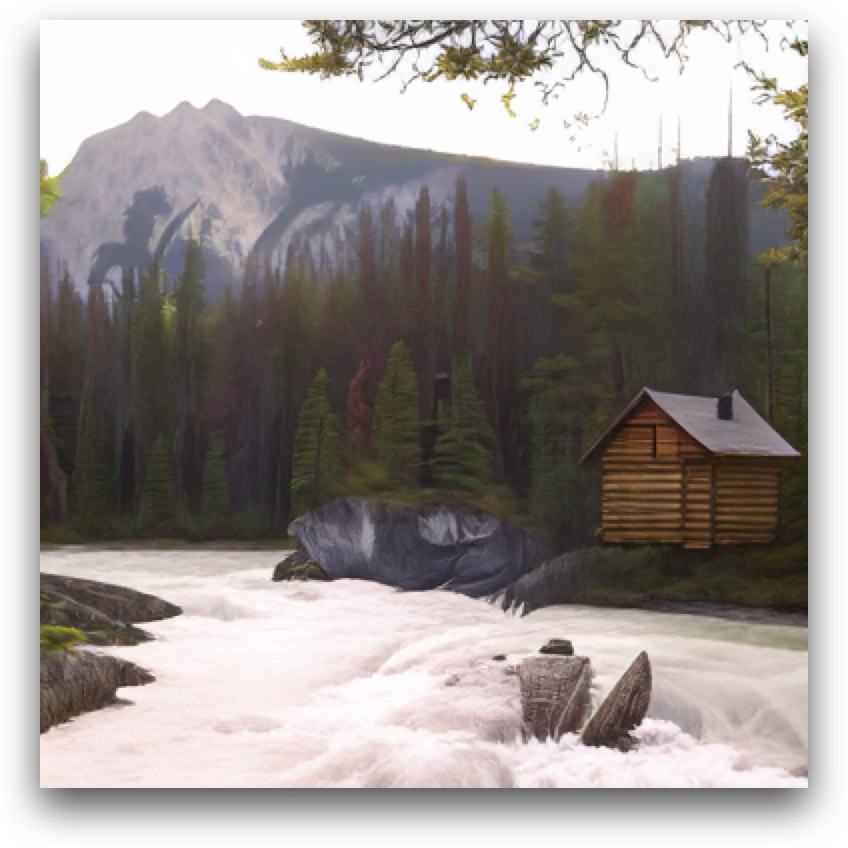
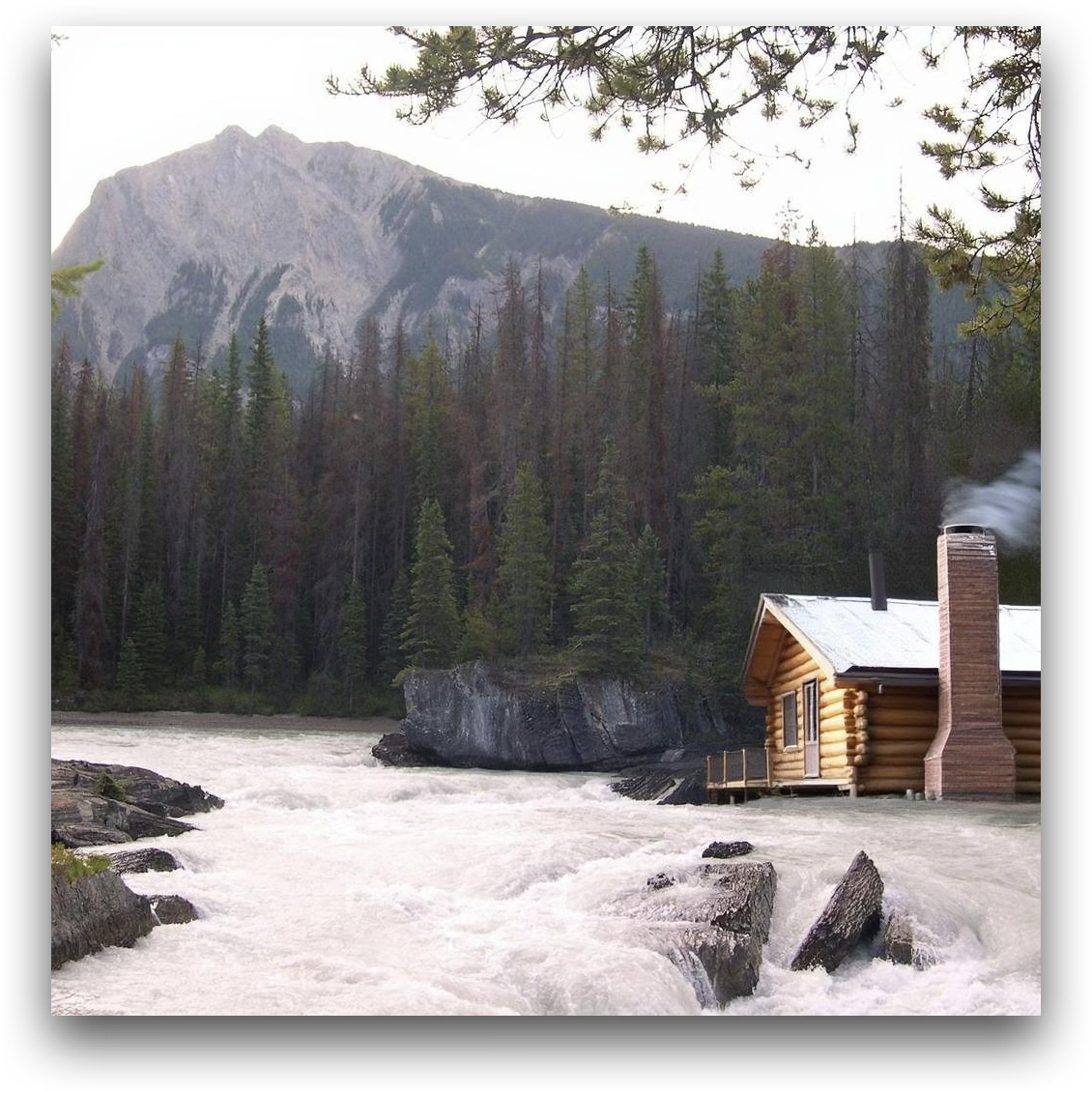
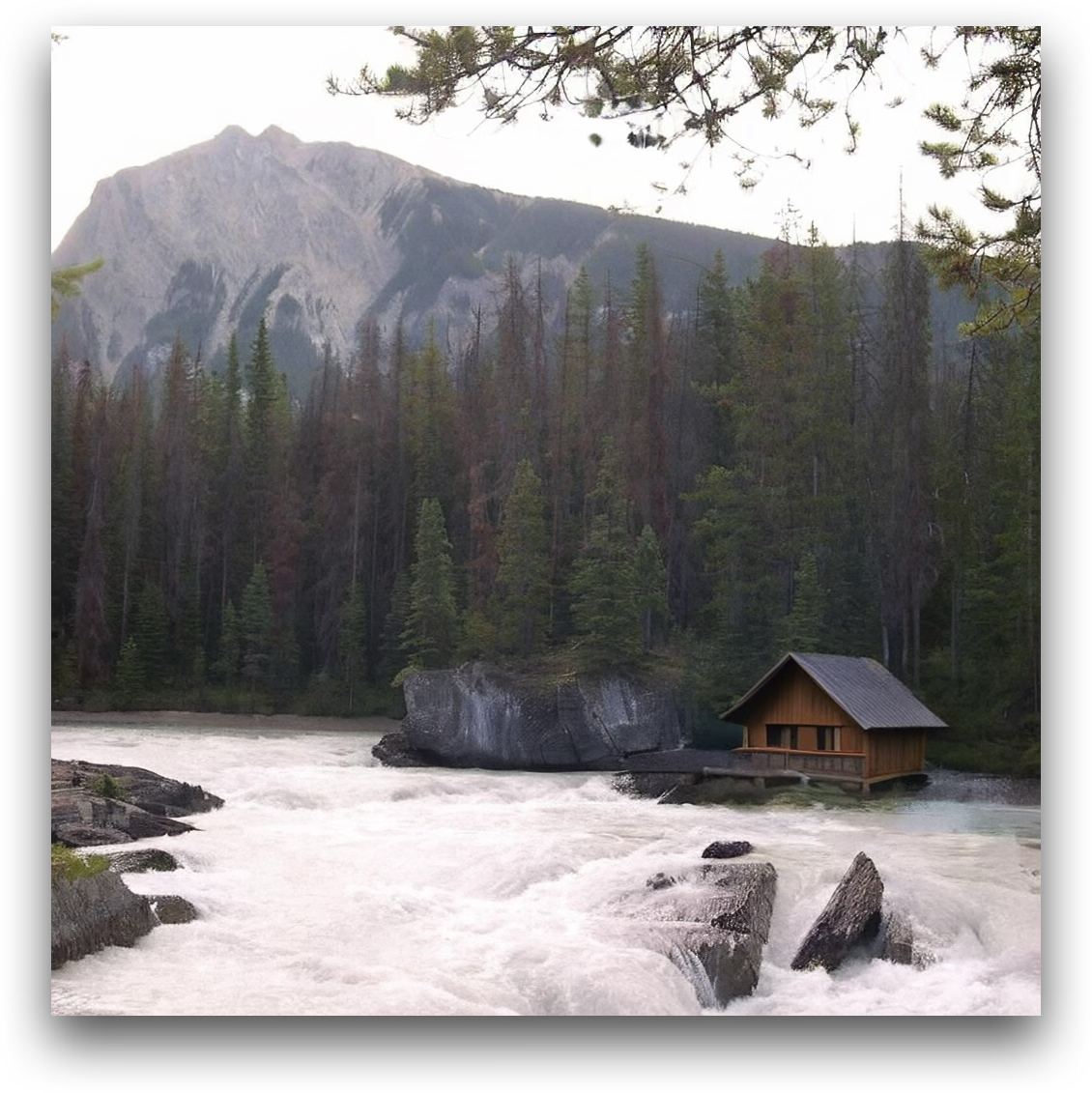
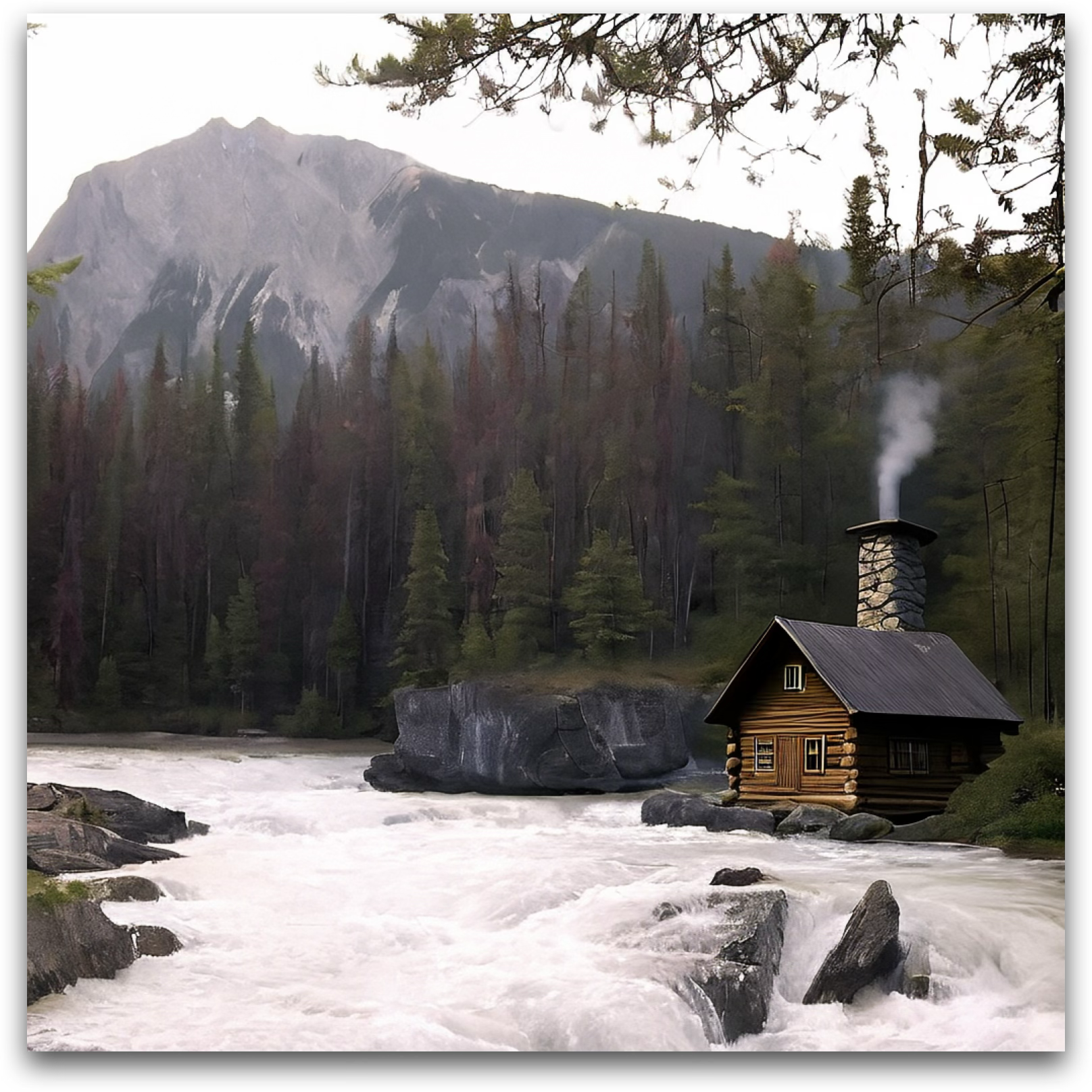
Teaser 2 source Teaser 2 Janus-4o Teaser 2 Step1X-Edit Teaser 2 DIM-4.6B-Edit w/o CoT

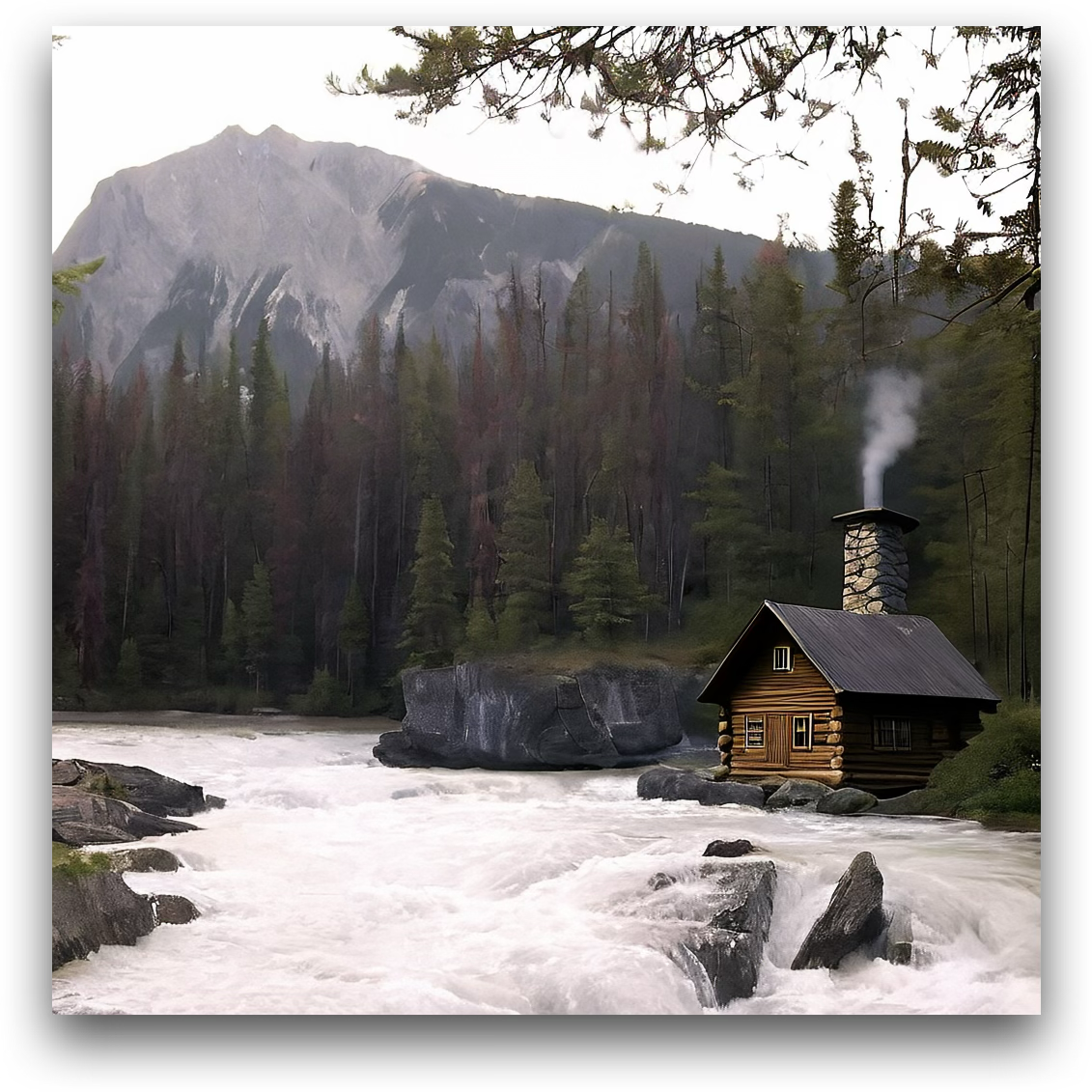
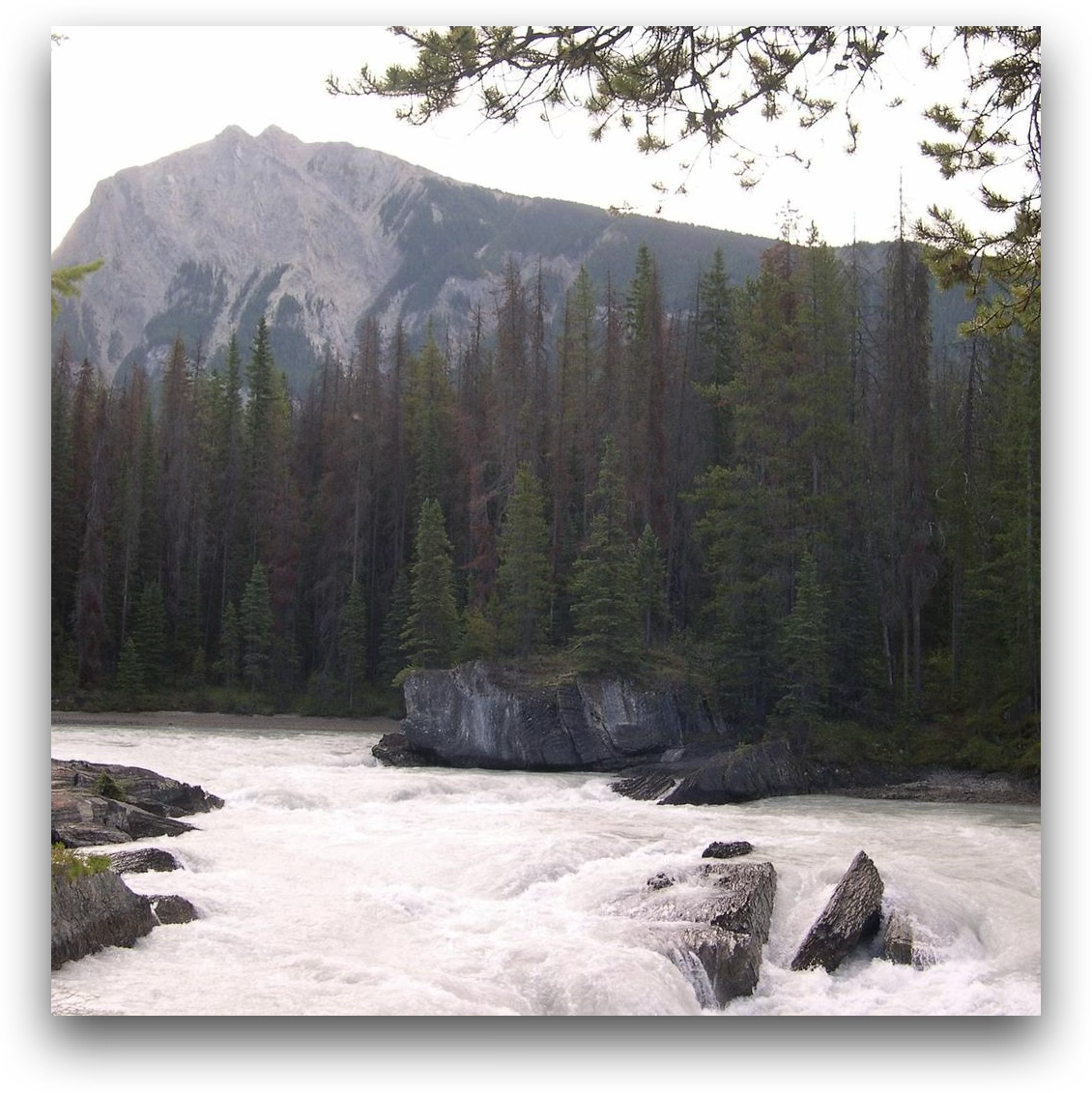
Add a small wooden cabin with a chimney near the edge of the forest on the right side of the image.

Chain-of-Thought DIM-4.6B-Edit (w/ CoT)
1
Edit Instruction
Add a small wooden cabin with a chimney near the edge of the forest on the right side of the image.
2
Global Layout Perception
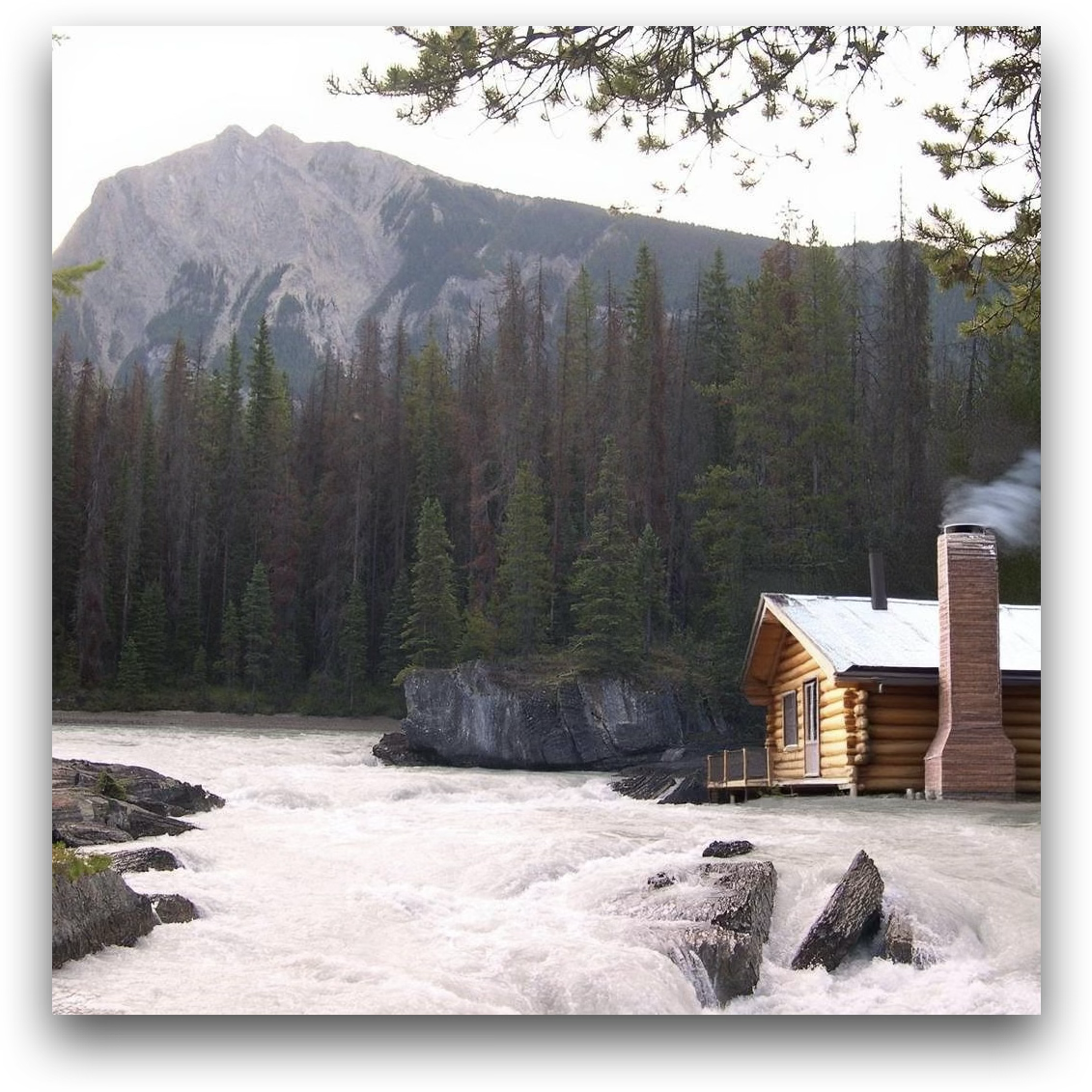
The image features a flowing river in the foreground with white rapids. Behind the river is a dense forest of evergreen trees, extending across the middle of the image. In the background, a large mountain rises prominently, partially obscured by the trees. The right side of the image shows the edge of the forest, where the trees thin out slightly.
3
Local Object Perception
  • River: White, frothy water with visible rapids and rocks protruding from the surface. The texture is turbulent and dynamic.
  • Forest: Tall evergreen trees with green needles, some showing signs of brown discoloration. The trees are densely packed, with slight thinning on the right edge.
  • Mountain: Grayish rock with rugged texture and steep slopes, partially covered by darker patches of vegetation.
  • Sky: Pale and overcast, with soft lighting.
4
Edit Area Localization
The right side of the image, near the edge of the forest where the trees thin out slightly, will be modified to include the wooden cabin with a chimney.
5
Edited Image Imagination
A small wooden cabin with a slanted roof and visible wooden planks will appear near the edge of the forest on the right side. The cabin will have a stone chimney emitting a thin trail of smoke, blending naturally with the overcast sky. The cabin will be positioned slightly behind the nearest trees, partially obscured by their branches, to maintain a realistic integration into the scene. The surrounding forest and river will remain unchanged.
Teaser 2 DIM-4.6B-Edit w/ CoT
Commonsense-guarded Editing
Source Janus-4o Step1X-Edit DIM-4.6B-Edit (w/o CoT)
Teaser 3 source Teaser 3 Janus-4o Teaser 3 Step1X-Edit Teaser 3 DIM-4.6B-Edit w/o CoT

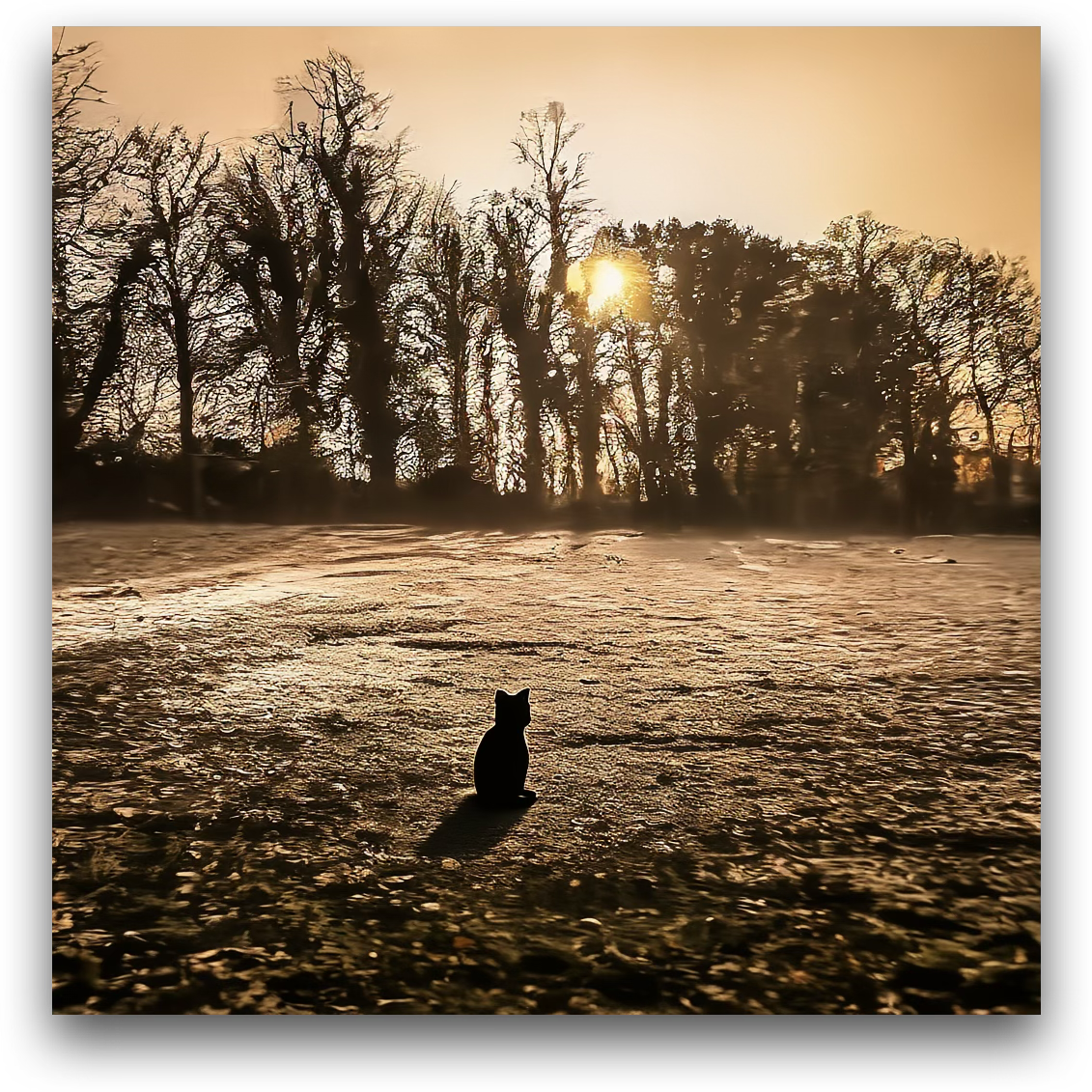
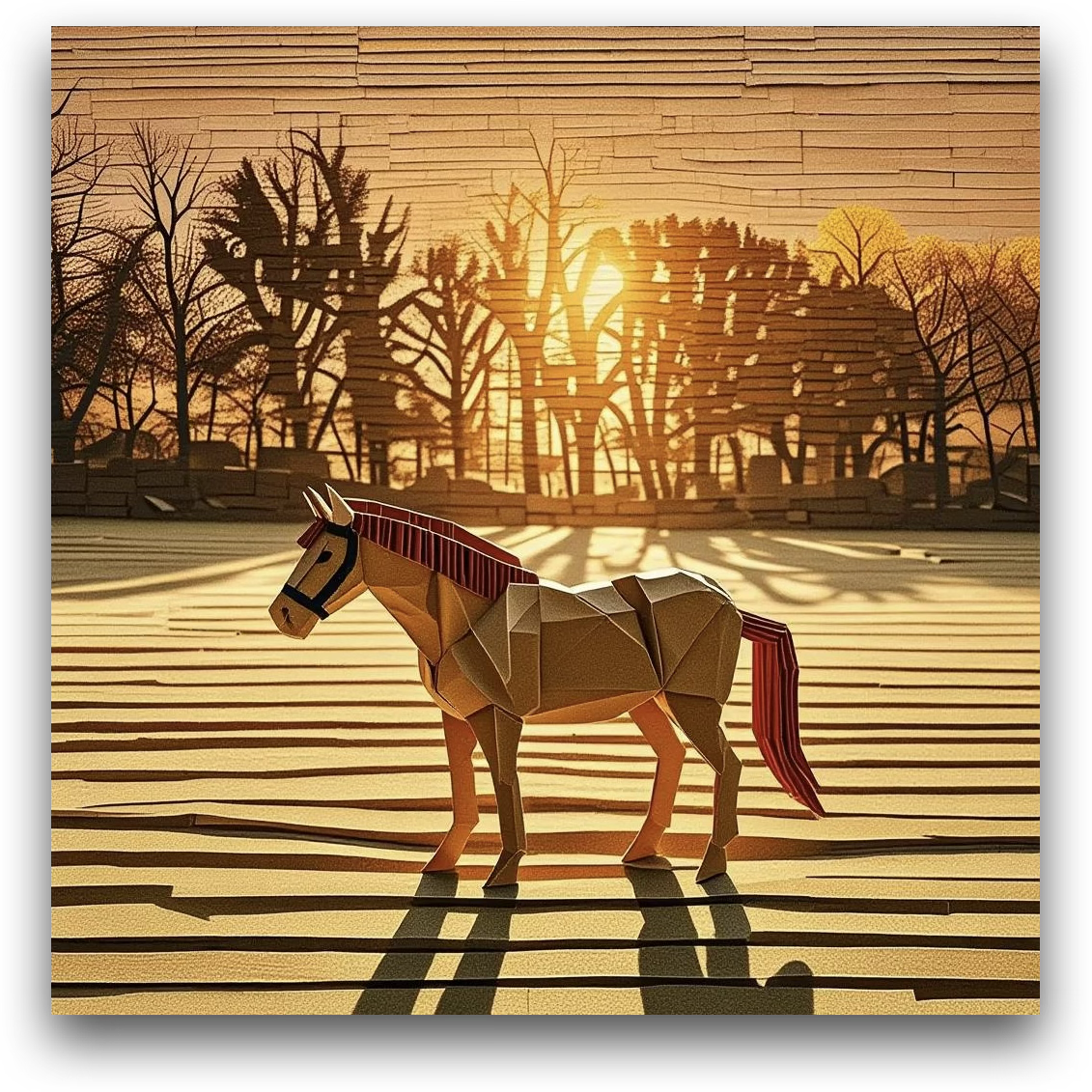
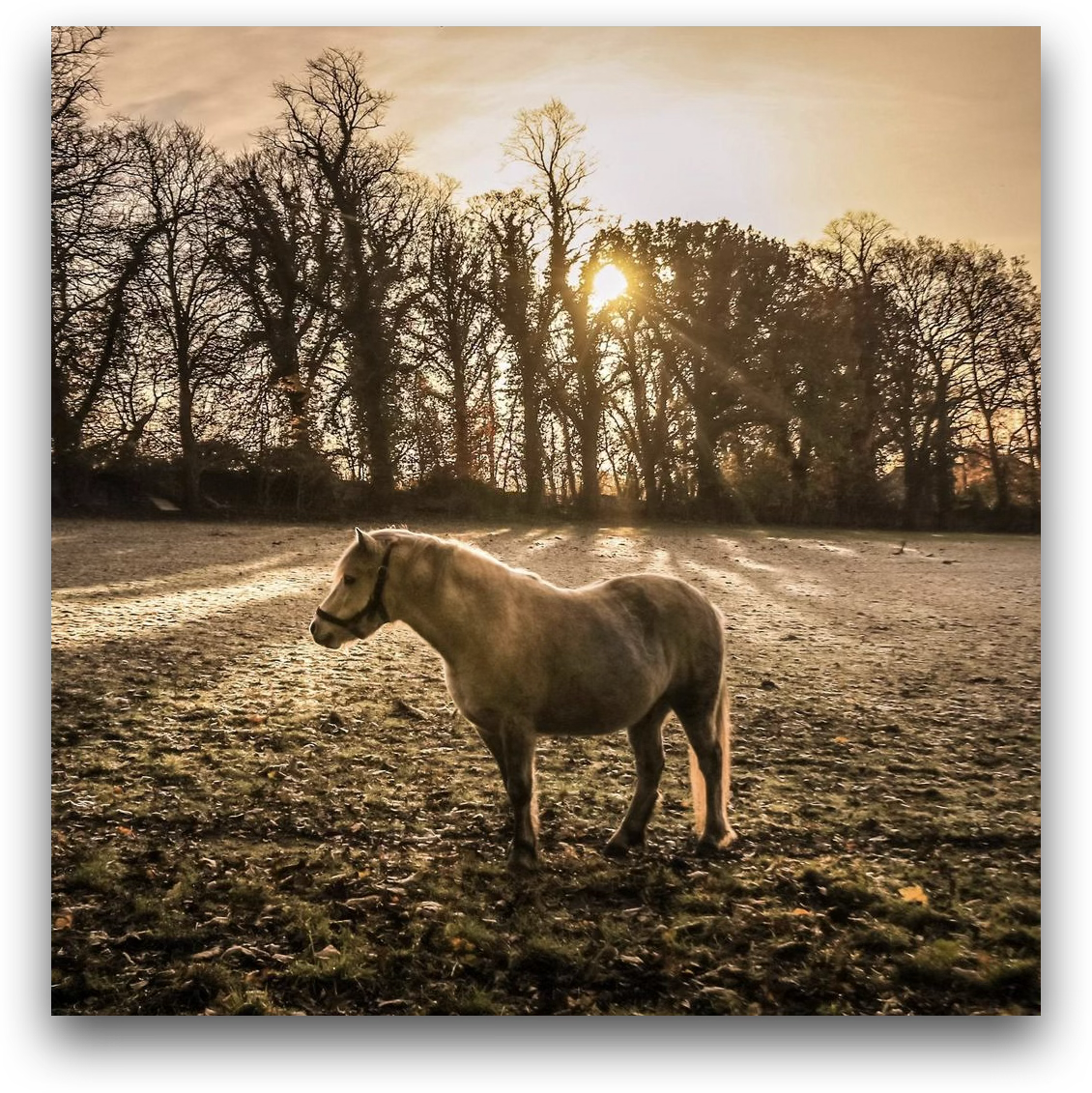
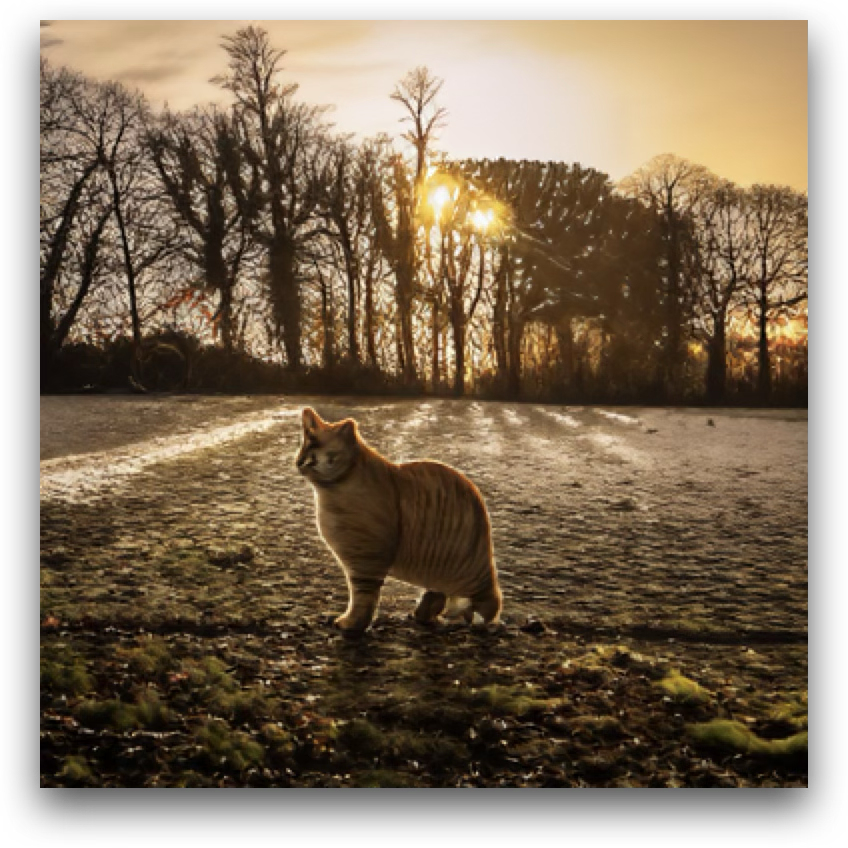
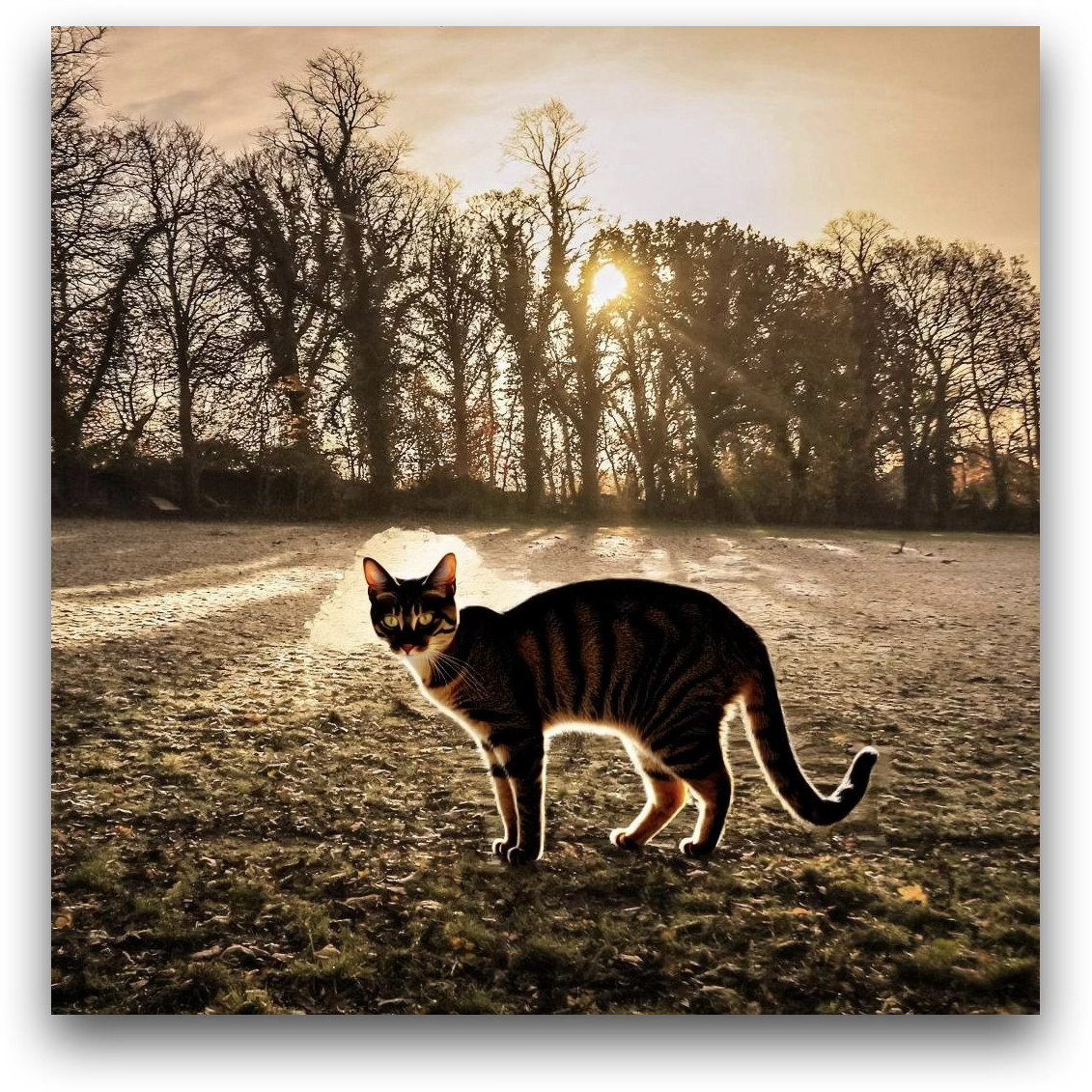
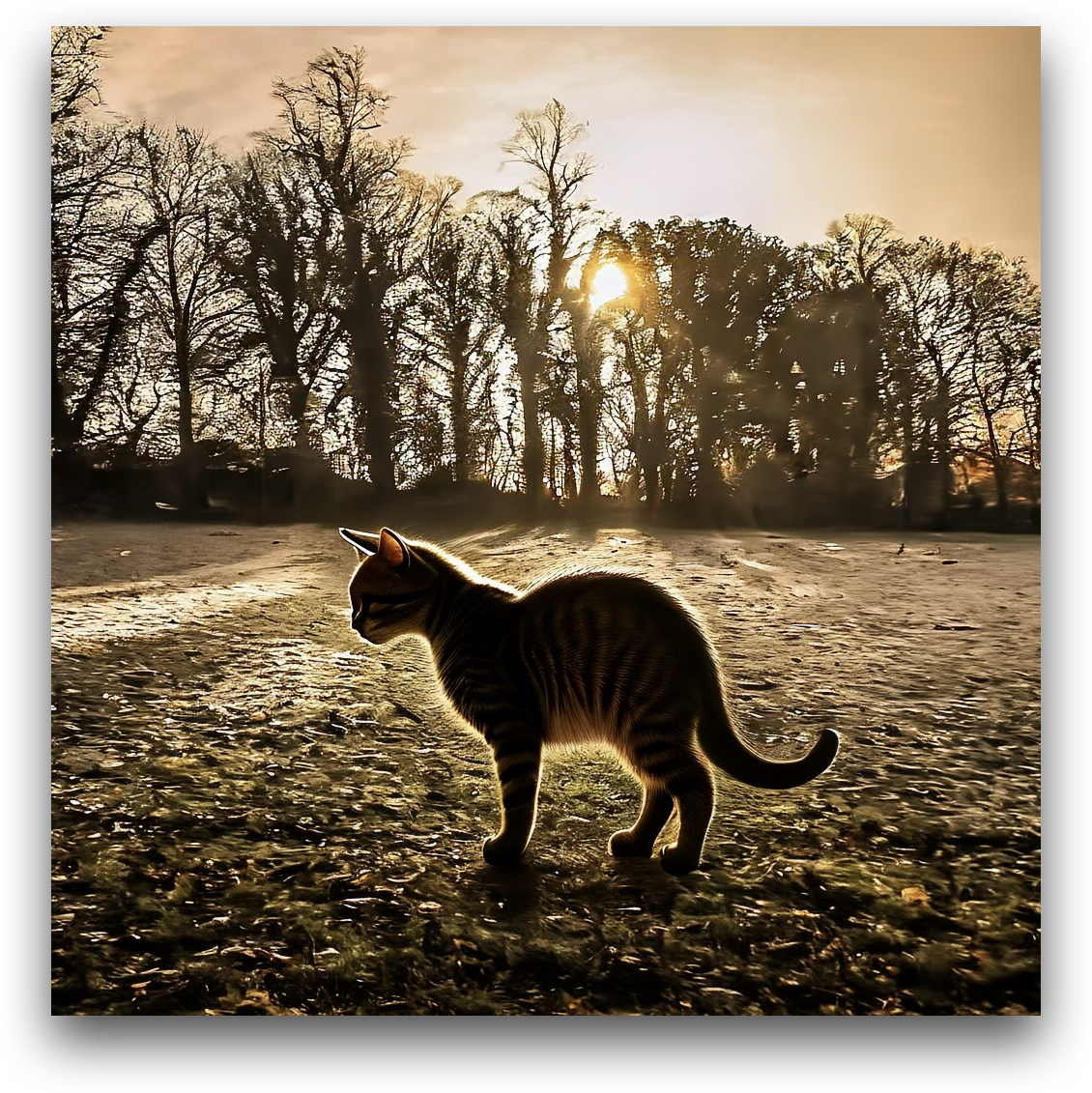
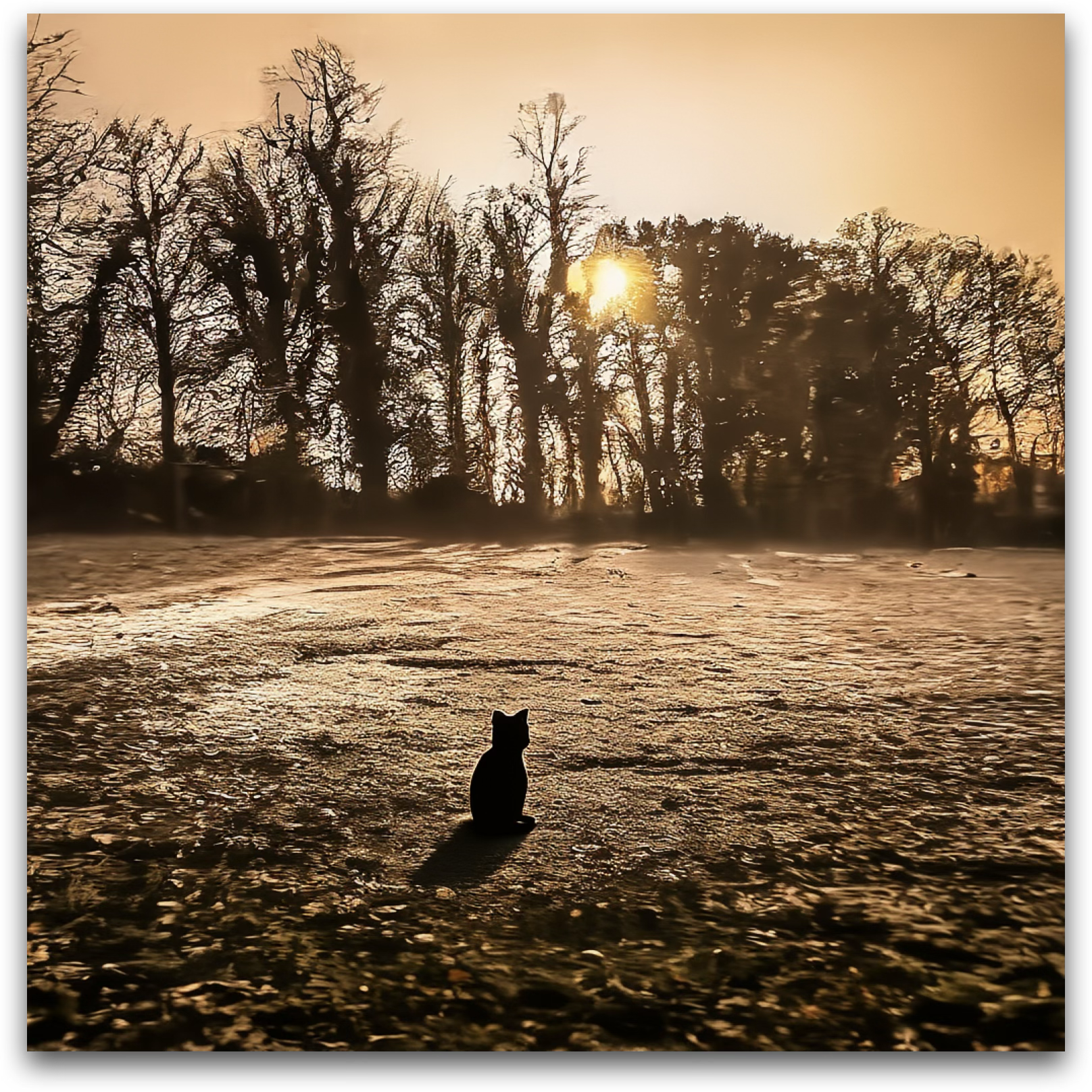
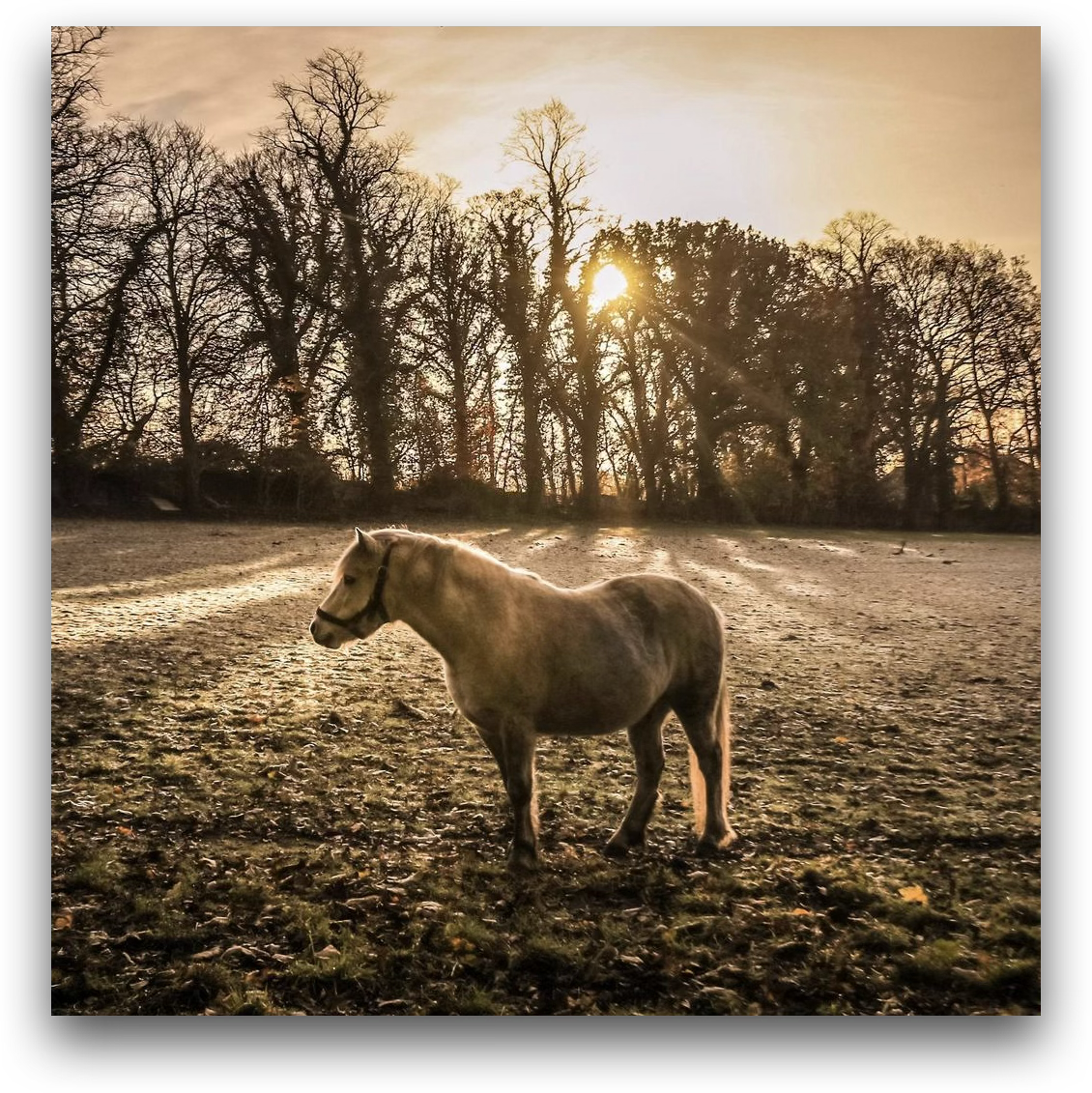
Replace the horse in the image with a cat.

Chain-of-Thought DIM-4.6B-Edit (w/ CoT)
1
Edit Instruction
Replace the horse in the image with a cat.
2
Global Layout Perception
The image features a horse standing in a grassy field. The field is covered with frost and scattered leaves. In the background, there is a line of tall, leafless trees, and the sun is shining through the trees, creating long shadows across the ground.
3
Local Object Perception
  • Horse: Positioned slightly left of center, the horse is light beige in color with a smooth texture and a visible harness. It is standing still, facing slightly to the left.
  • Field: The ground is covered with frosty grass and scattered brown leaves, giving it a textured appearance.
  • Trees: Tall, leafless trees with intricate branches form the background. They are dark brown and silhouetted against the bright sunlight.
  • Sunlight: The sun is low in the sky, casting warm golden light and long shadows across the field.
4
Edit Area Localization
The horse will be replaced with a cat. The area of change is the space occupied by the horse, including its immediate surroundings to ensure the cat is seamlessly integrated into the scene.
5
Edited Image Imagination
The horse is replaced by a cat, which is smaller in size and positioned in the same area slightly left of center. The cat is sitting or standing, with fur that could be a similar beige color to match the lighting and overall tone of the image. The frosty field, trees, and sunlight remain unchanged, with the cat casting a smaller shadow on the ground due to its size. The scene retains its tranquil and warm atmosphere.
Teaser 3 DIM-4.6B-Edit w/ CoT
Advanced Causal Editing
Source Janus-4o Step1X-Edit DIM-4.6B-Edit (w/o CoT)
Teaser 4 source Teaser 4 Janus-4o Teaser 4 Step1X-Edit Teaser 4 DIM-4.6B-Edit w/o CoT

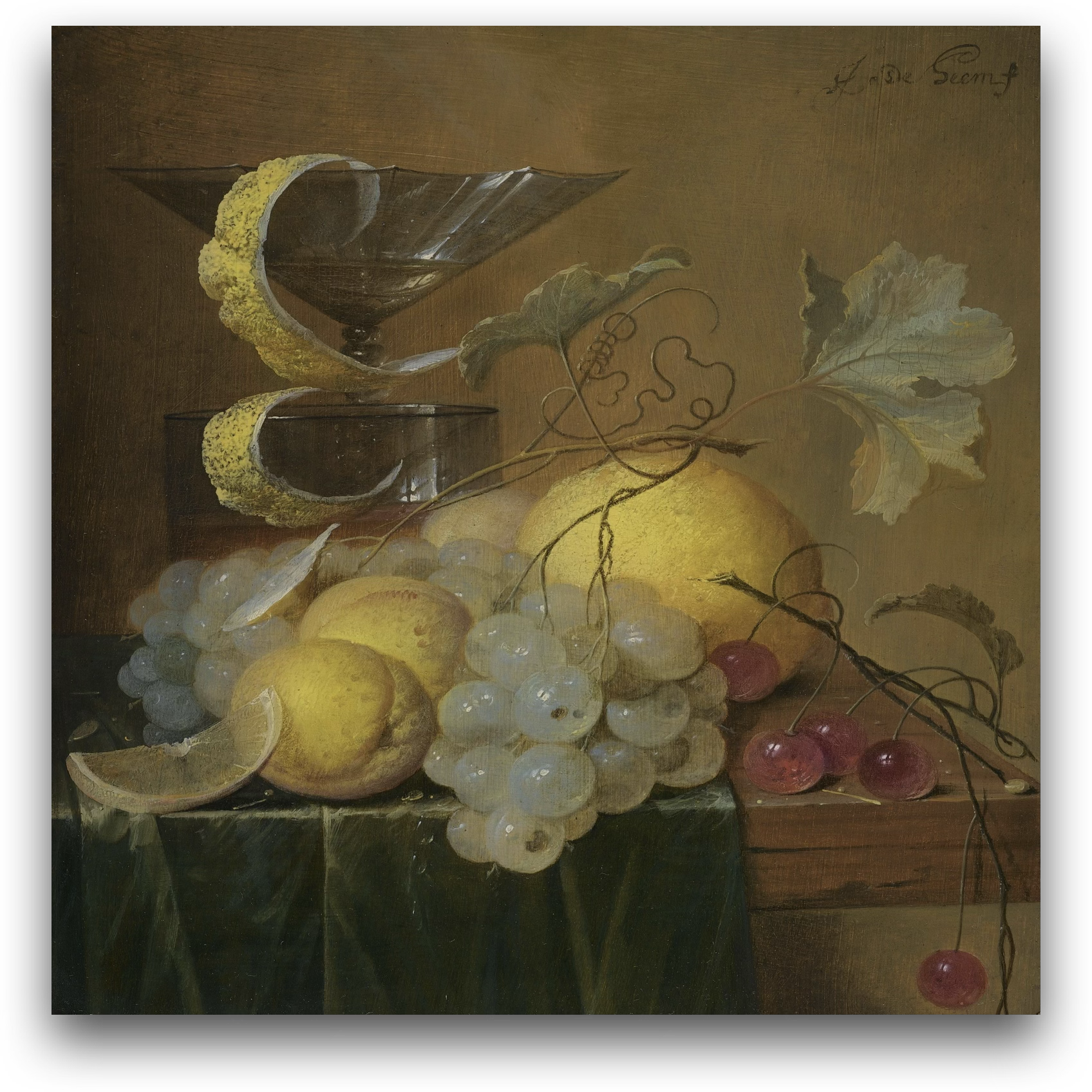
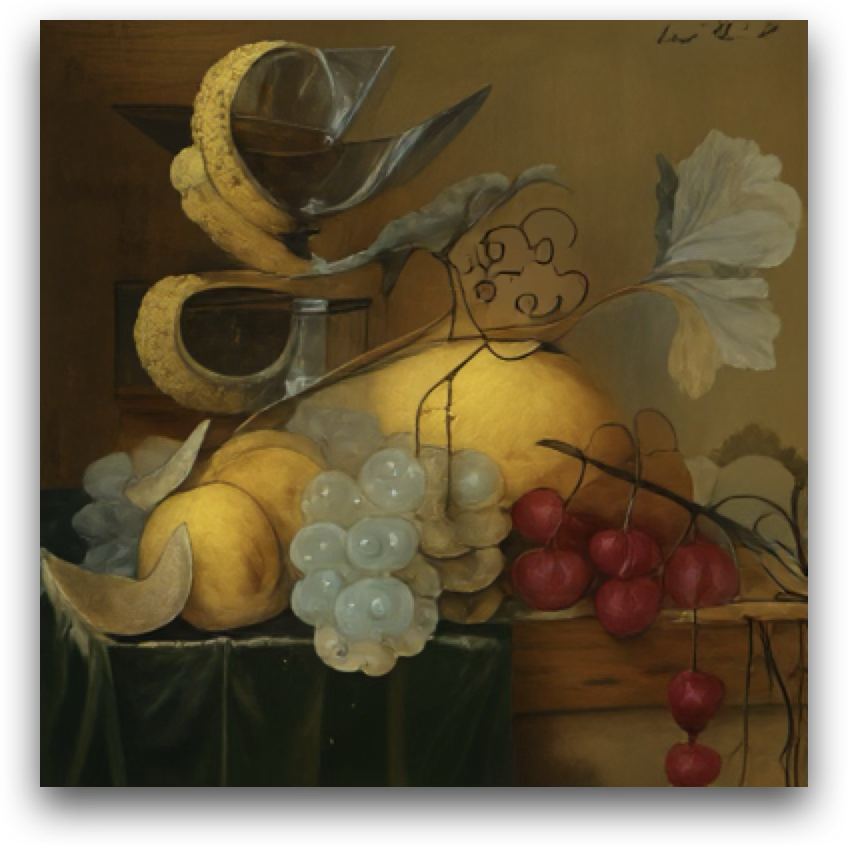
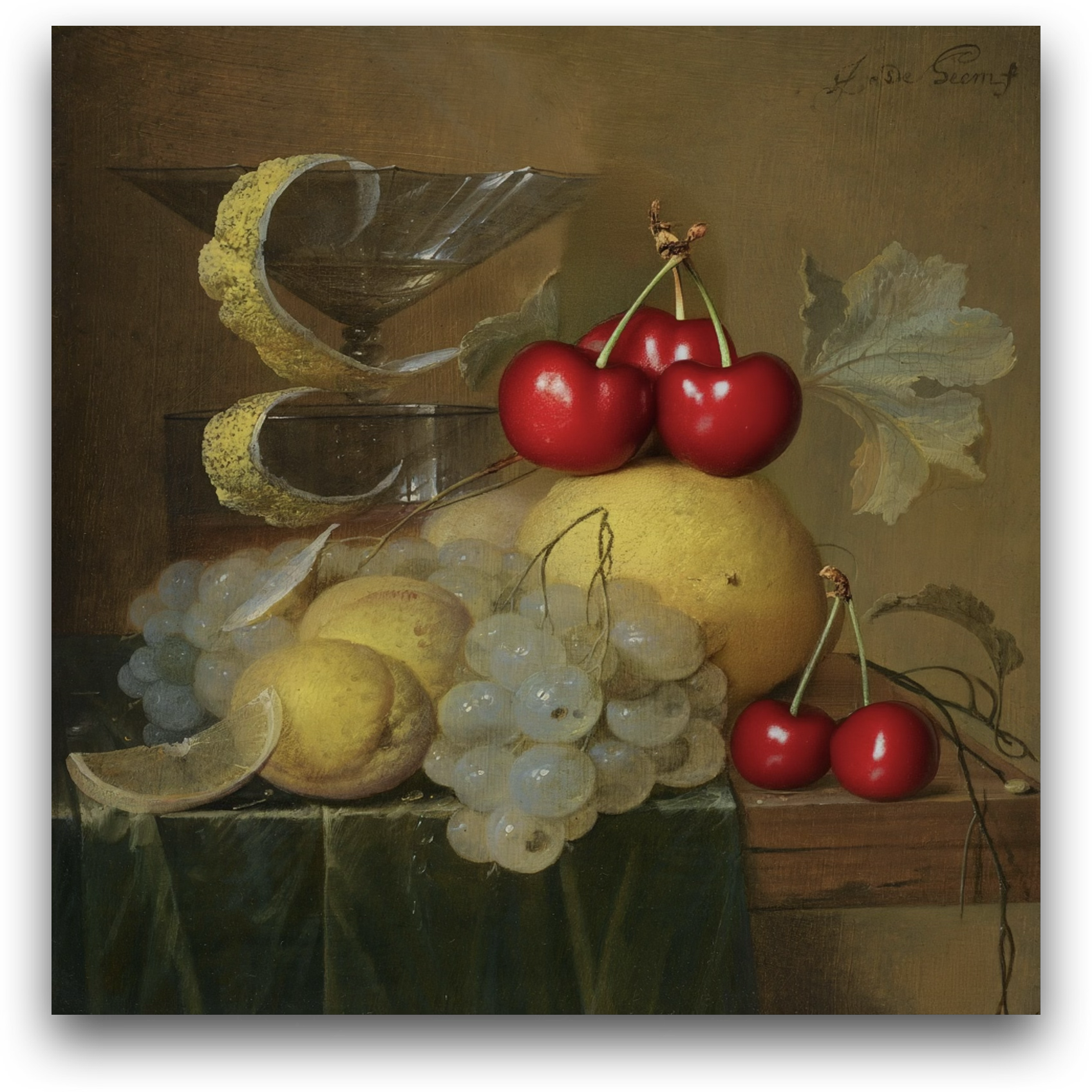
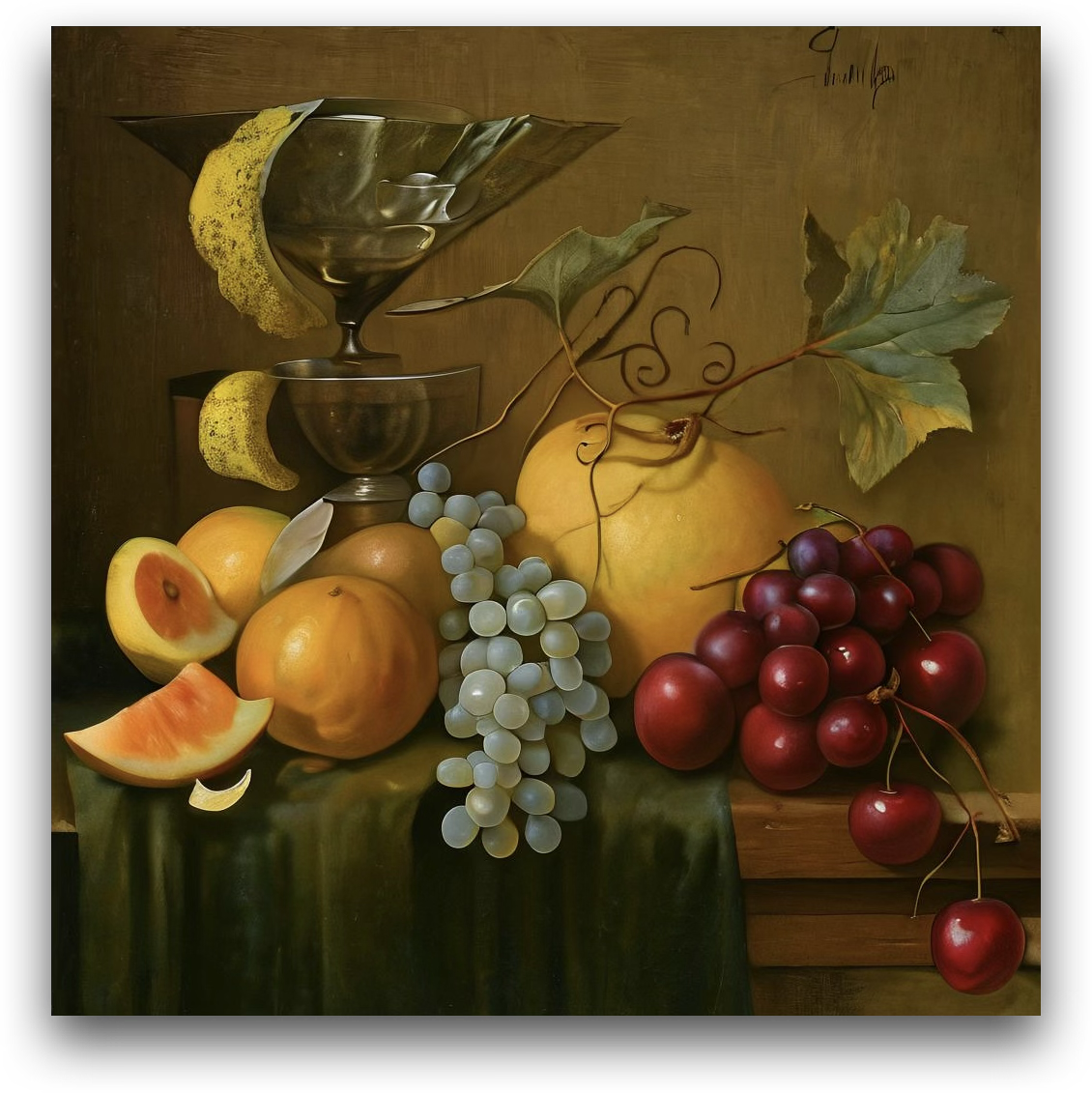
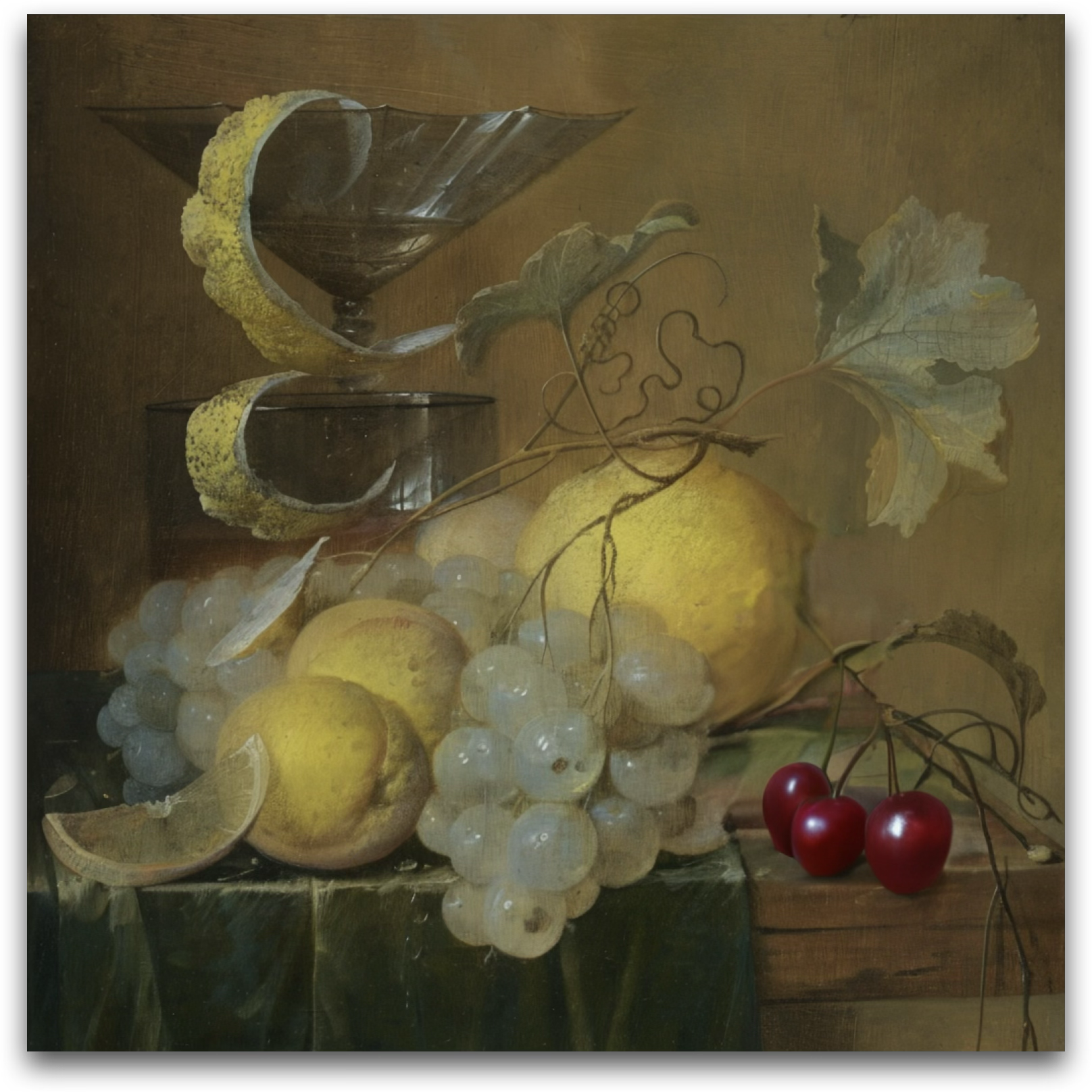
Generate this still-life scene with cherries visible totaling the second prime number.

Chain-of-Thought DIM-4.6B-Edit (w/ CoT)
1
Edit Instruction
Generate this still-life scene with cherries visible totaling the second prime number.
2
Global Layout Perception
The image depicts a still-life arrangement. Key objects include:
  • A glass goblet with a spiral lemon peel draped over it, located in the upper left quadrant.
  • A cluster of white grapes, positioned centrally and spilling slightly to the left.
  • Two lemons, one whole and one partially sliced, located in the lower left quadrant.
  • A large yellow fruit (possibly a grapefruit or melon) in the upper center-right.
  • A cluster of cherries, located in the lower right quadrant.
  • A green fabric draped over the table, forming the base of the composition.
  • A wooden table surface visible in the lower right corner.
  • Grape leaves and vines extending from the fruit, adding a naturalistic touch.
3
Local Object Perception
  • Glass goblet: Transparent, reflective, and elevated, with a spiral lemon peel (yellow, textured) hanging from it.
  • White grapes: Round, translucent, and glossy, with a pale greenish-white hue.
  • Lemons: Bright yellow with a textured rind; one is whole, and the other is sliced to reveal its juicy interior.
  • Large yellow fruit: Smooth, round, and slightly textured, with a vibrant yellow color.
  • Cherries: Small, round, and glossy, with a deep red hue and attached stems.
  • Green fabric: Rich green, with folds and a soft texture, reflecting light.
  • Wooden table: Brown, with a smooth surface and visible grain.
  • Grape leaves and vines: Green and brown, with a natural, organic shape and texture.
4
Edit Area Localization
The cluster of cherries in the lower right quadrant will be modified. The number of cherries will be adjusted to total the second prime number, which is 3.
5
Edited Image Imagination
The edited image will feature the same still-life arrangement, but the cluster of cherries in the lower right quadrant will now contain exactly three cherries. The cherries will remain deep red, glossy, and attached to their stems, but the excess cherries will be removed to meet the specified count. The rest of the composition, including the goblet, lemon peel, grapes, lemons, large yellow fruit, green fabric, and wooden table, will remain unchanged. The overall balance and aesthetic of the scene will be preserved.
Teaser 4 DIM-4.6B-Edit w/ CoT
Advanced Temporal Editing
Source Janus-4o Step1X-Edit DIM-4.6B-Edit (w/o CoT)
Teaser 5 source Teaser 5 Janus-4o Teaser 5 Step1X-Edit Teaser 5 DIM-4.6B-Edit w/o CoT

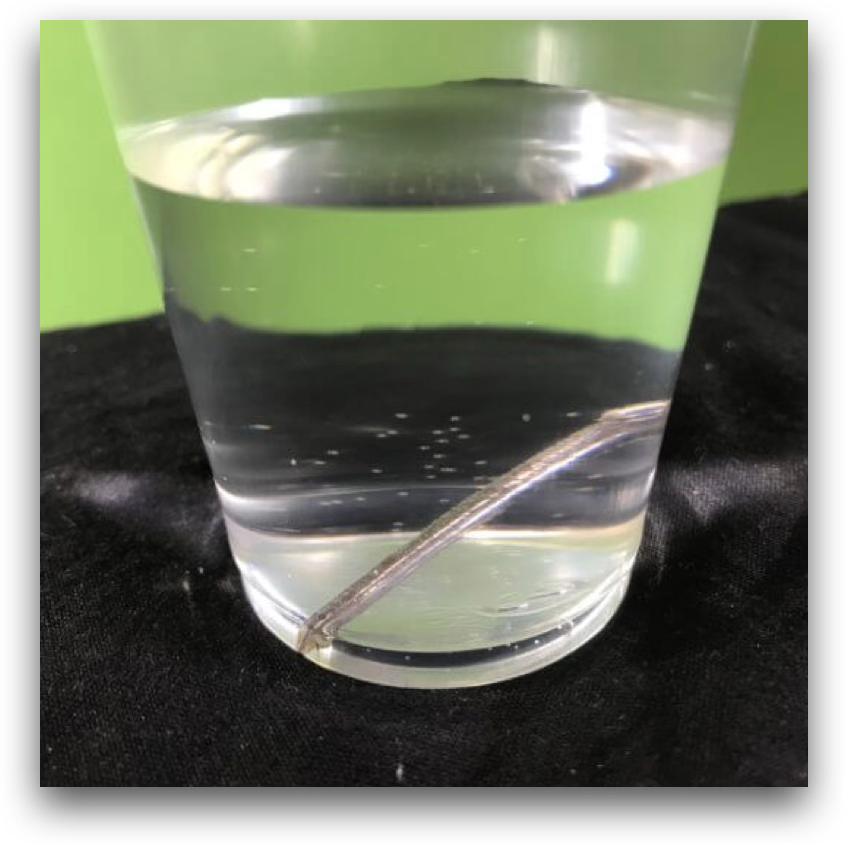
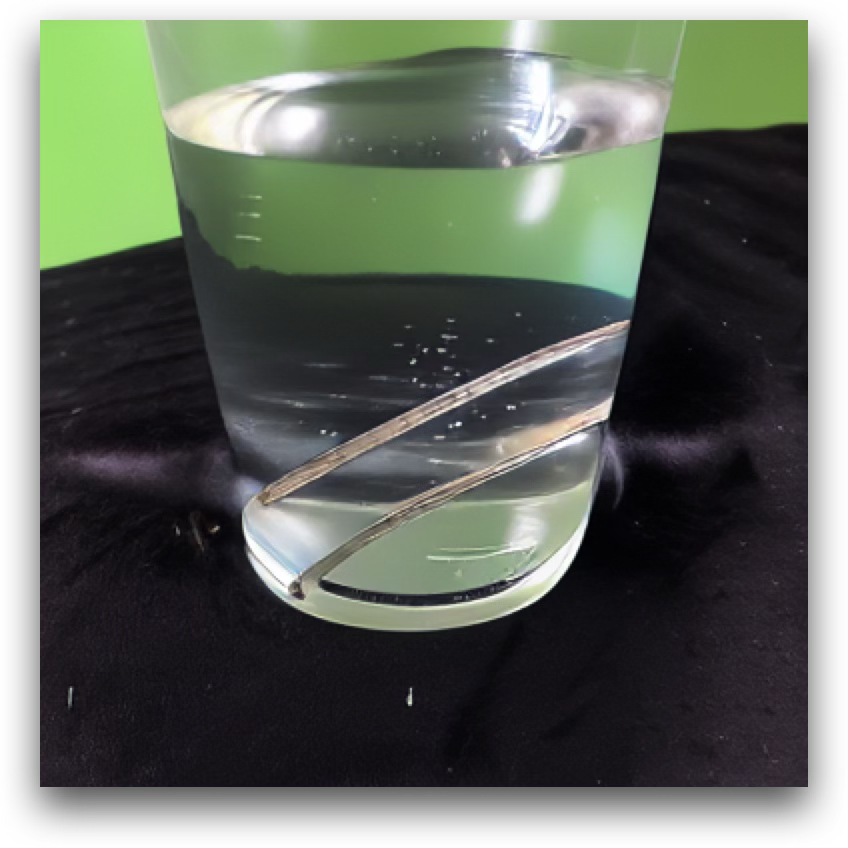
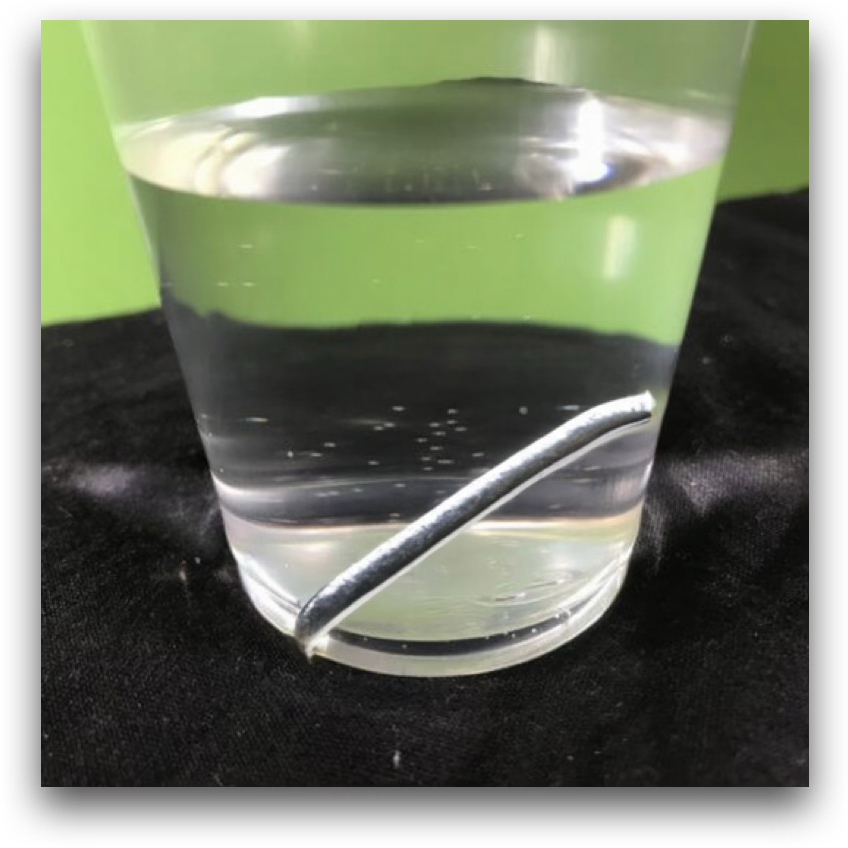
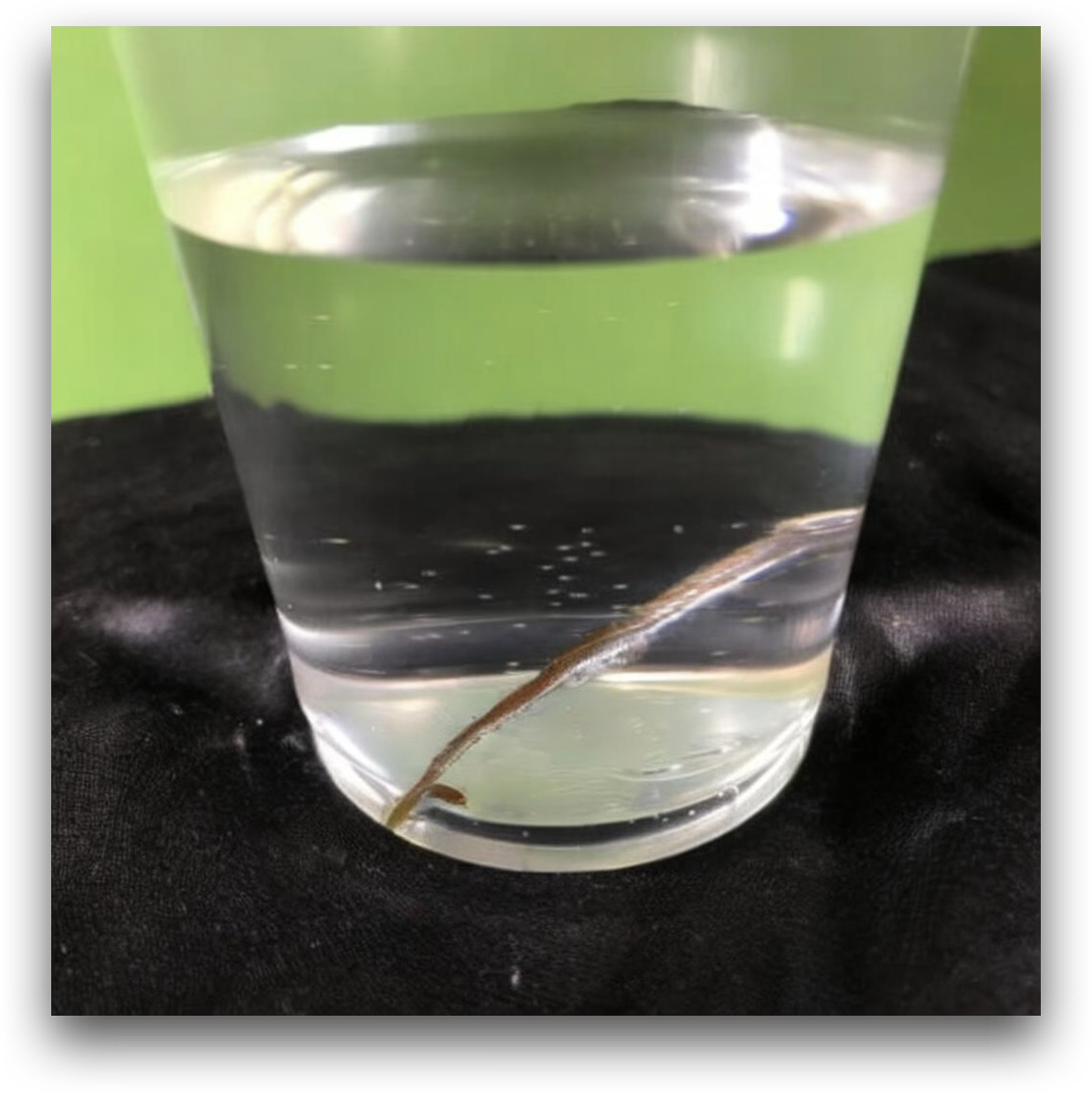
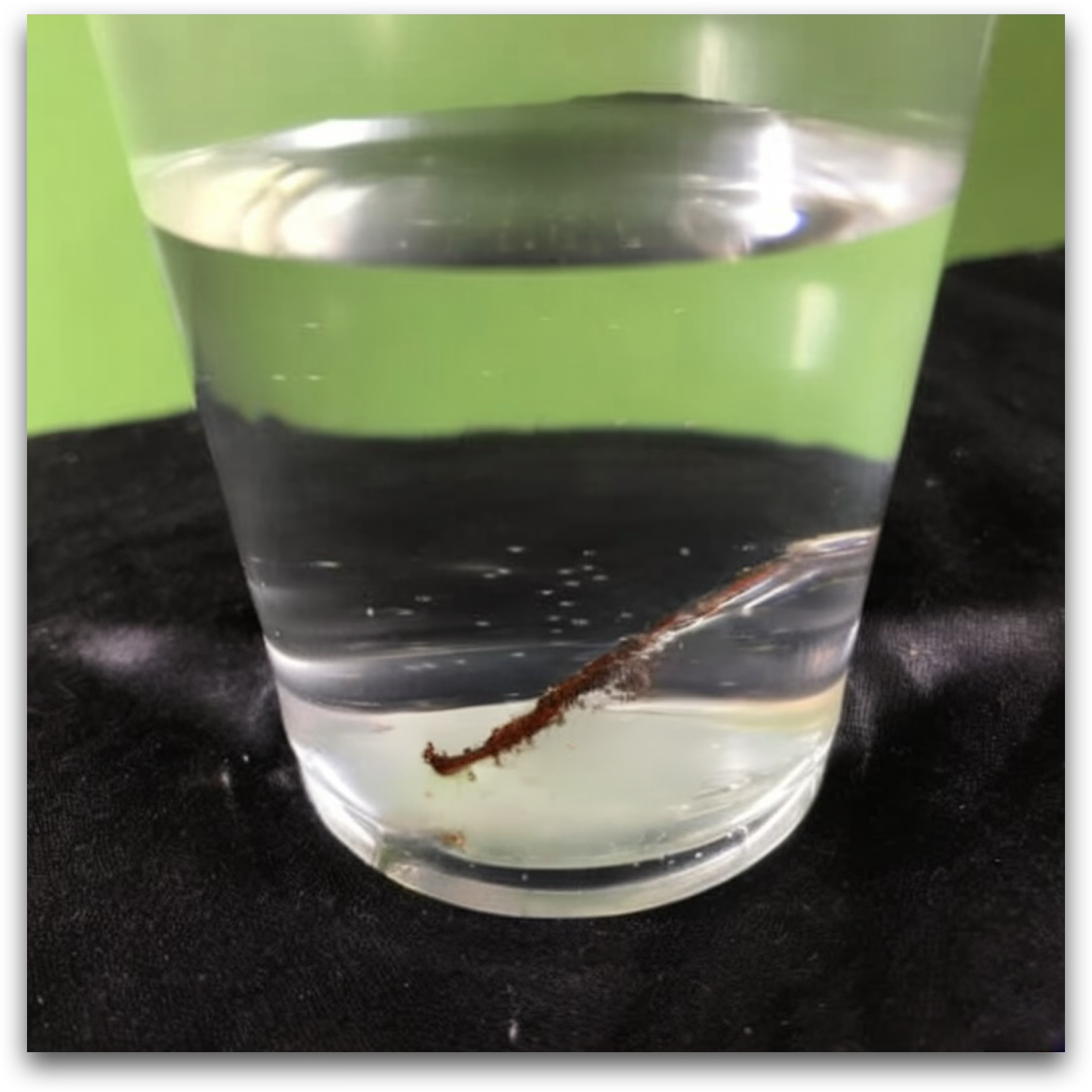
What will these iron nails look like after soaking in 3% saltwater for 4 hours?

Chain-of-Thought DIM-4.6B-Edit (w/ CoT)
1
Edit Instruction
What will these iron nails look like after soaking in 3% saltwater for 4 hours?
2
Global Layout Perception
The image shows a transparent plastic cup filled with clear water. Inside the cup, there is a single iron nail submerged in the water. The cup is placed on a black fabric background, and the green wall is visible in the background.
3
Local Object Perception
  • Iron Nail: The nail is metallic, straight, and has a shiny silver-gray surface. It appears smooth and uncorroded.
  • Water: The water is clear and transparent, filling most of the cup.
  • Cup: The cup is made of clear plastic, cylindrical in shape, and allows visibility of its contents.
  • Background: The black fabric is textured and contrasts with the green wall behind it.
4
Edit Area Localization
The iron nail inside the cup will change in appearance due to the soaking process.
5
Edited Image Imagination
After soaking in 3% saltwater for 4 hours, the iron nail will likely show signs of corrosion. Its surface will appear duller, with possible reddish-brown rust spots forming, especially near the submerged portion. The water may also appear slightly cloudy due to the release of iron particles or rust. The cup and background will remain unchanged.
Teaser 5 DIM-4.6B-Edit w/ CoT

Introduction

In recent years, integrating multimodal understanding and generation into a single unified model has emerged as a promising paradigm. While this approach achieves strong results in text-to-image (T2I) generation, it still struggles with precise image editing. We attribute this limitation to an imbalanced division of responsibilities. The understanding module primarily functions as a translator that encodes user instructions into semantic conditions, while the generation module must simultaneously act as designer and painter, inferring the original layout, identifying the target editing region, and rendering the new content. This imbalance is counterintuitive because the understanding module is typically trained with several times more data on complex reasoning tasks than the generation module.

To address this issue, we introduce Draw-In-Mind (DIM), a dataset comprising two complementary subsets: (i) DIM-T2I, containing 14M long-context image-text pairs to enhance complex instruction comprehension; and (ii) DIM-Edit, consisting of 233K chain-of-thought imaginations generated by GPT-4o, serving as explicit design blueprints for image edits. We connect a frozen Qwen2.5-VL-3B with a trainable SANA1.5-1.6B via a lightweight two-layer MLP, and train it on the proposed DIM dataset, resulting in DIM-4.6B-T2I/Edit.

Despite its modest parameter scale, DIM-4.6B-Edit achieves SOTA or competitive performance on the ImgEdit and GEdit-Bench benchmarks, outperforming much larger models such as UniWorld-V1 and Step1X-Edit. These findings demonstrate that explicitly assigning the design responsibility to the understanding module provides significant benefits for image editing. Our dataset and models are available at github.com/showlab/DIM.
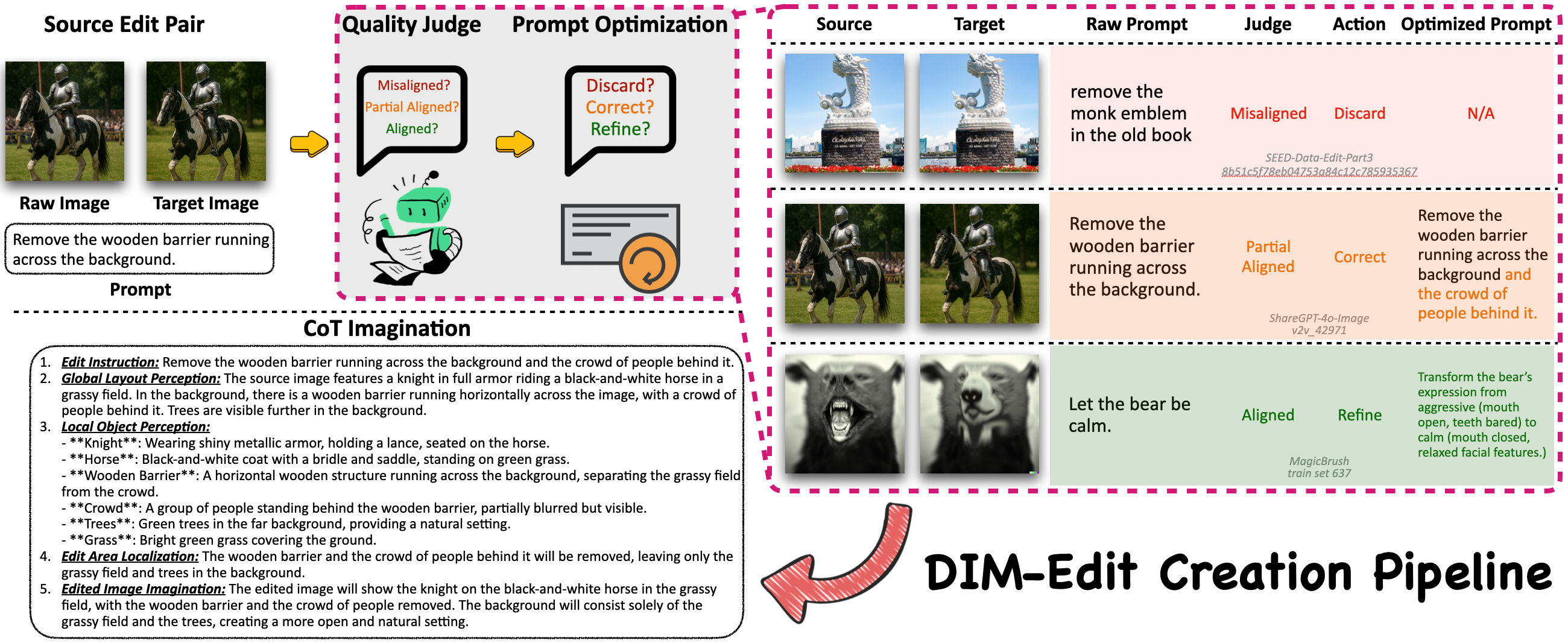
DIM-Edit overview

Qualitative Comparisons

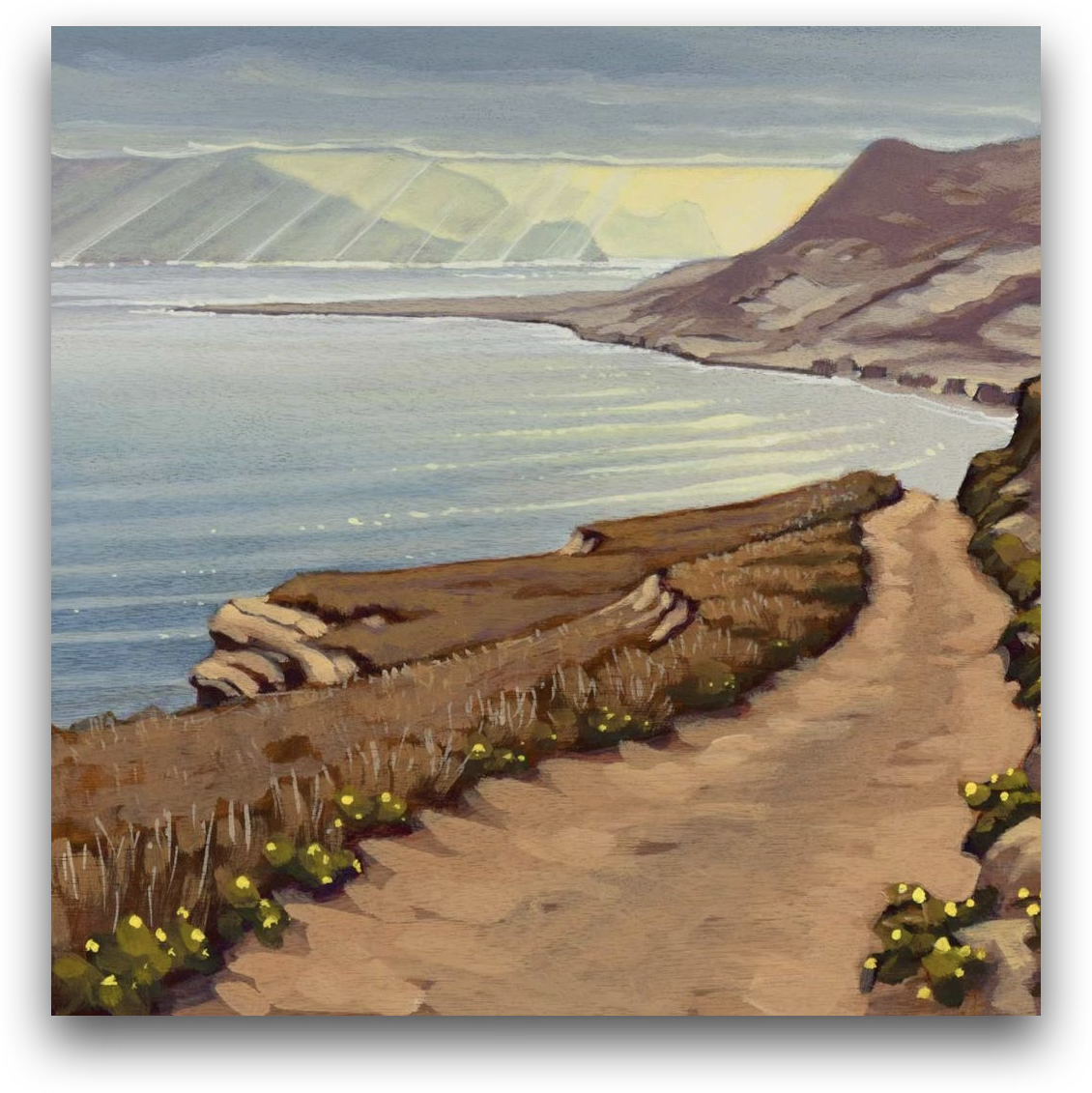
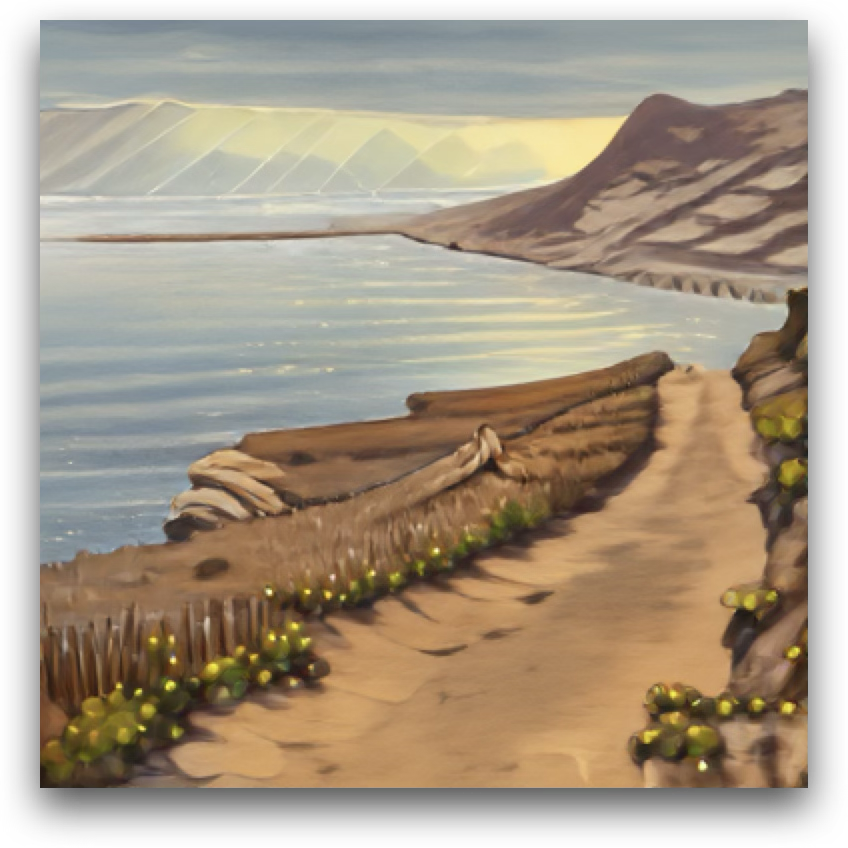
By offloading the design decision to the understanding module, DIM-4.6B-Edit applies the requested edit precisely while leaving non-edited regions intact, across common editing scenarios.
Object Addition
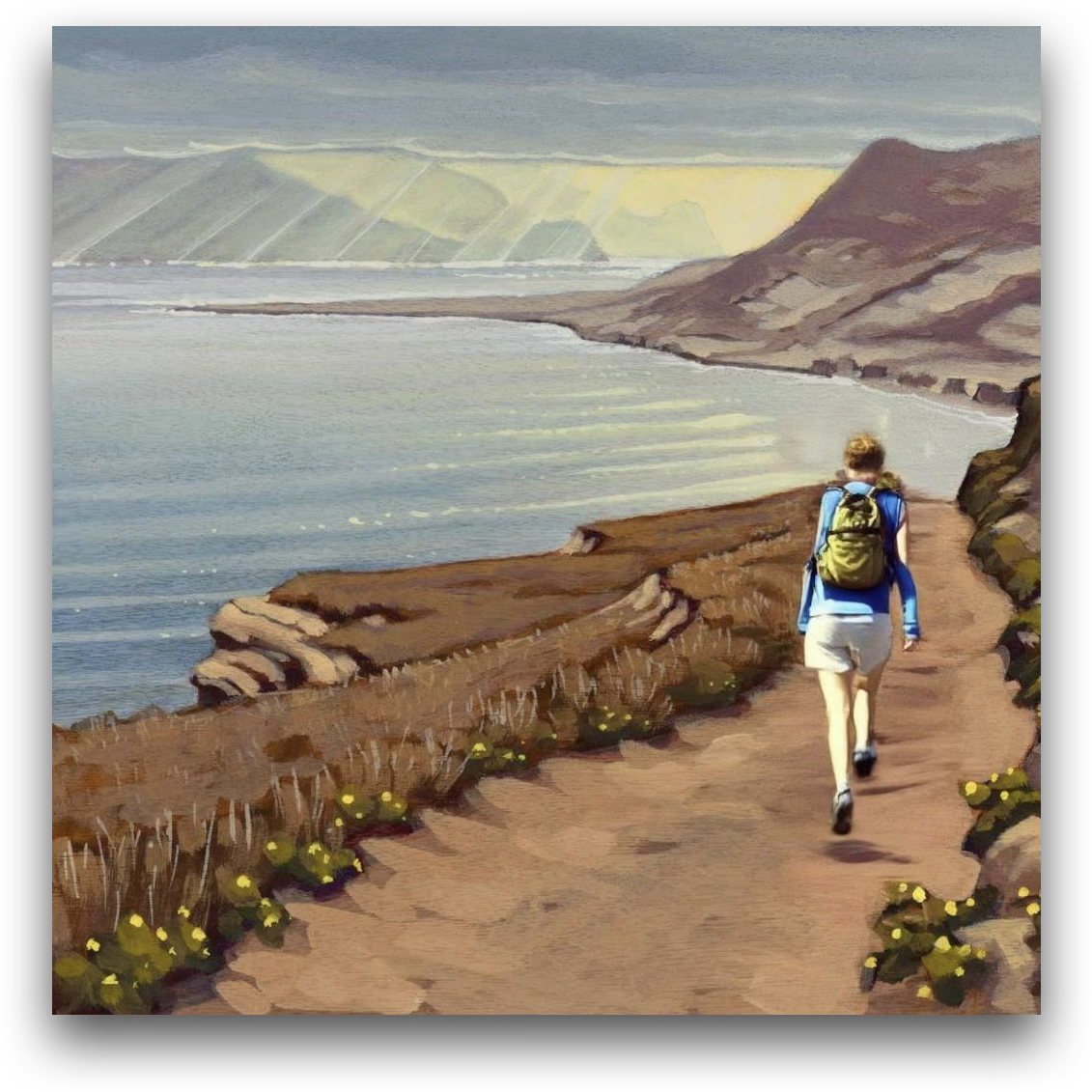
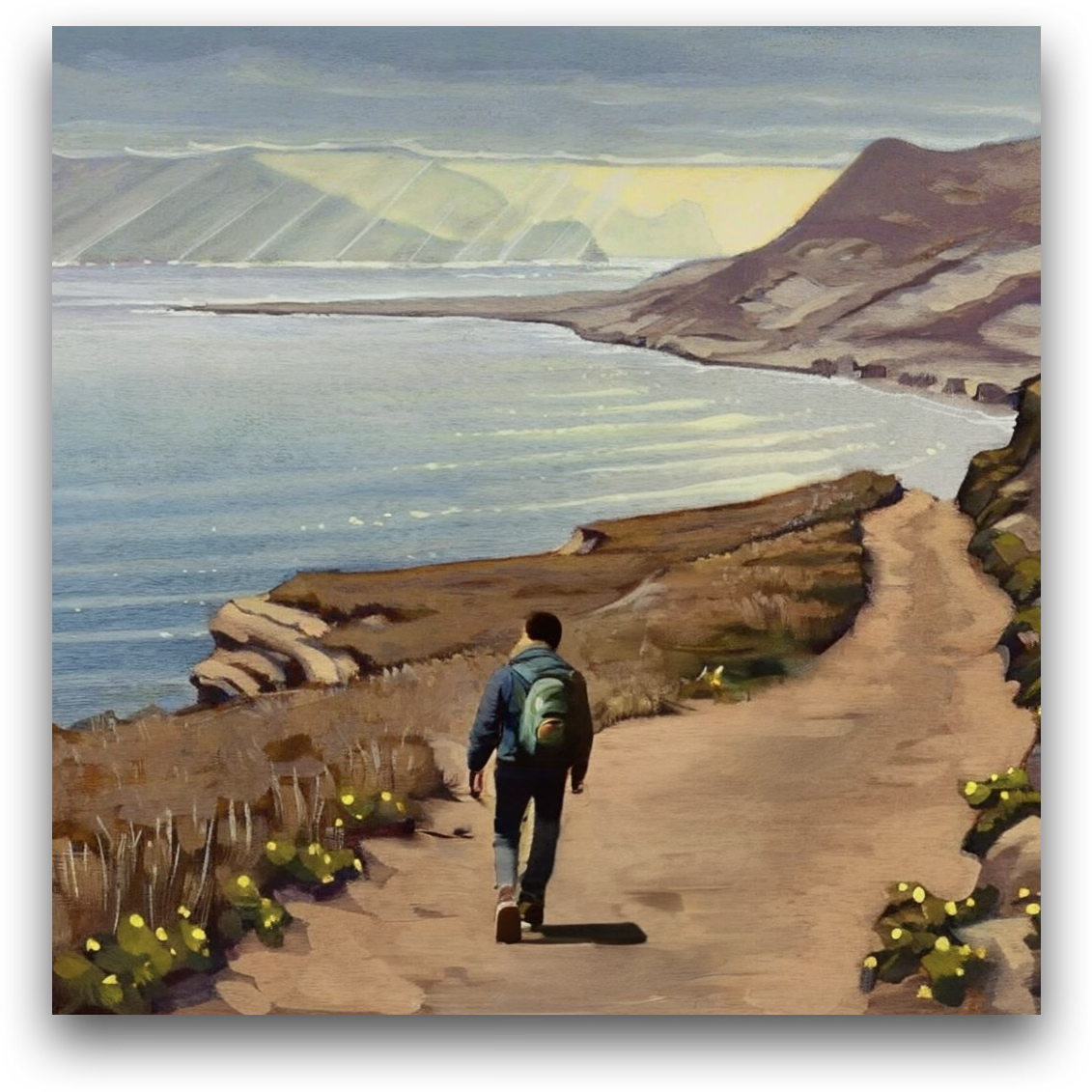
Source Janus-4o Step1X-Edit DIM-4.6B-Edit (Ours)

Add a person walking along the dirt path, facing toward the ocean, wearing a backpack and casual hiking clothes.
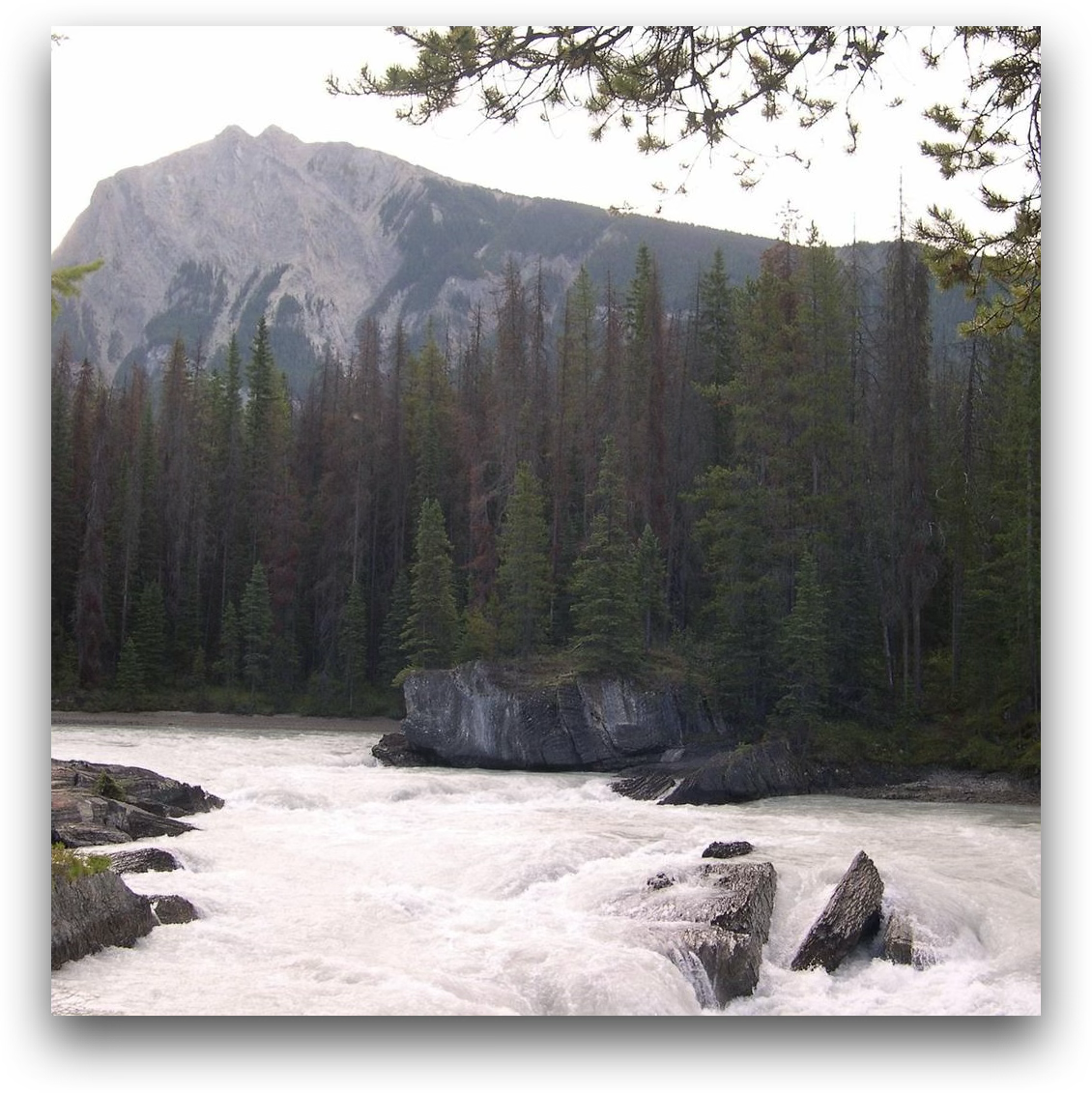
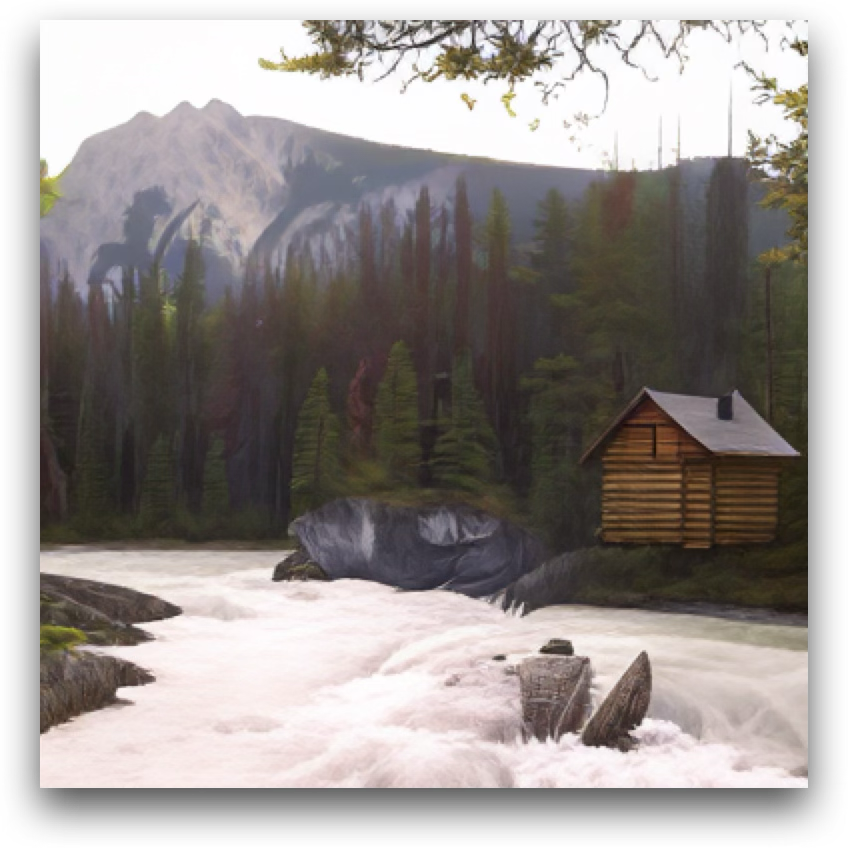
Add a small wooden cabin with a chimney near the edge of the forest on the right side of the image.
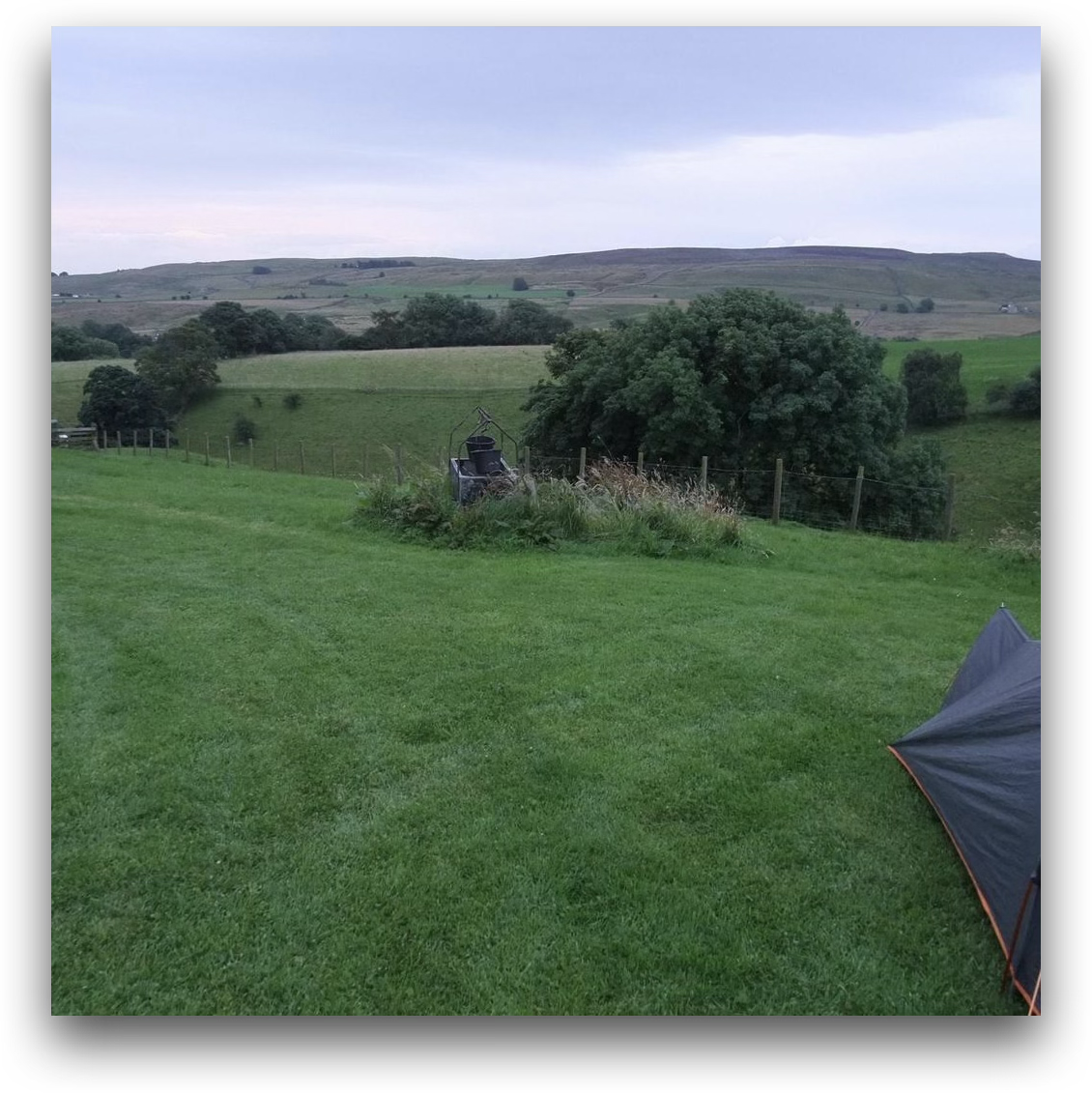
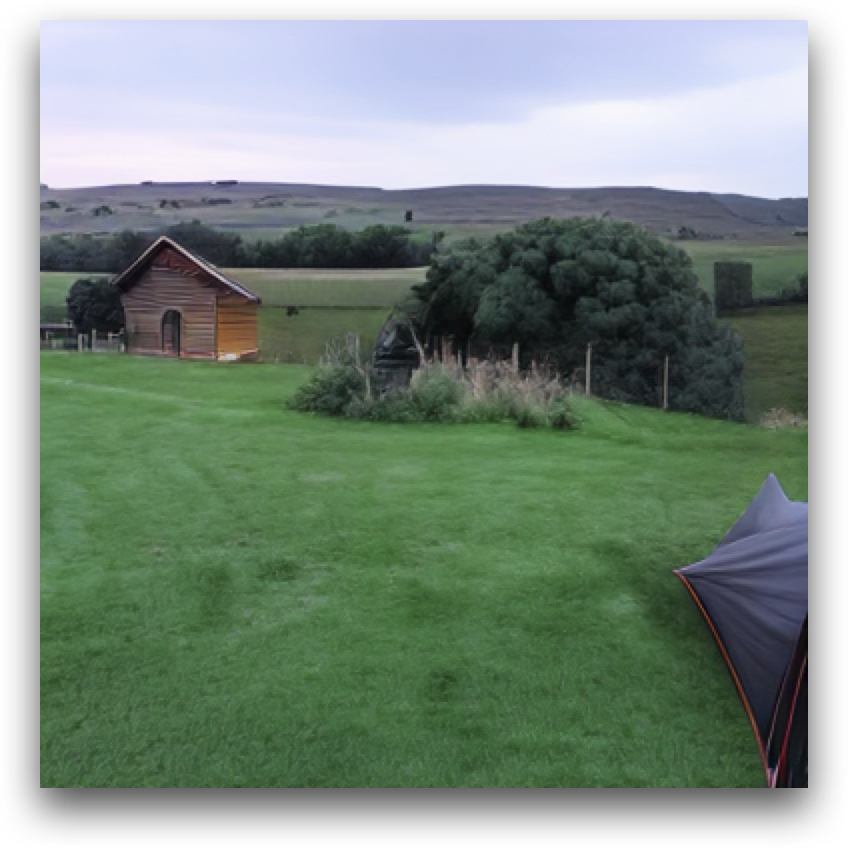
Add a small wooden cabin to the left side of the image, near the tree, blending naturally with the landscape.


Object Change
Source Janus-4o Step1X-Edit DIM-4.6B-Edit (Ours)

Change the person's shirt color to blue.
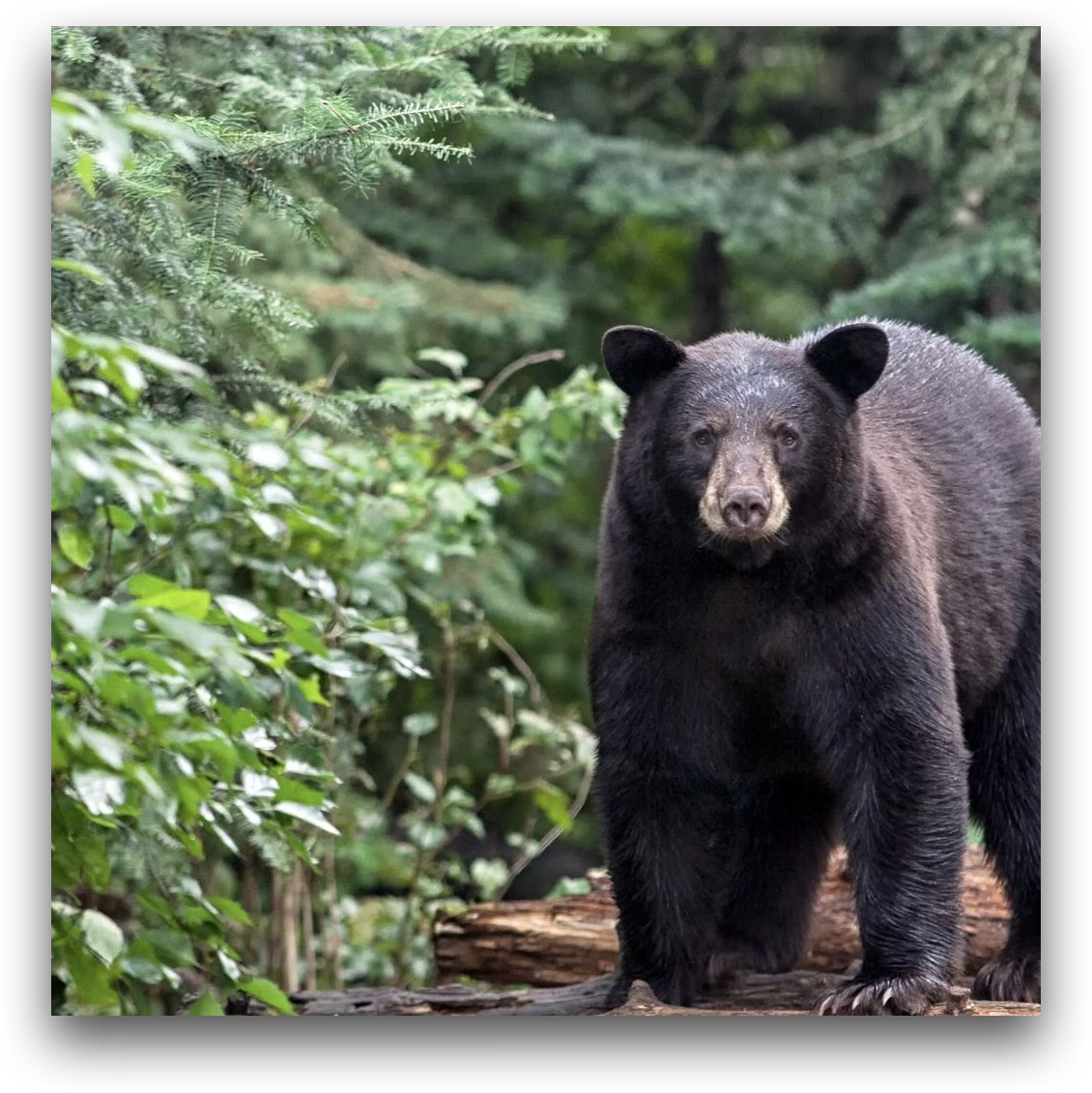
Change the animal's fur color to a solid shade of brown.
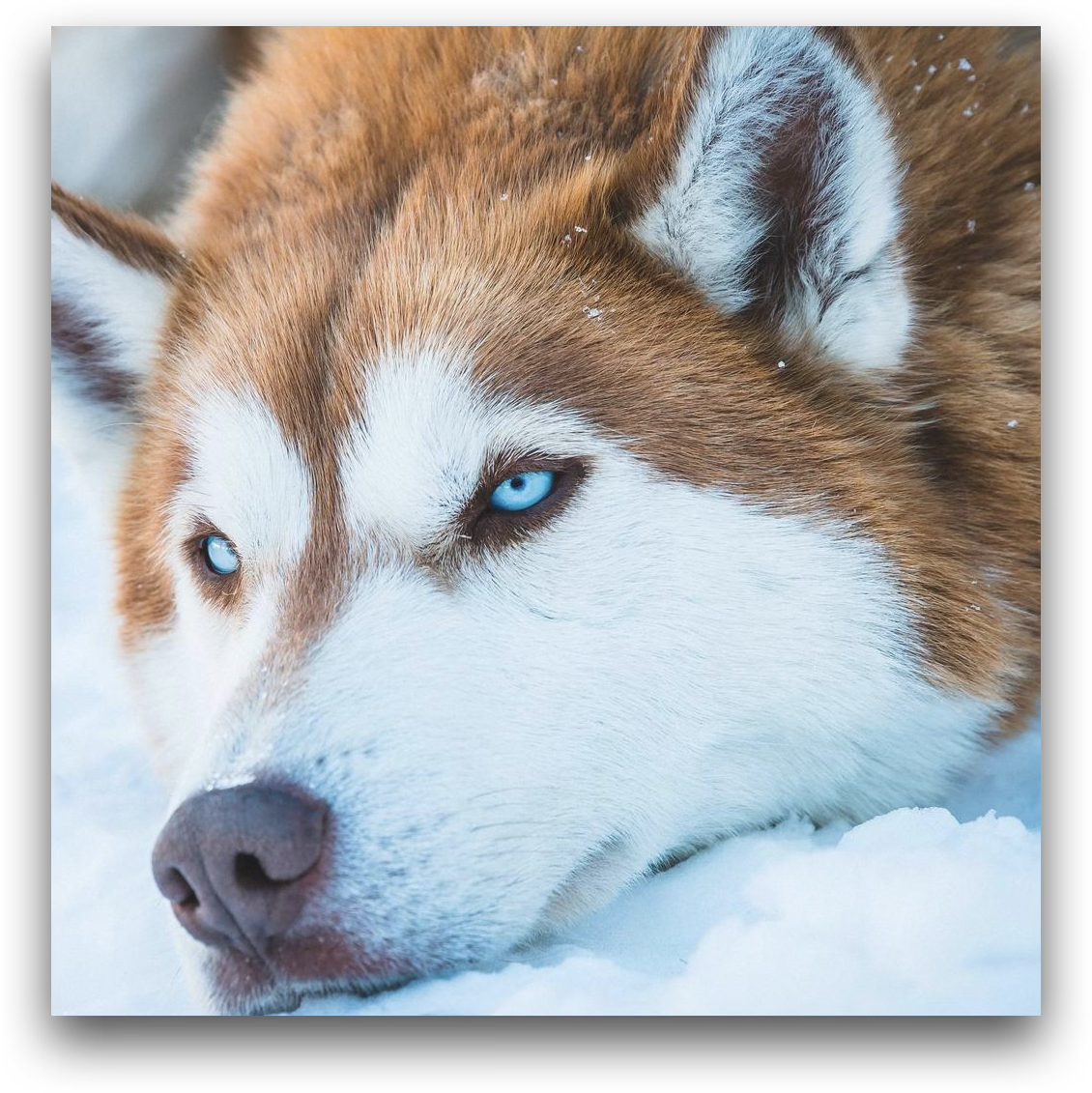
Change the background from the snow to a beach setting.
Object Removal
Source Janus-4o Step1X-Edit DIM-4.6B-Edit (Ours)

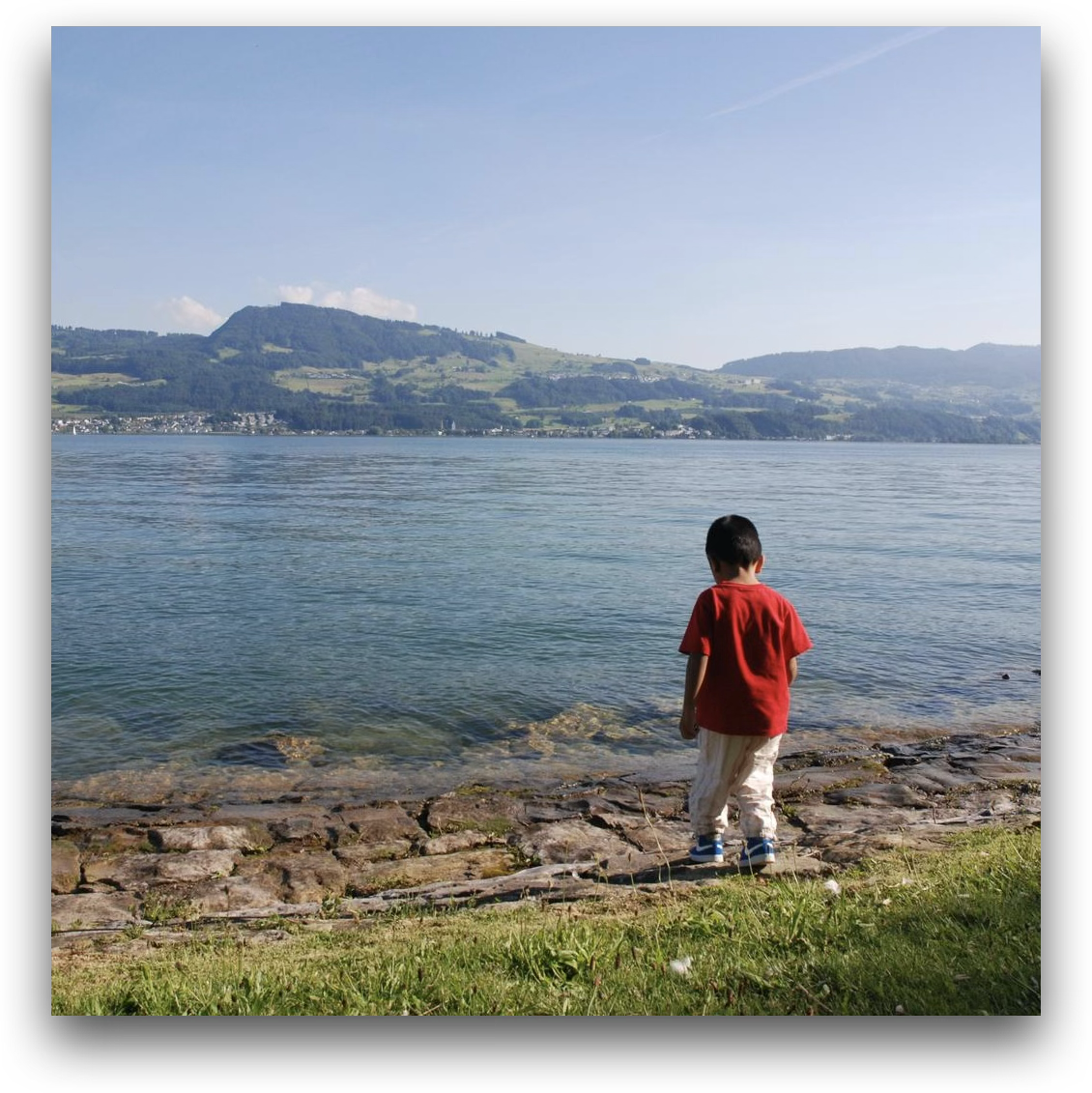
Remove the child standing near the edge of the water.
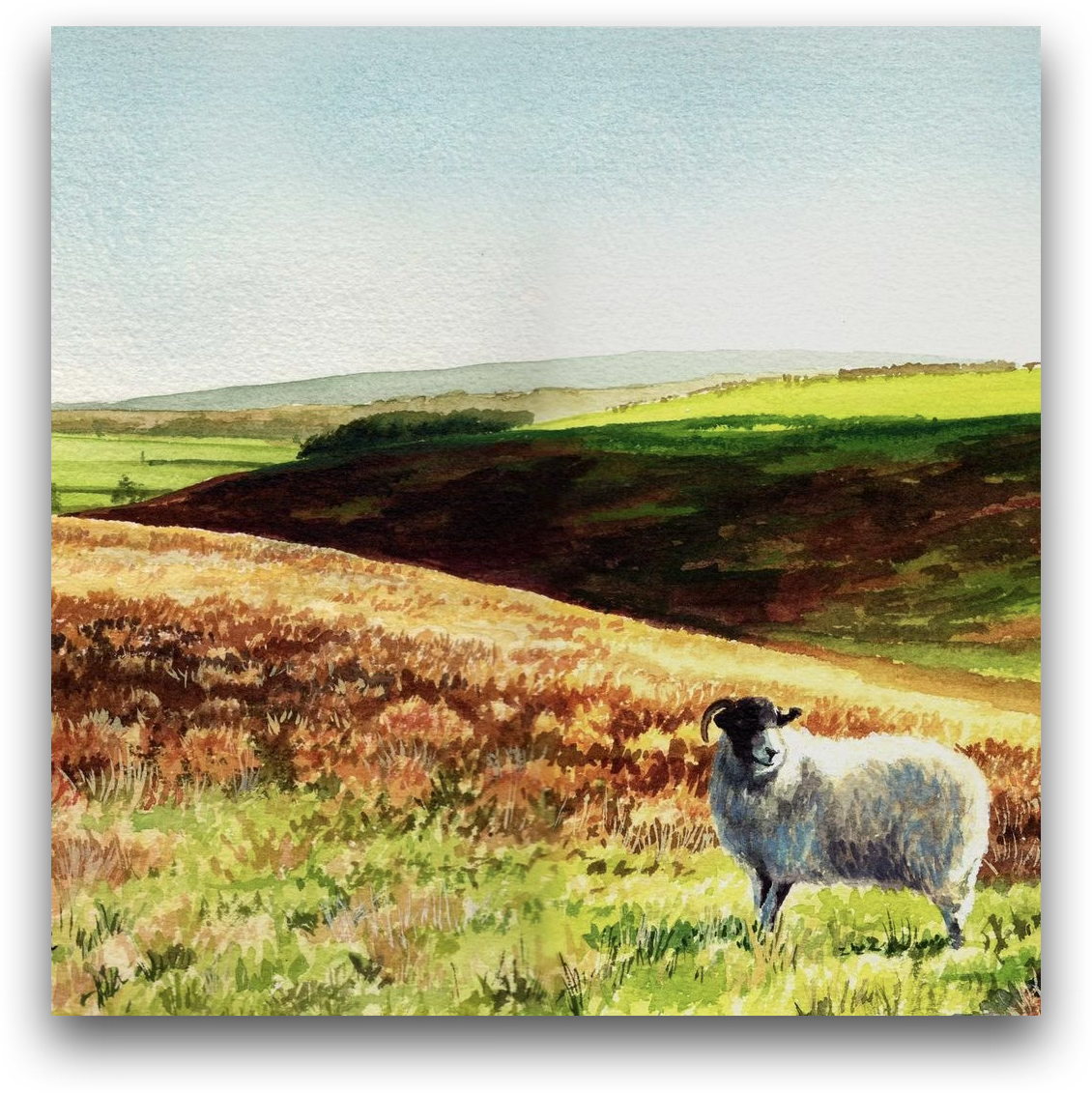
Remove the sheep in the foreground.
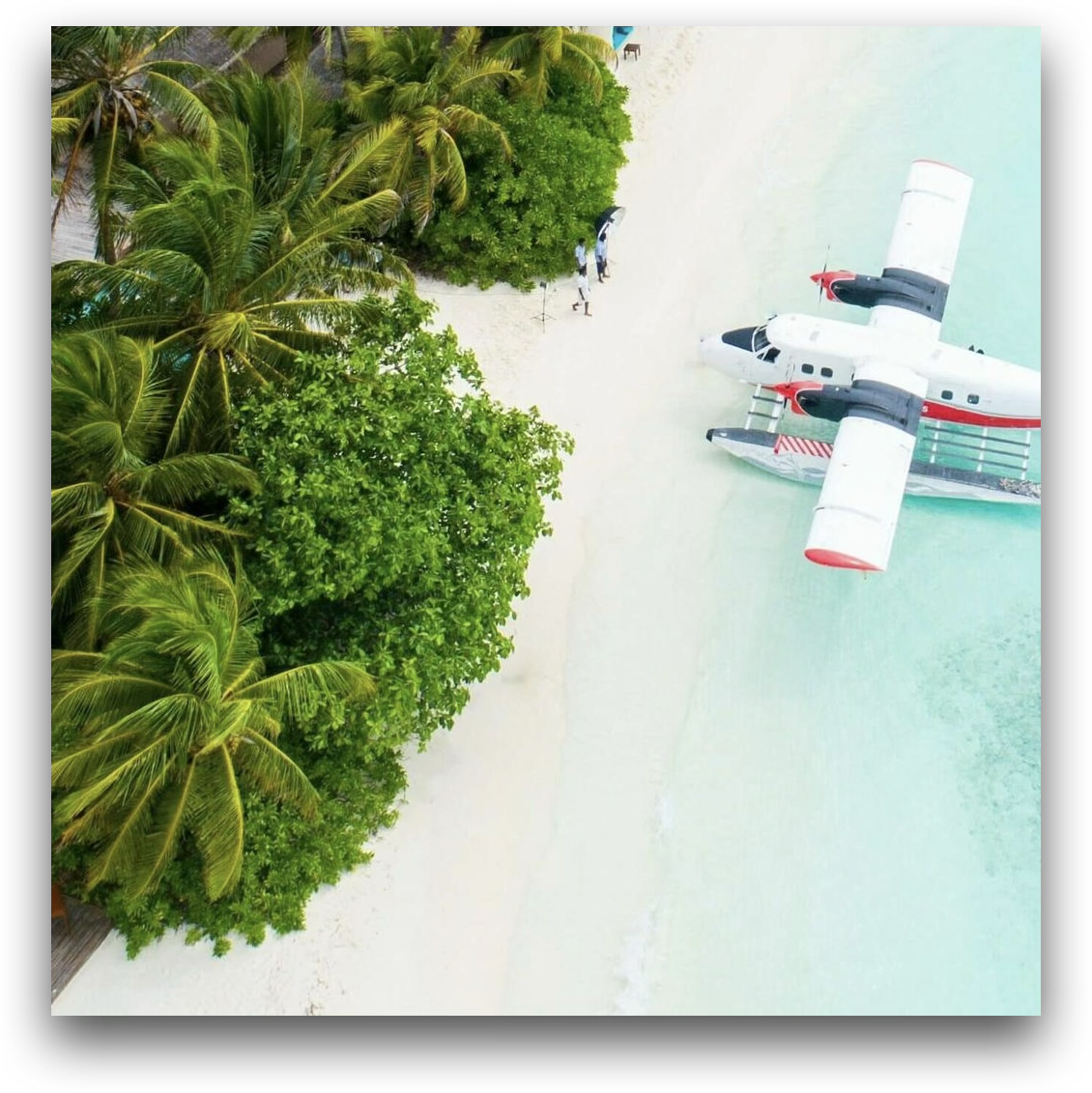
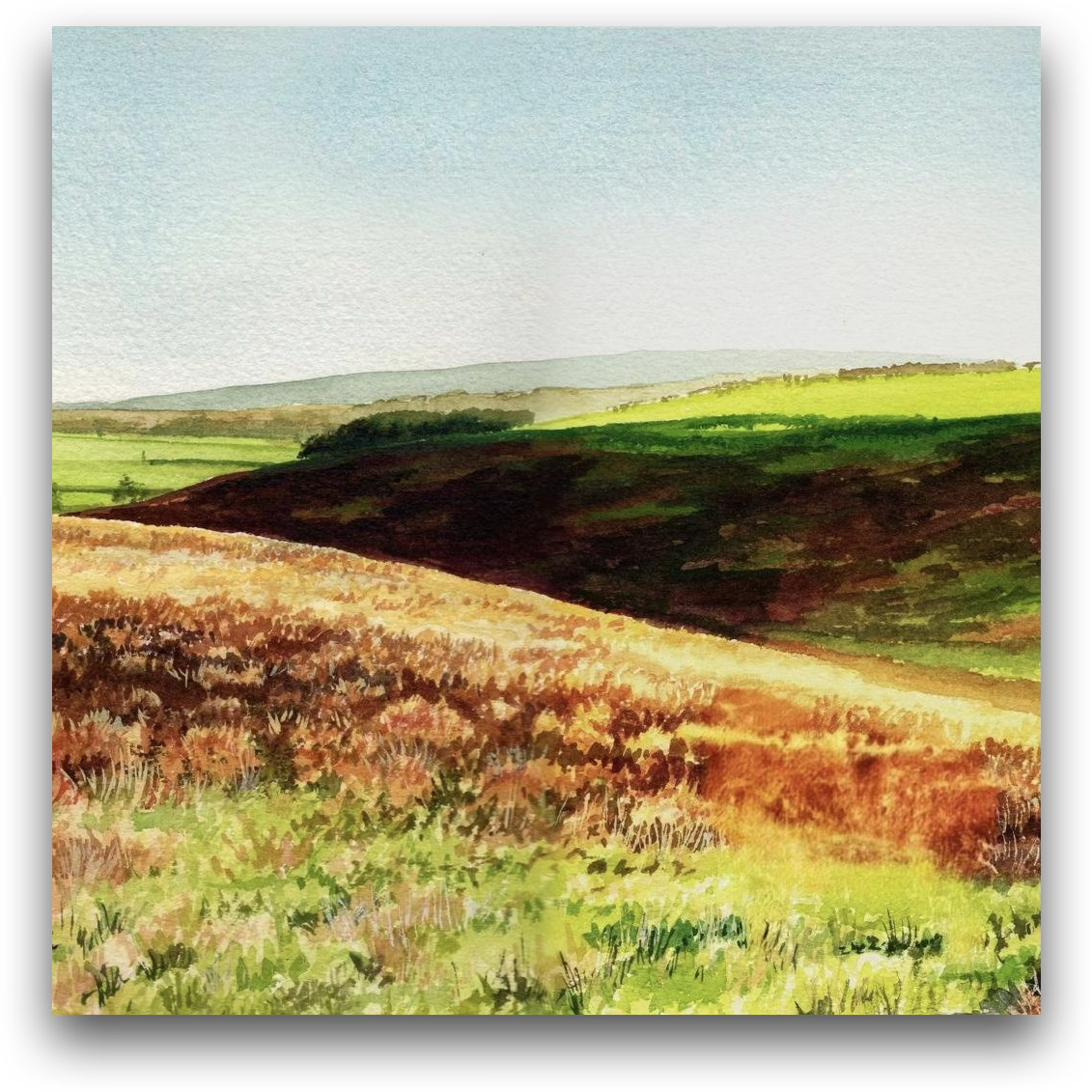
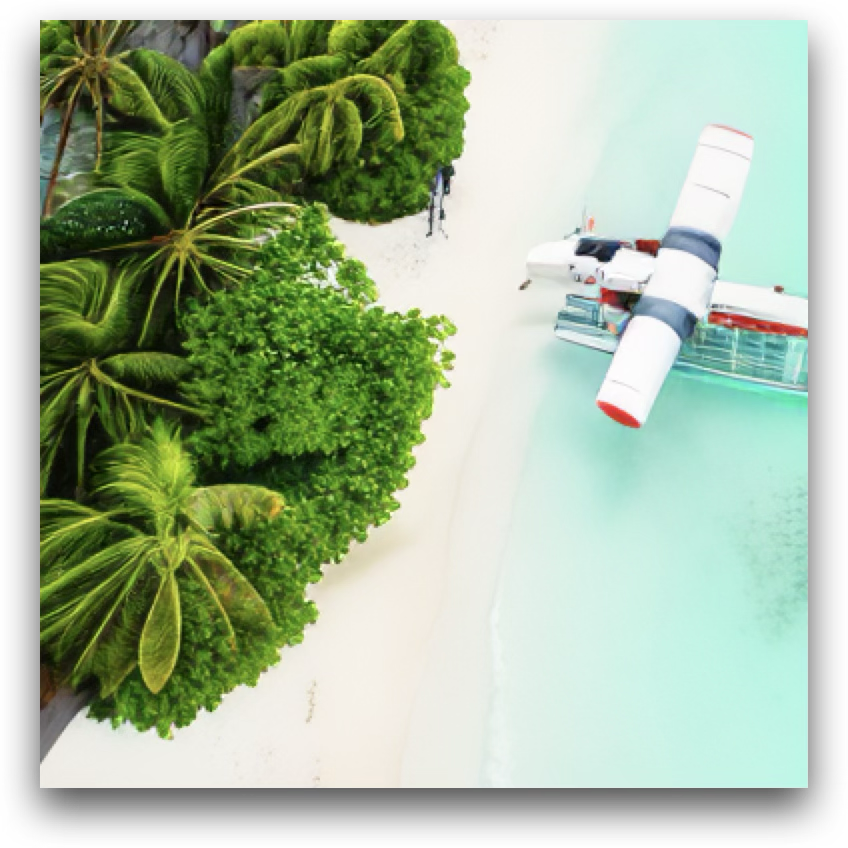
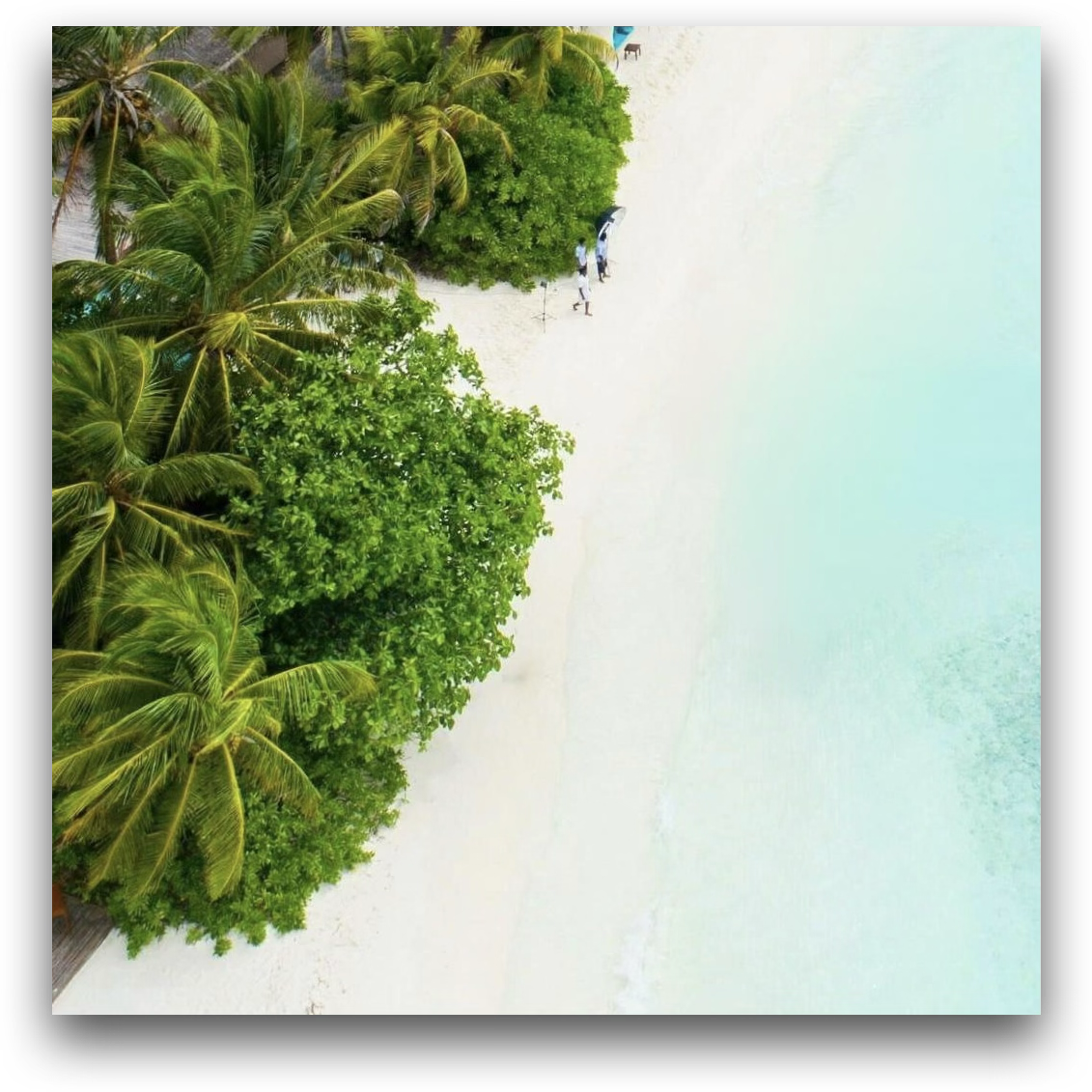
Remove the seaplane on the shoreline.
Object Replacement
Source Janus-4o Step1X-Edit DIM-4.6B-Edit (Ours)

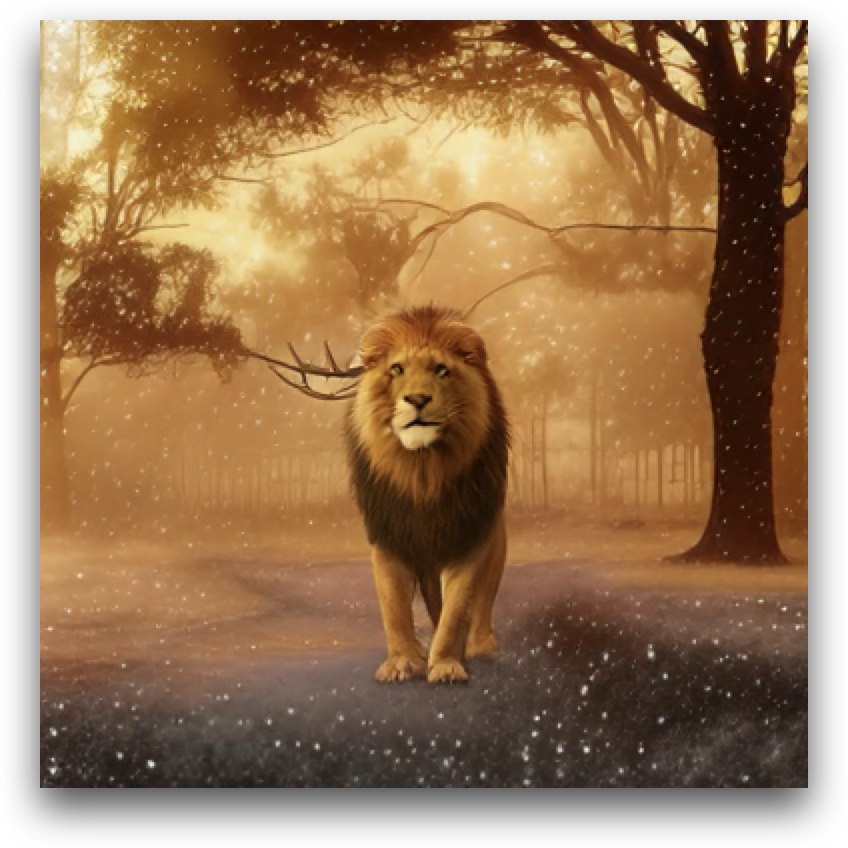
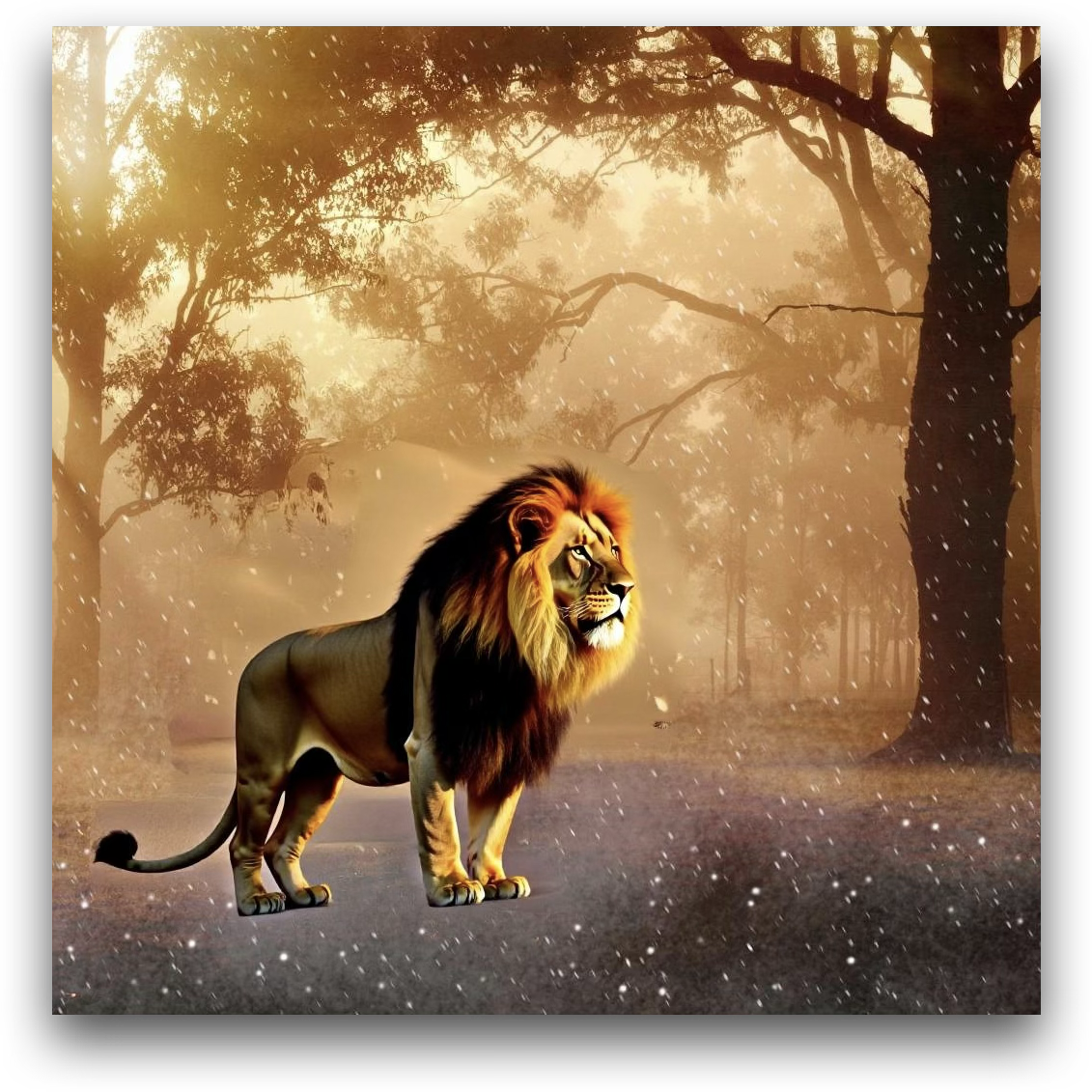
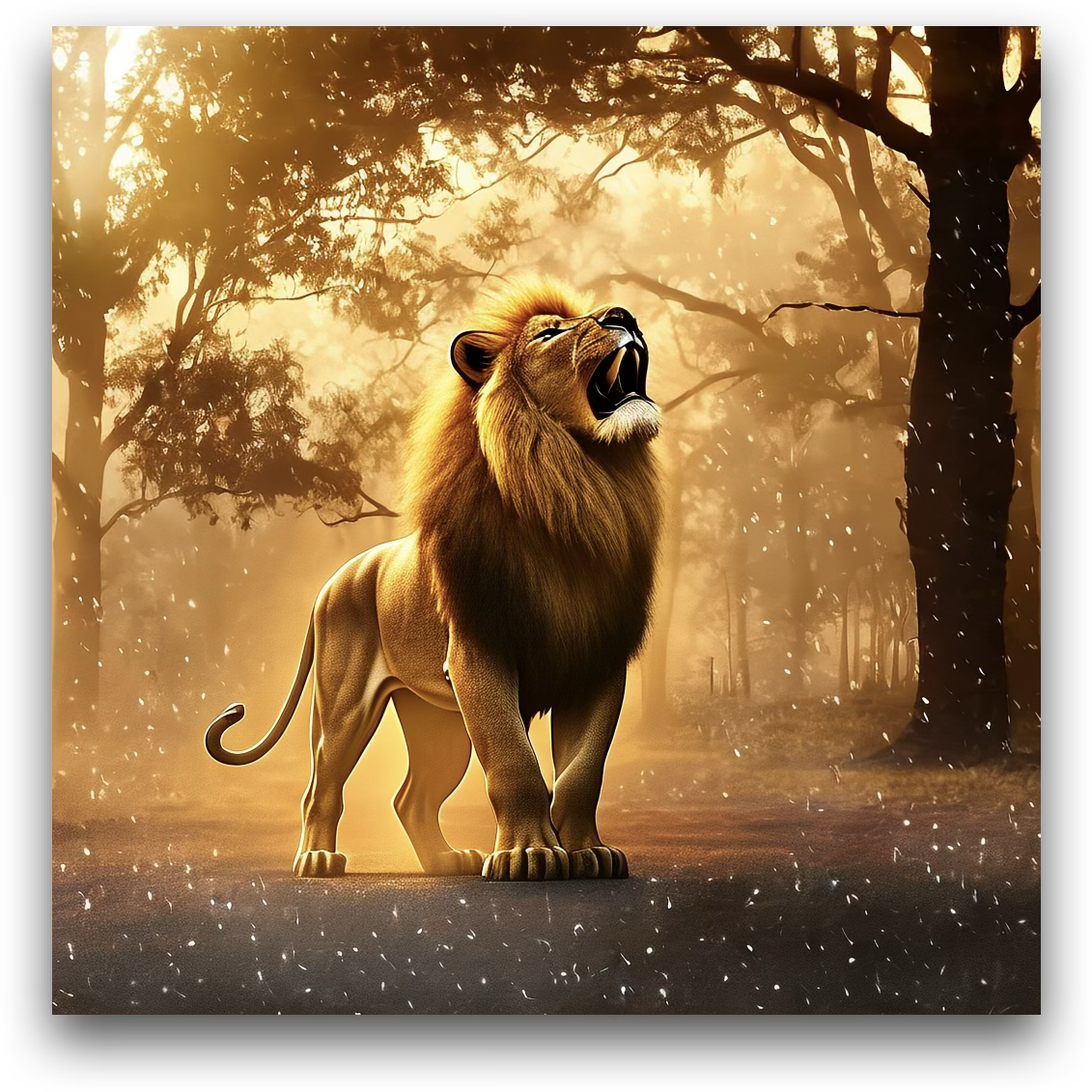
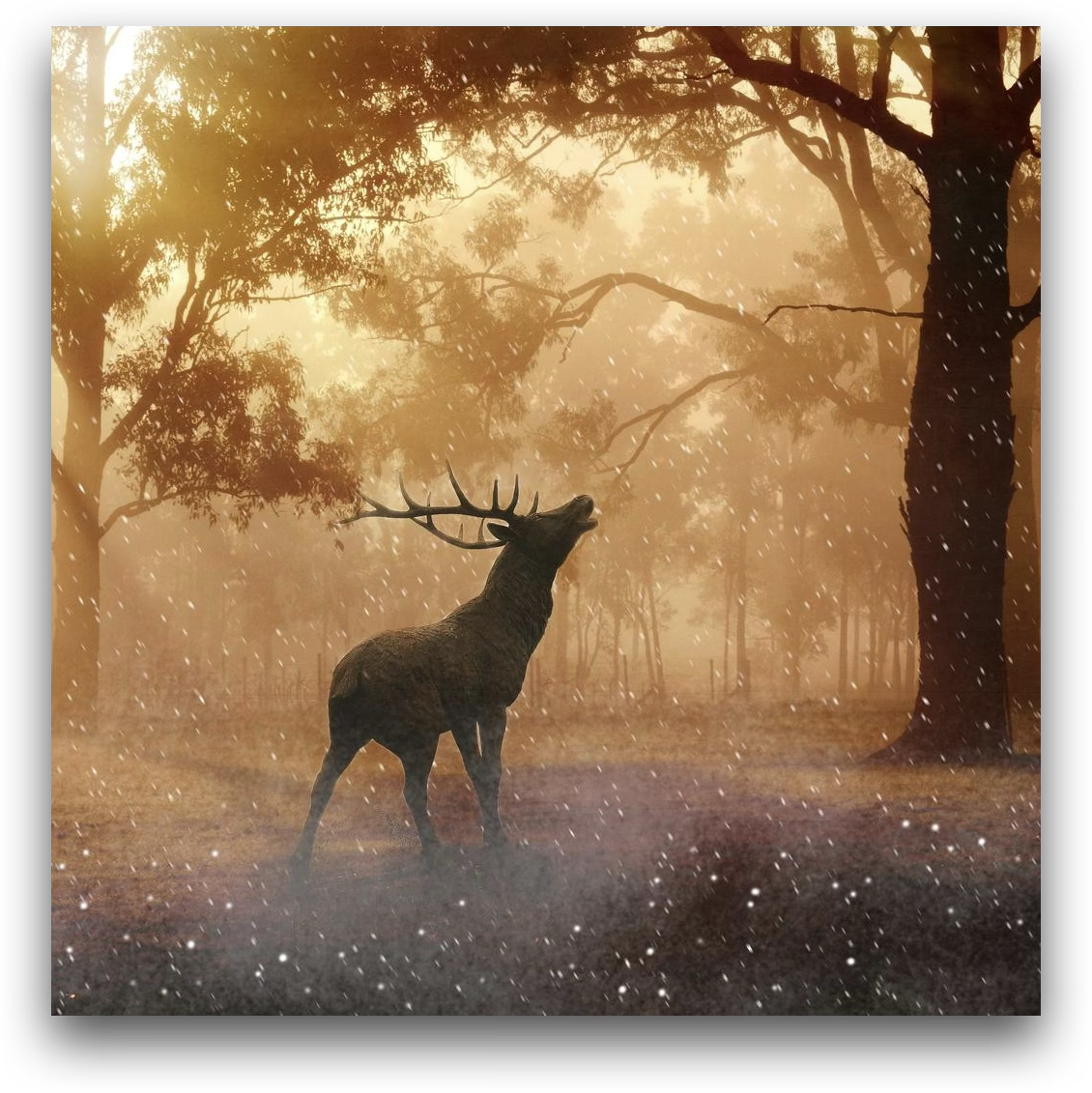
Replace the deer in the image with a lion standing majestically in the same forest setting, under the glowing golden light and light snowflakes.
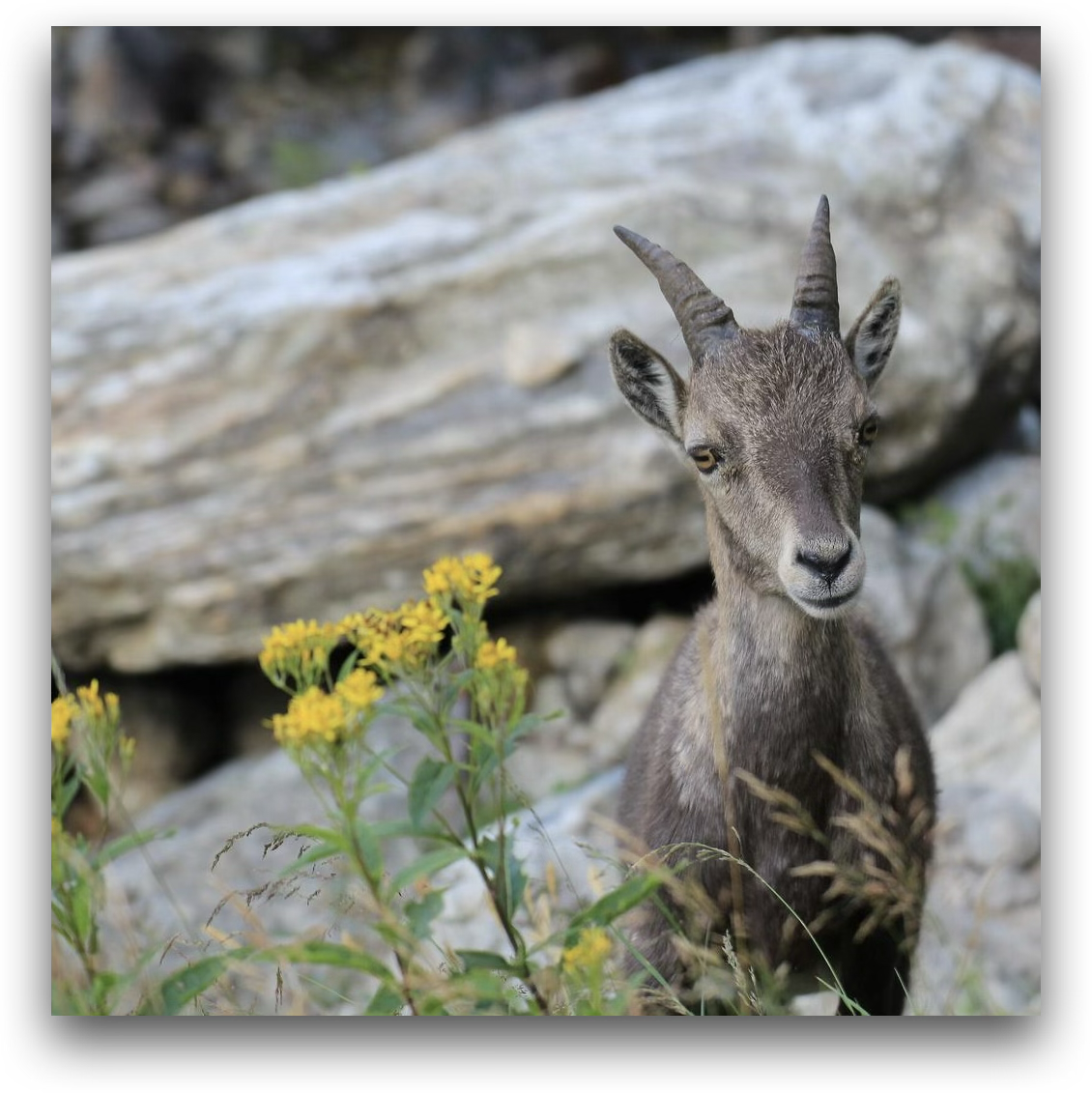
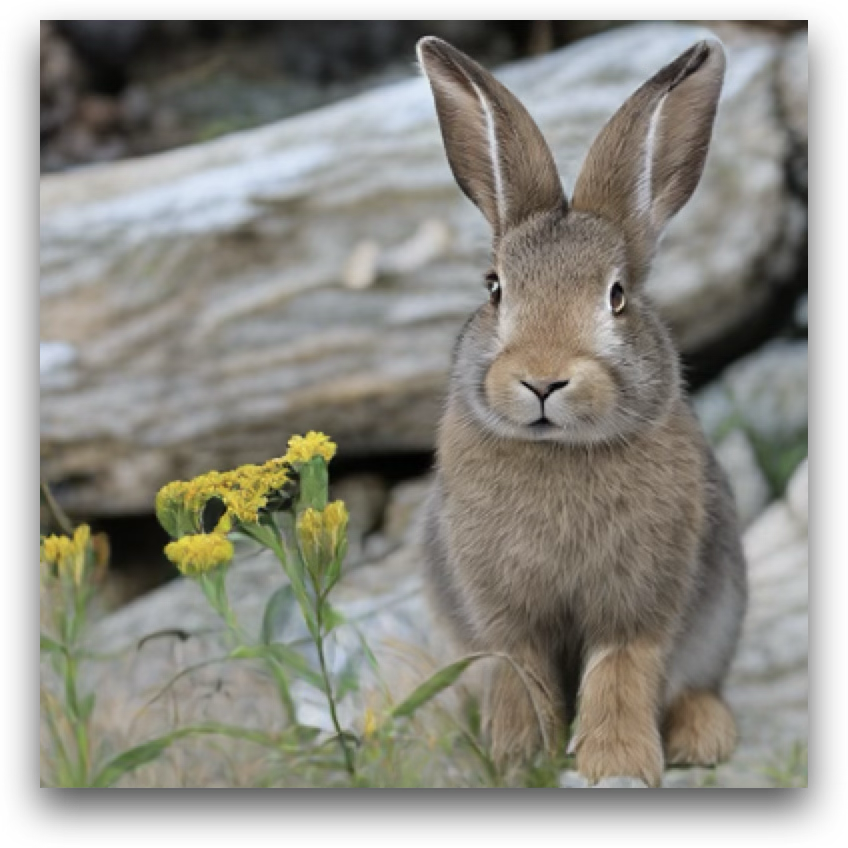
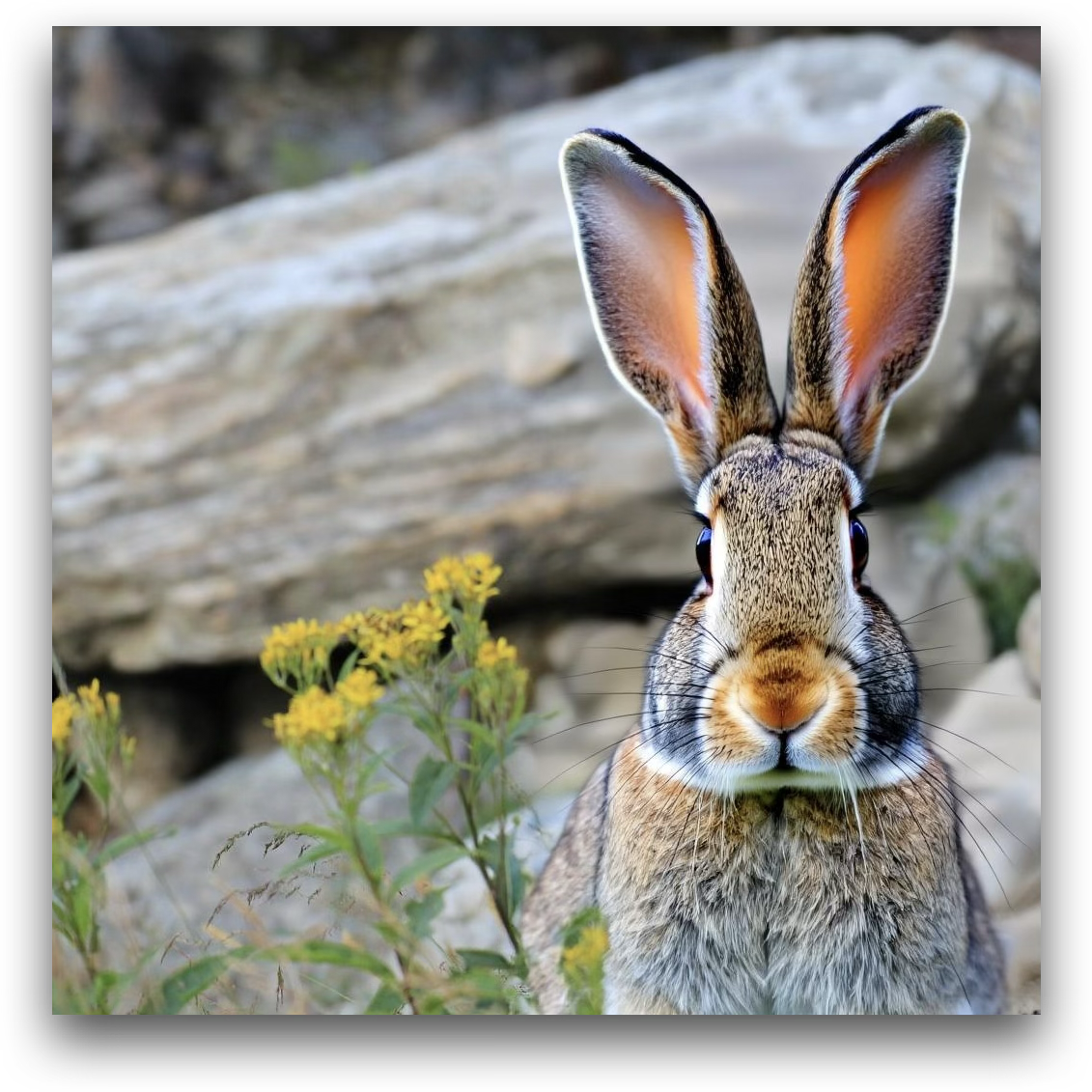
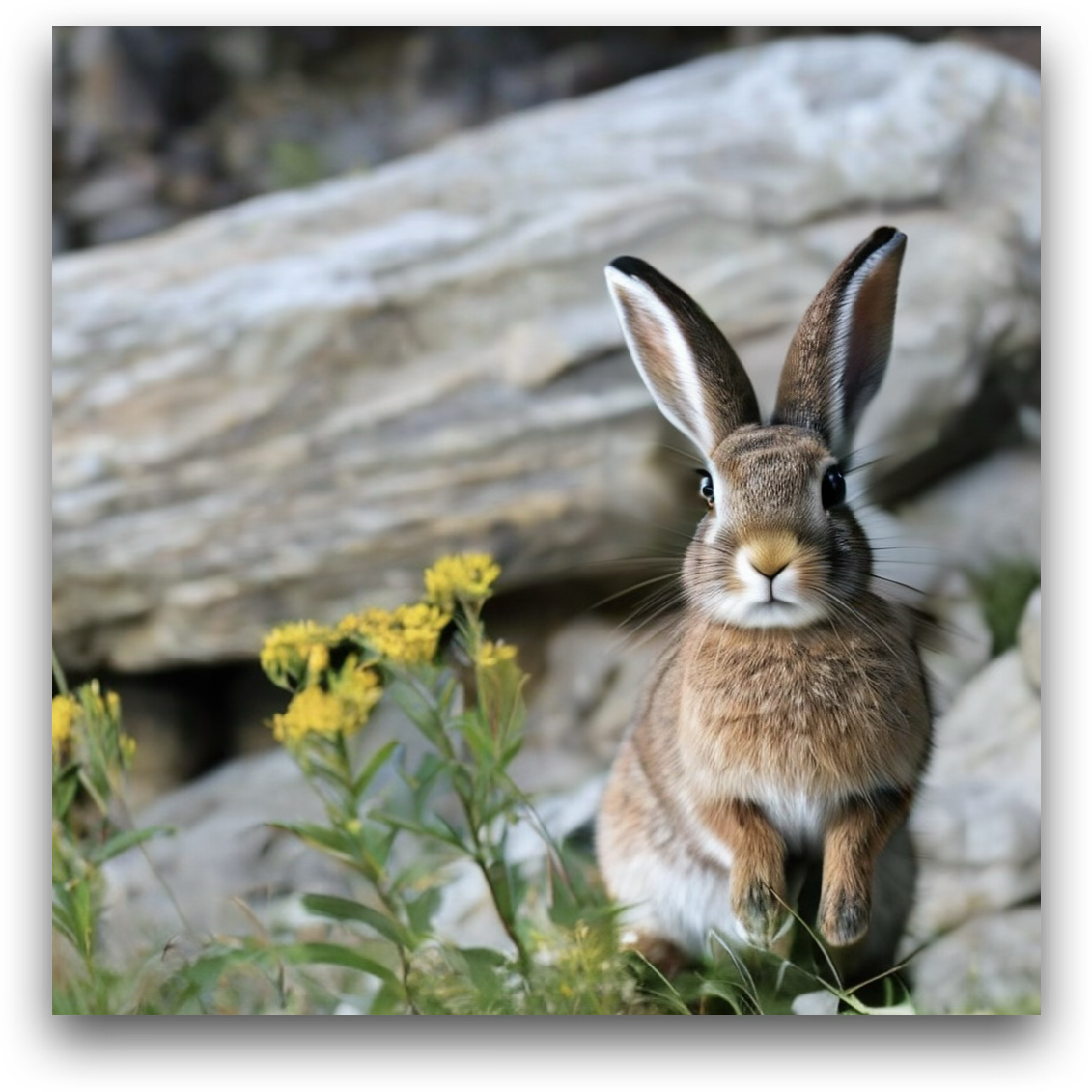
Replace the mountain goat in the image with a rabbit.
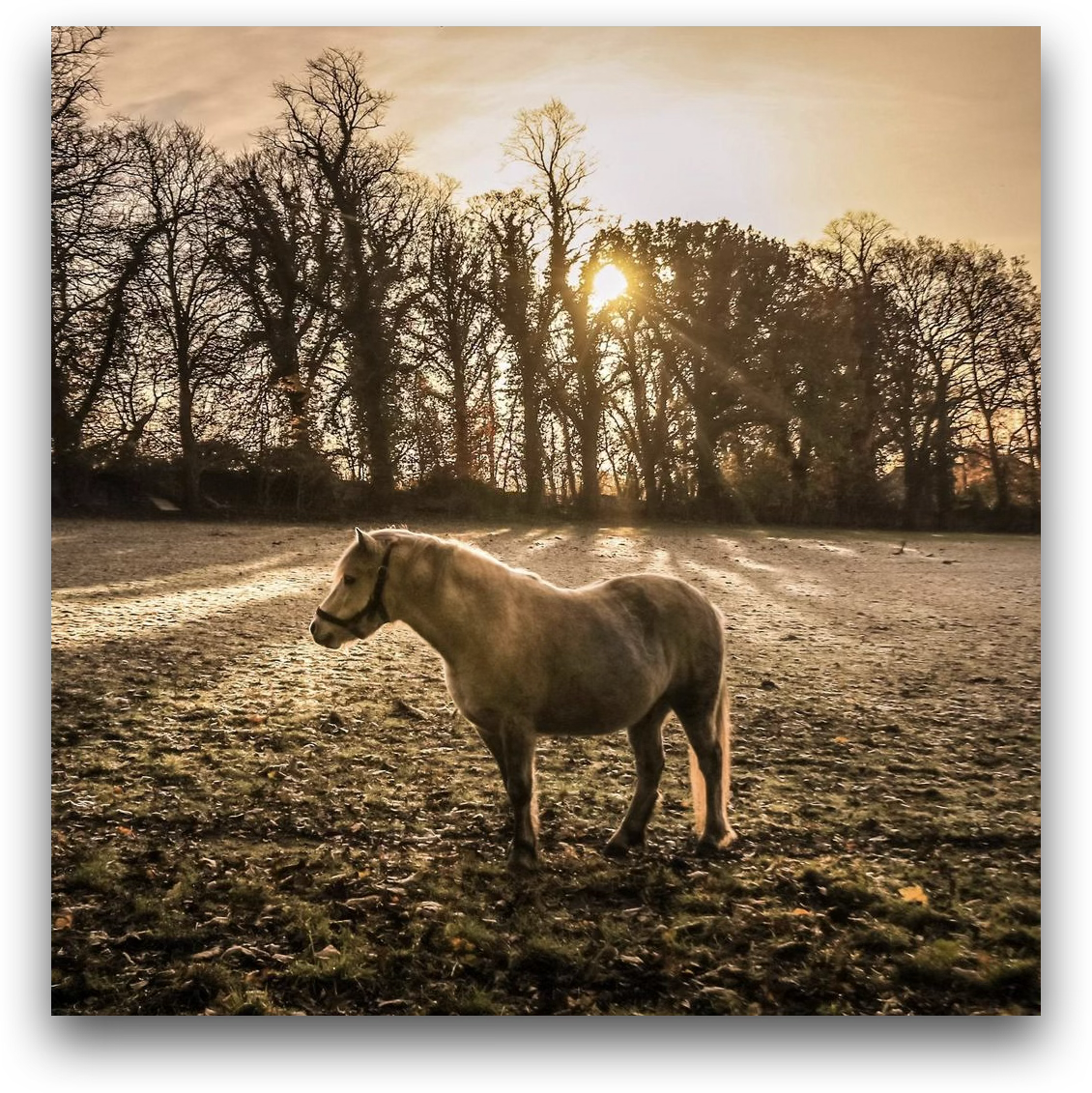
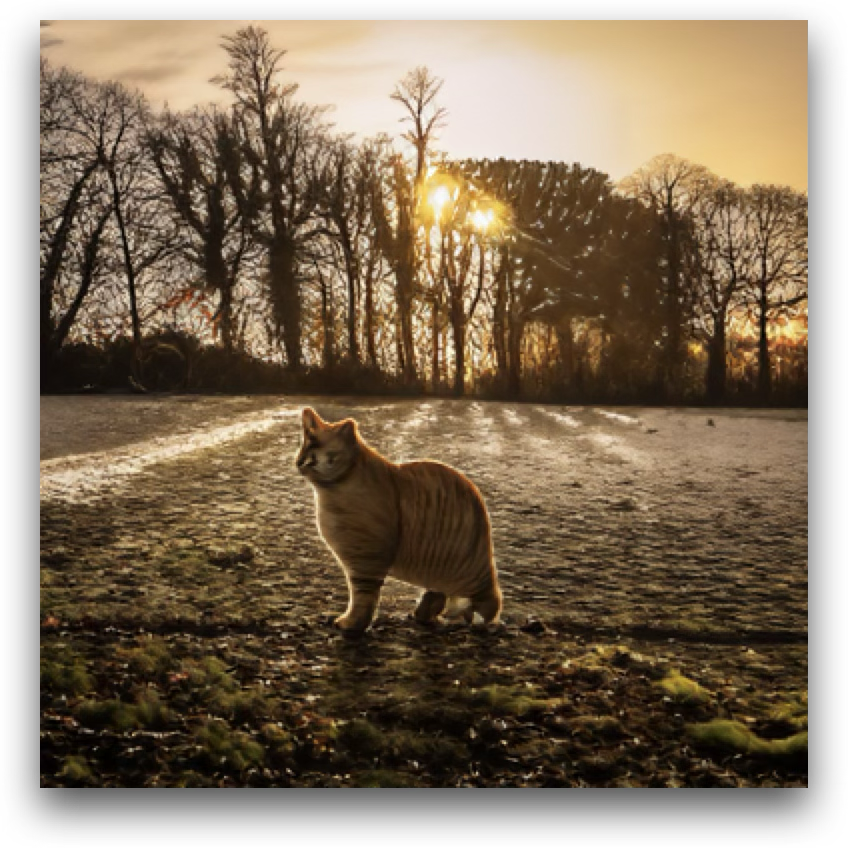
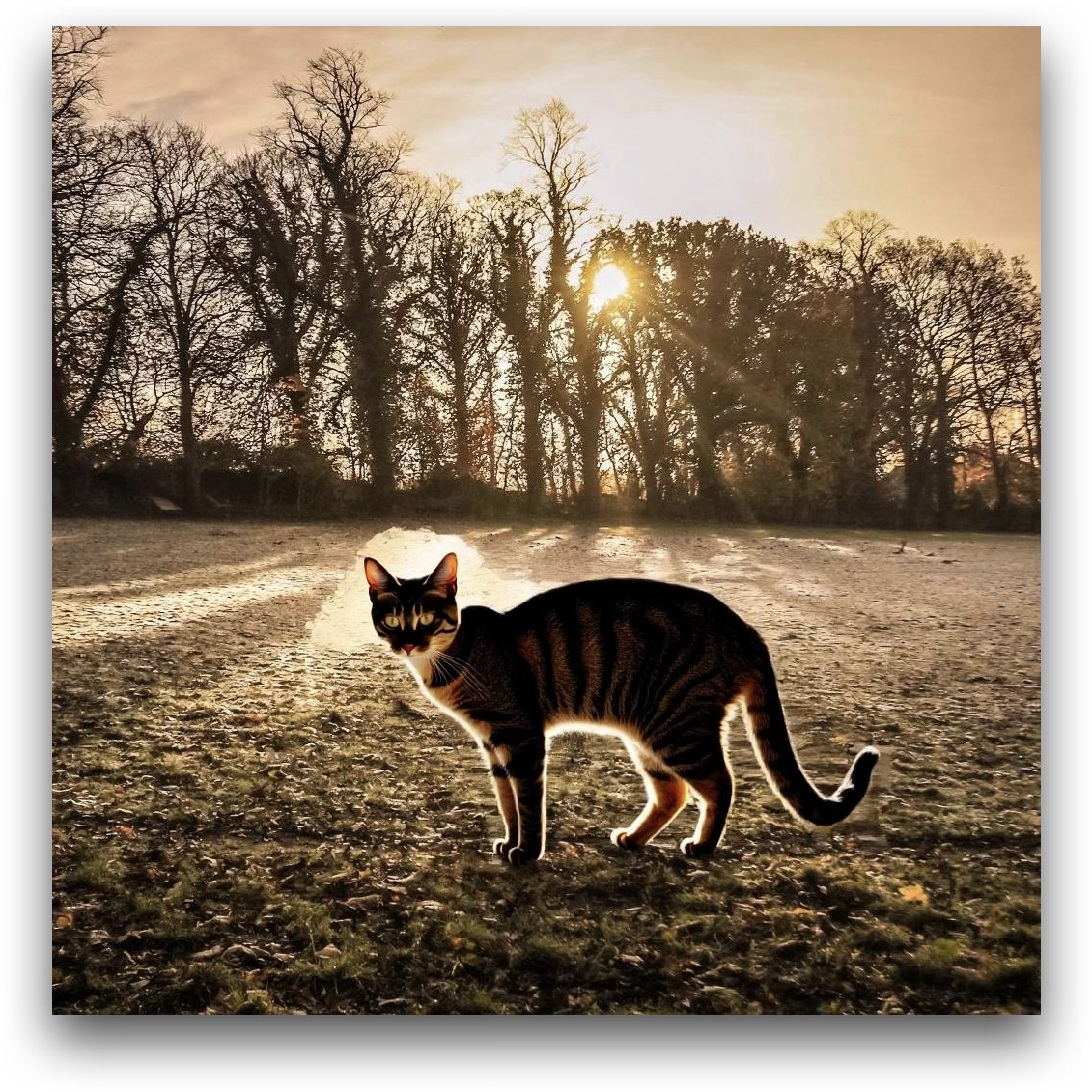
Replace the horse in the image with a cat.
Style Transfer
Source Janus-4o Step1X-Edit DIM-4.6B-Edit (Ours)

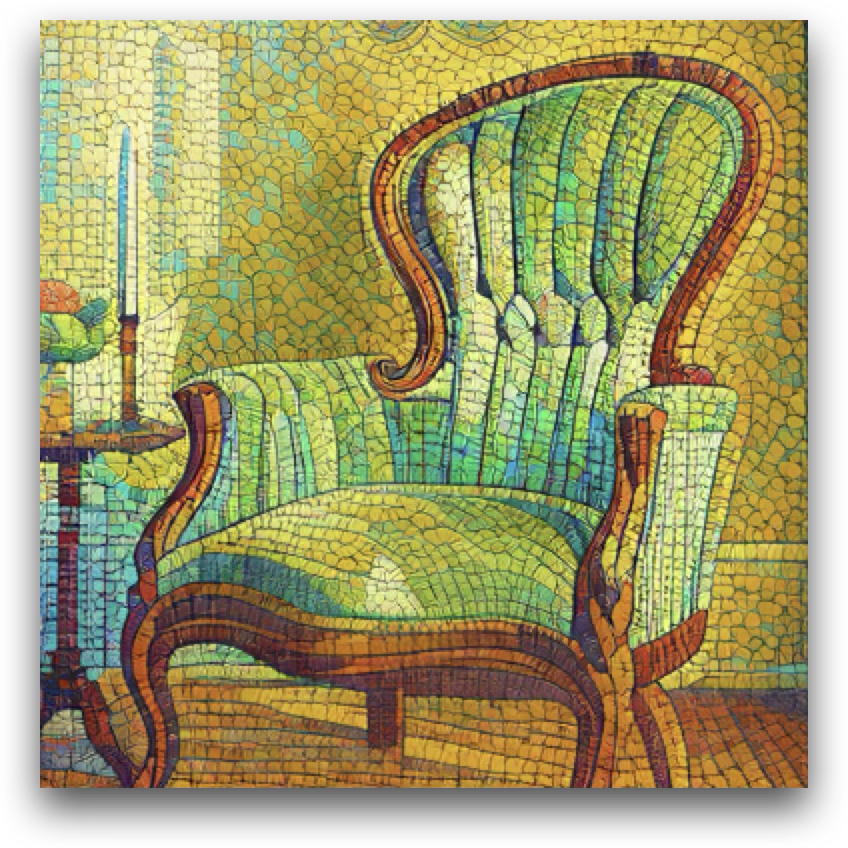
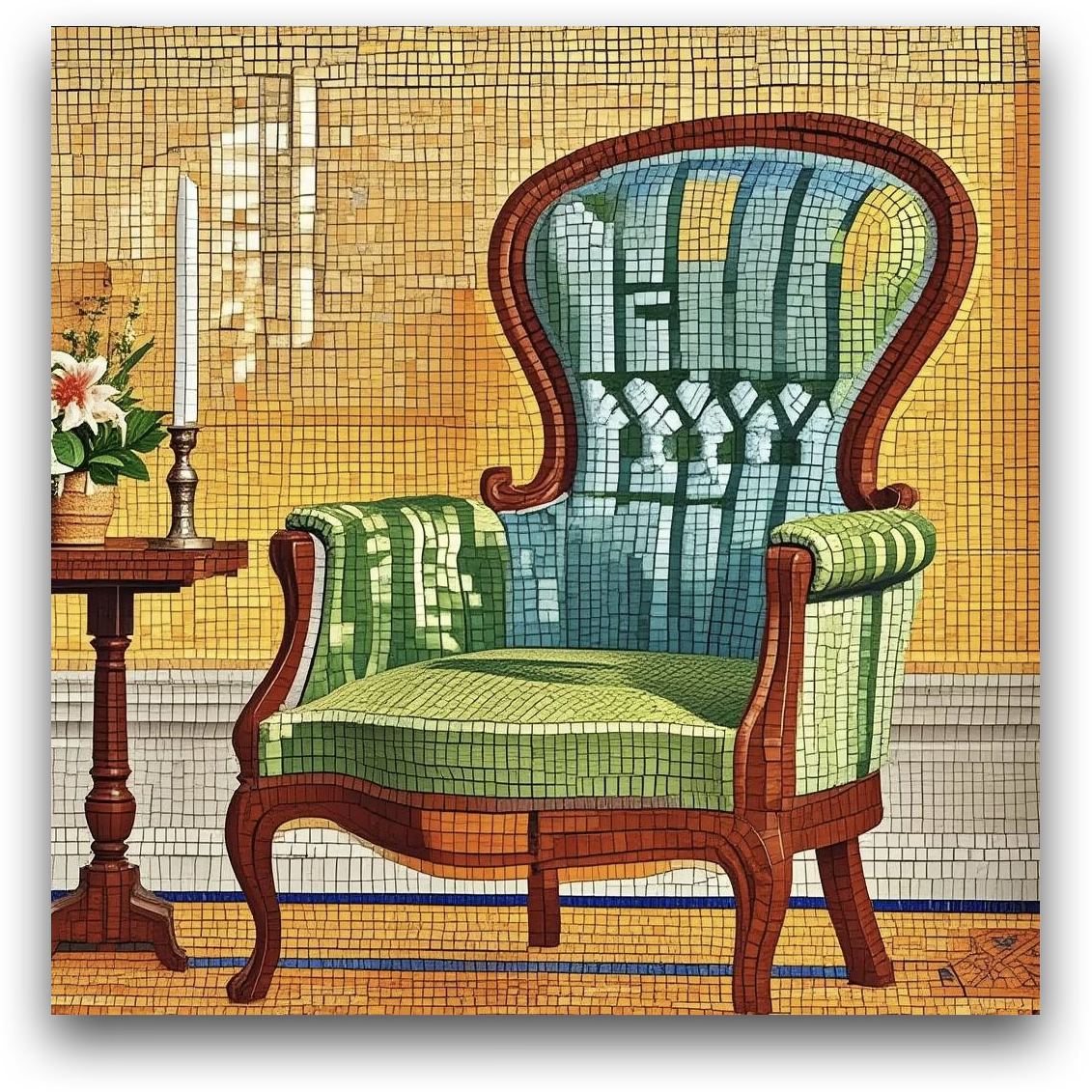
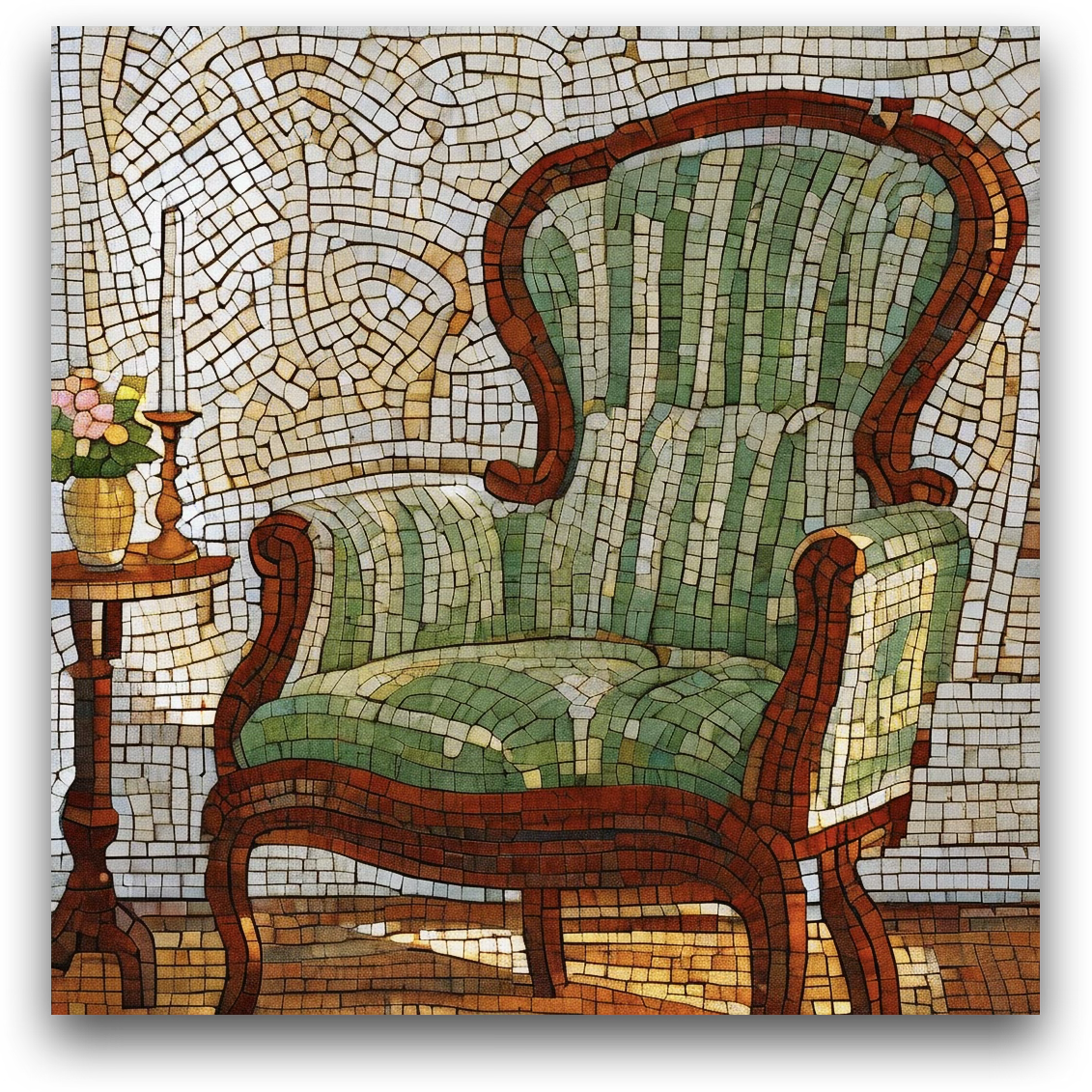
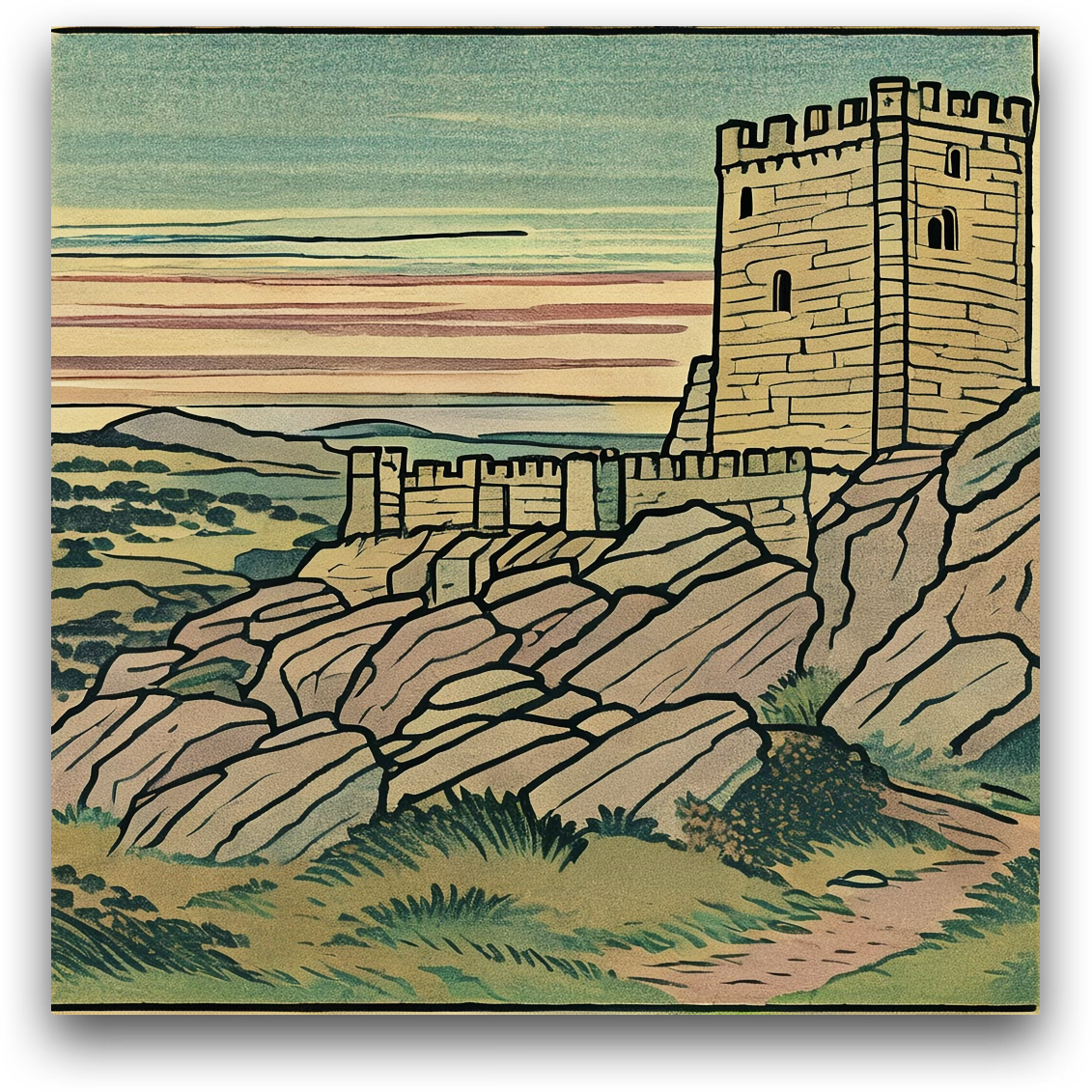
Transfer the image into a colourful ceramic mosaic-tile style.
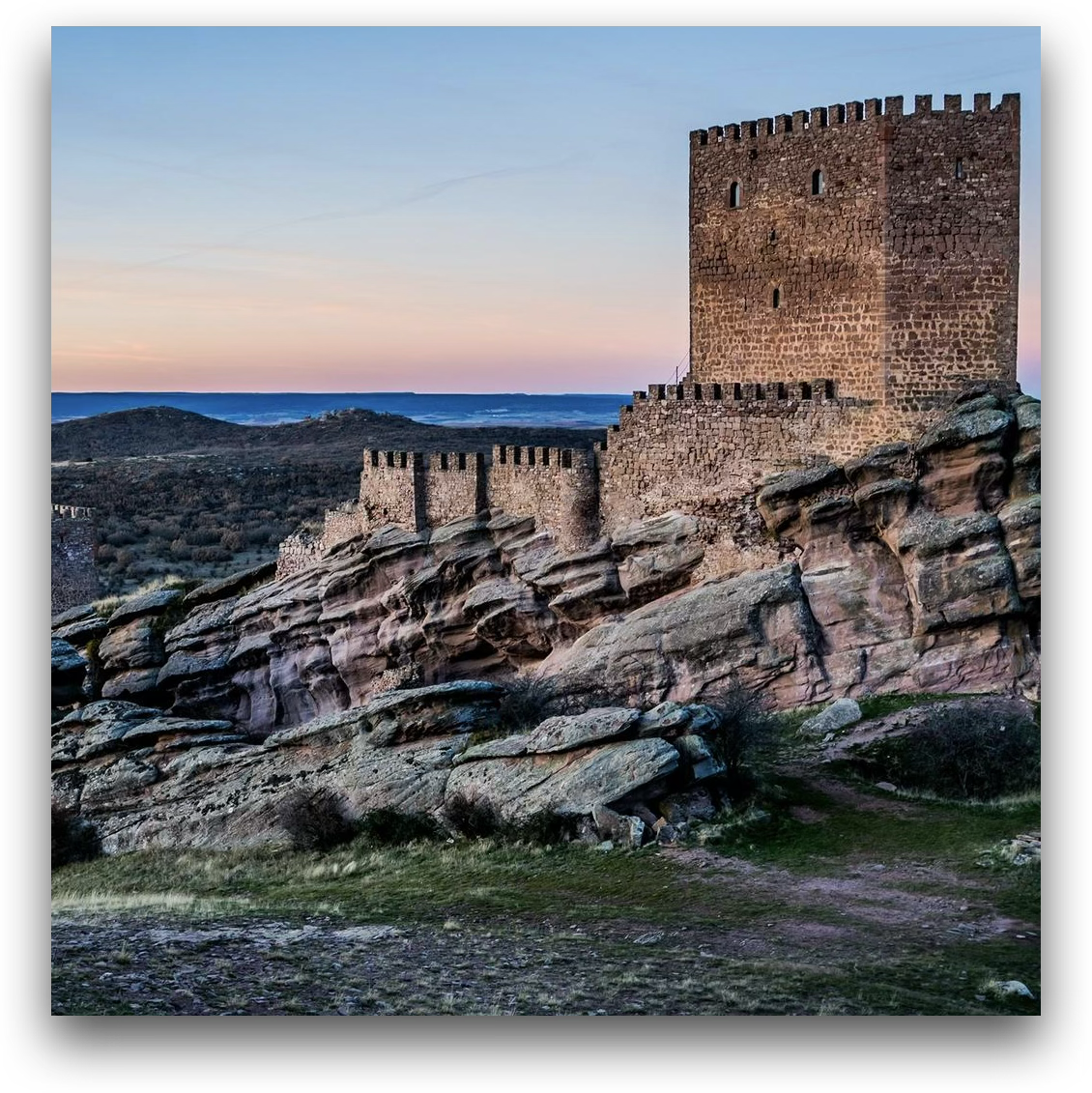
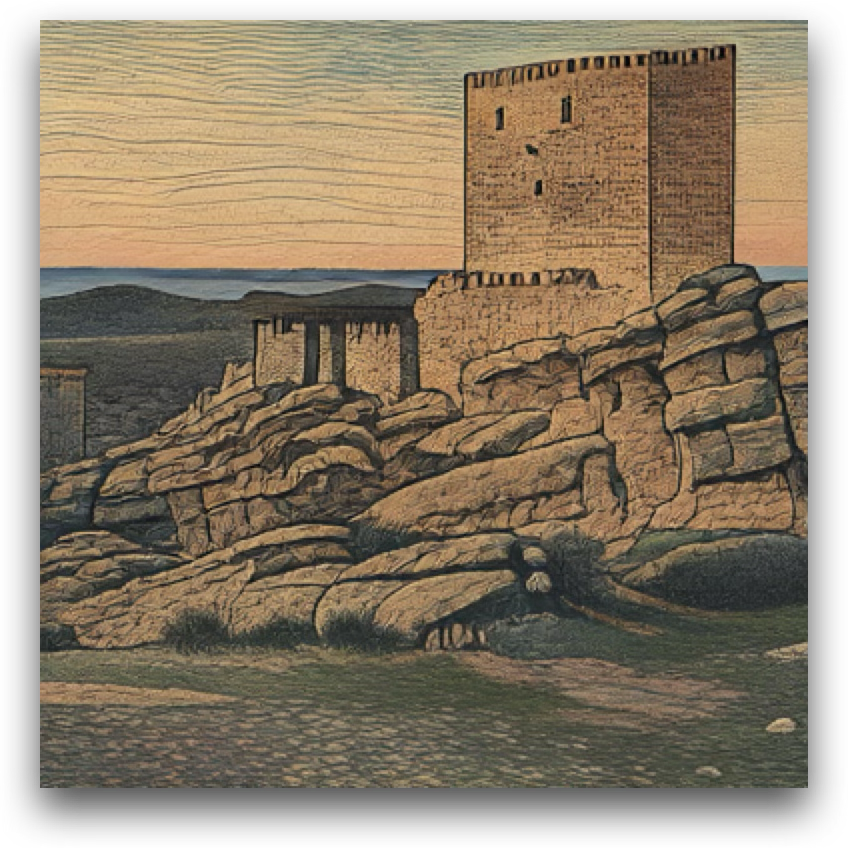
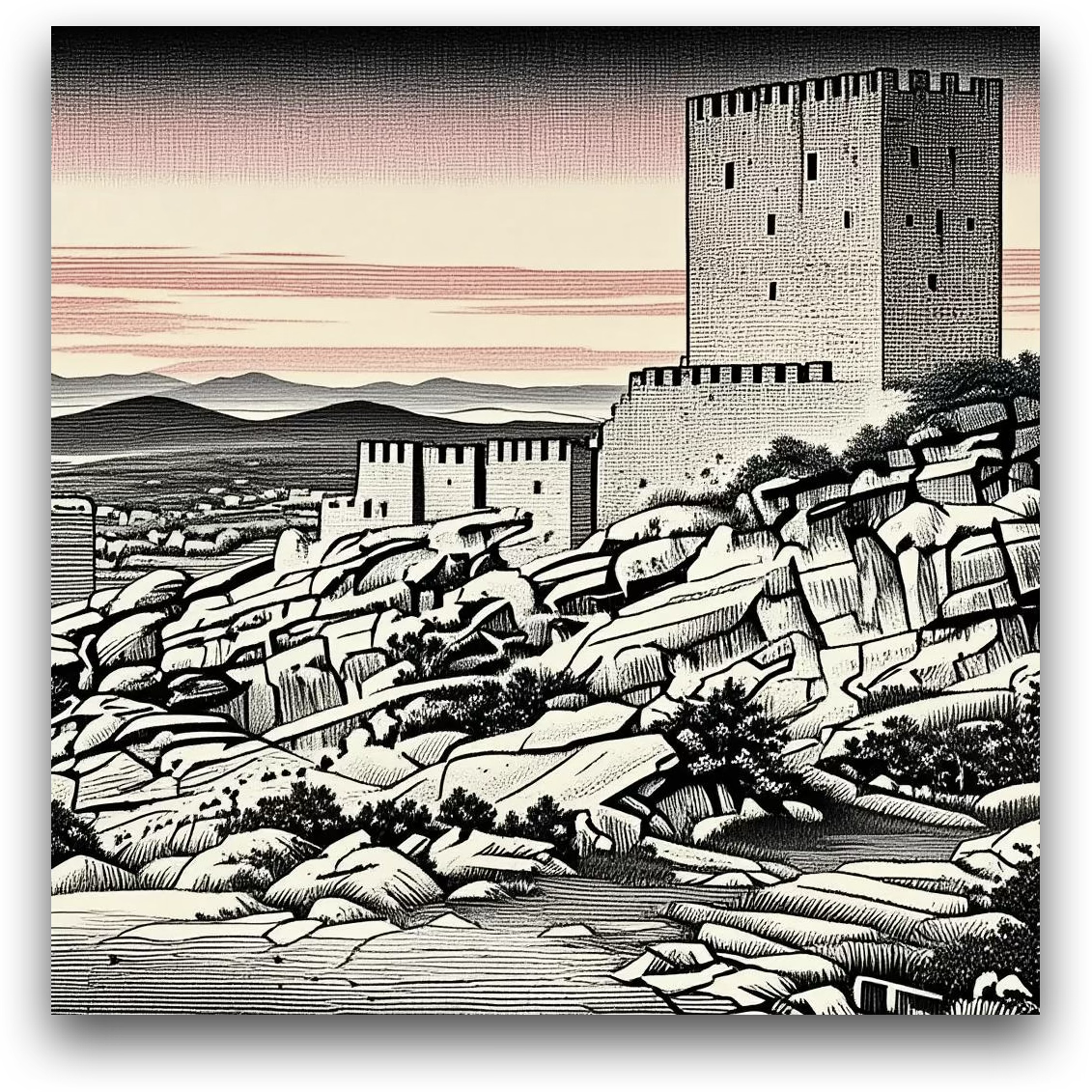
Transfer the image into a traditional ukiyo-e woodblock-print style.
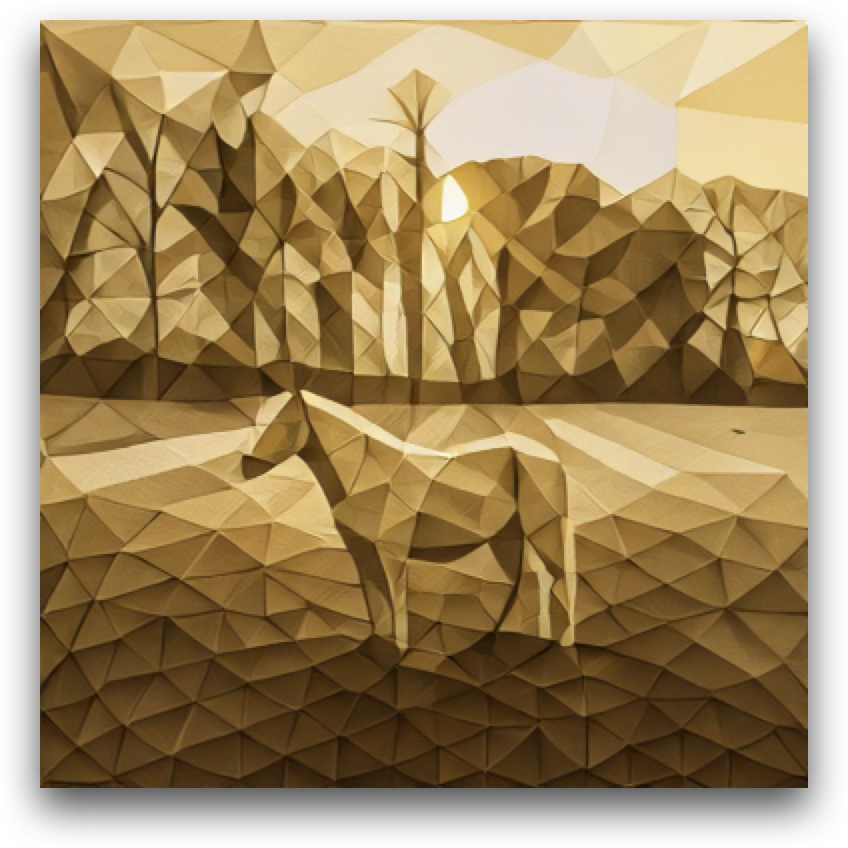
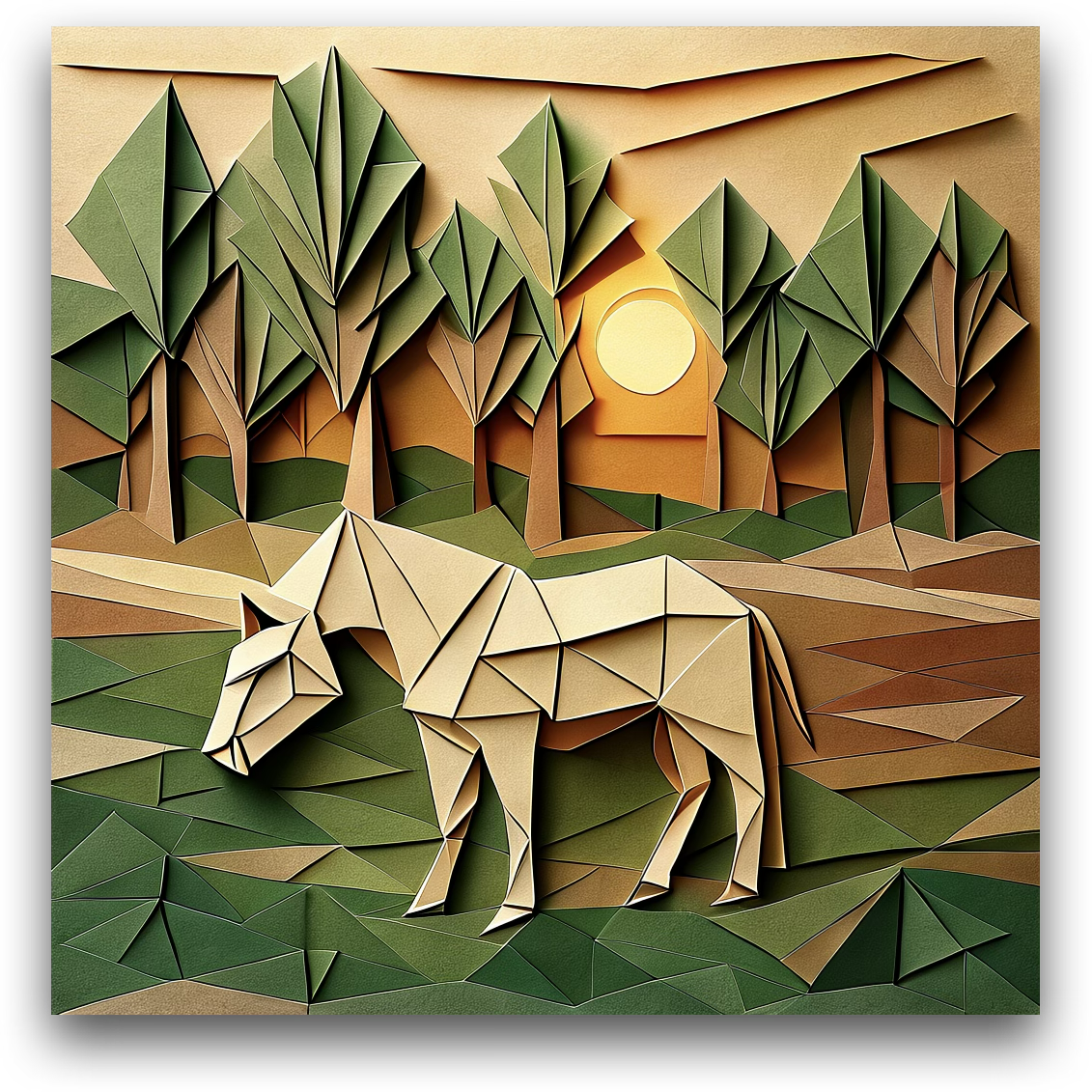
Transfer the image into a folded-paper origami art style.

Quantitative Results

ImgEdit Overall

By default, GPT-4o serves as the external designer. All models are evaluated using GPT-4.1.

Model Add Adj. Ext. Rep. Rem. Back. Sty. Hyb. Act. Overall
MagicBrush 2.841.581.511.971.581.752.381.621.221.83
Instruct-P2P 2.451.831.442.011.501.443.551.201.461.88
AnyEdit 3.182.951.882.472.232.242.851.562.652.45
UltraEdit 3.442.812.132.961.452.833.761.912.982.70
Step1X-Edit 3.883.141.763.402.413.164.632.642.523.06
BAGEL 3.563.311.703.302.623.244.492.384.173.20
UniWorld-V1 3.823.642.273.473.242.994.212.962.743.26
Janus-4o 3.353.352.253.012.183.324.712.494.043.19
GPT-4o-Image 4.614.332.904.353.664.574.933.964.894.20
DIM-4.6B-Edit (Ours)4.093.472.304.003.433.874.922.854.083.67

ImgEdit Designer Ablation

† The default setting. The first row uses no external designer.

Designer Add Adj. Ext. Rep. Rem. Back. Sty. Hyb. Act. Overall
– 3.533.232.013.491.473.424.792.353.643.10
Qwen2.5-VL-3B 3.803.242.033.893.213.524.922.714.053.49
Qwen2.5-VL-7B 3.953.352.253.853.313.574.882.814.023.55
MiMo-VL-7B 3.953.322.203.752.463.824.882.523.933.43
InternVL3.5-8B 3.983.402.054.143.303.844.942.773.893.59
GLM-4.1V-9B 3.953.272.233.902.643.814.922.234.023.44
GPT-4o†4.093.472.304.003.433.874.922.854.083.67

BibTeX

@misc{zeng2025draw,
  title         = {Draw-In-Mind: Rebalancing Designer-Painter Roles in Unified Multimodal Models Benefits Image Editing},
  author        = {Zeng, Ziyun and Zhang, David Junhao and Li, Wei and Shou, Mike Zheng},
  year          = {2025},
  eprint        = {2509.01986},
  archivePrefix = {arXiv},
  primaryClass  = {cs.CV},
  url           = {https://arxiv.org/abs/2509.01986}
}